 How Motive migrated from Opsgenie and achieved 99.99% reliability with Rootly.
 Paul van Liew
Atlassian is shutting Opsgenie down April 2027. Upgrade to Rootly today.
Last verified · All comparisons
“We migrated 1,000+ users in days. All our users had to do was link their Slack and download the mobile app. That’s it. We didn’t miss a beat.”
 Paul Van Liew
Rootly's on-call and paging concepts closely mirror Opsgenie, so your team will adopt Rootly with minimal learning curve.
We’ve migrated thousands of teams for companies like Zillow and Yahoo. You get the full plan upfront before committing.
Our two-way integrations go deeper, enabling you to continue working with Jira, Confluence, and any other Atlassian products.
Opsgenie set the standard for on-call scheduling. Then Atlassian acquired it, development stalled, and now it's being retired. Here's the runway you actually have.
June 2025
New Opsgenie sales closed. The platform stopped taking new customers.
April 2027
End of life. Opsgenie becomes inaccessible. Any data not exported or migrated by this date is deleted.
The gap
Use the runway to migrate to Rootly without any interruptions to your operations or on-call services.


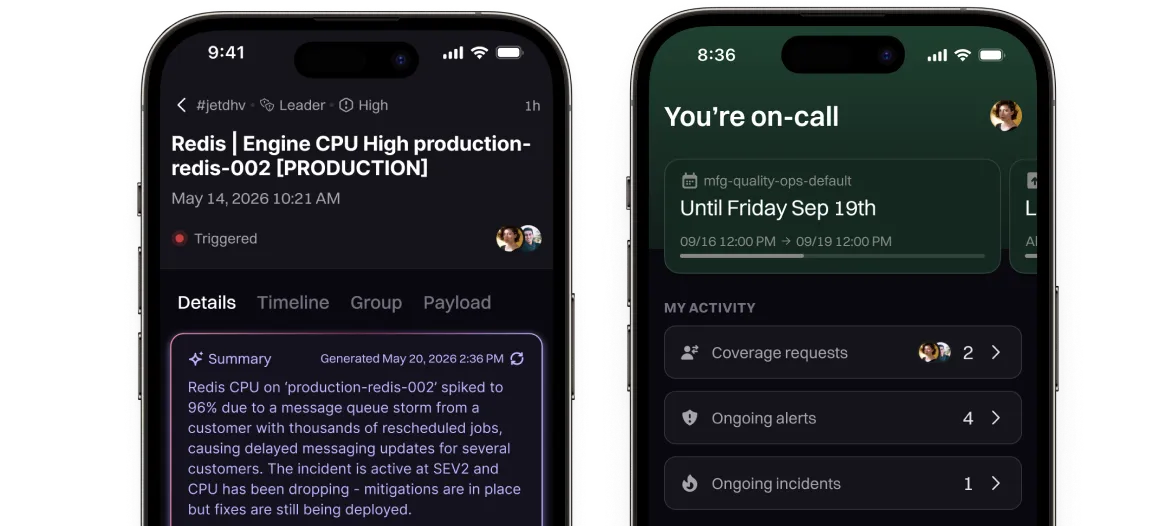
JSM tracks incidents, it doesn't run them.
Rootly is everything you had with Opsgenie and so much more.
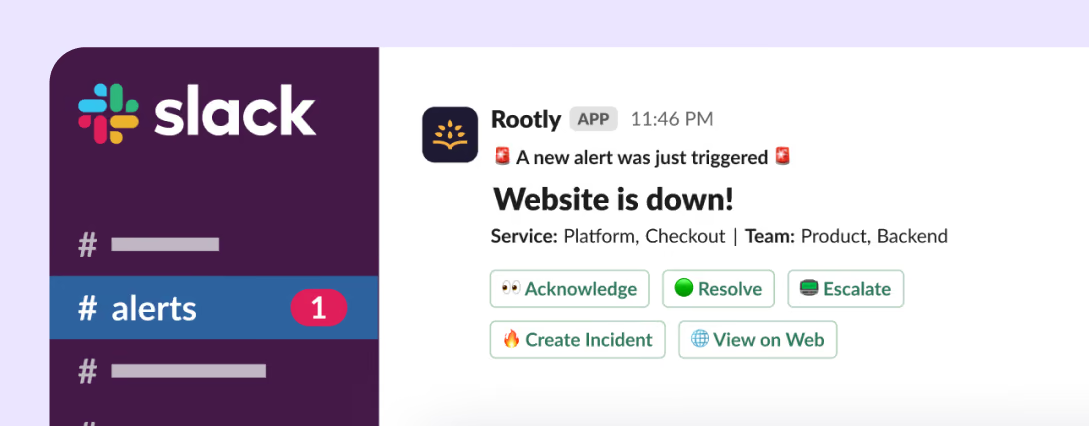
Run incidents end-to-end, with all the right people, without leaving Slack.
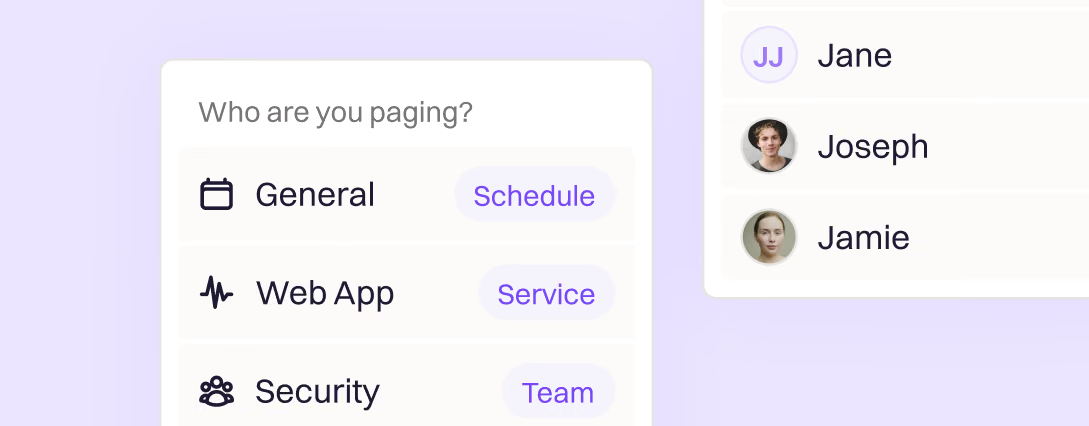
No more using services as a workaround. Page teams, services, and more.
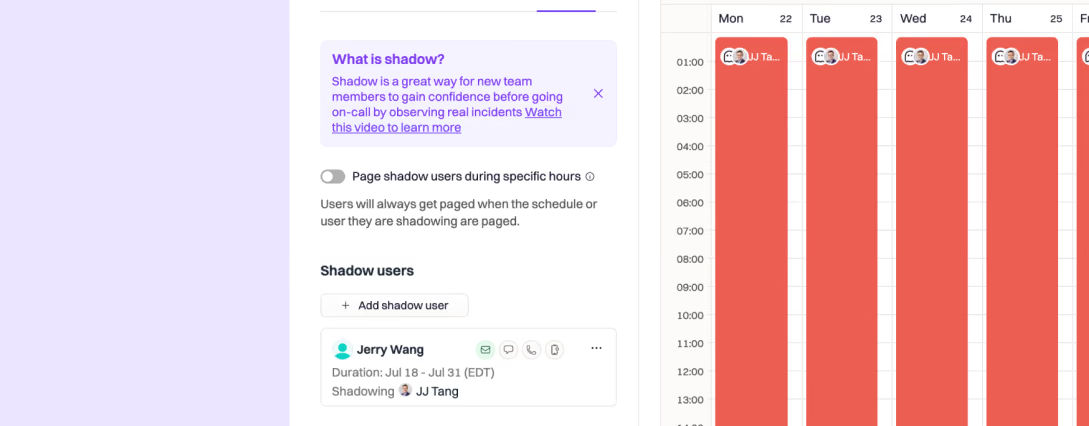
No extra rota, no manual cleanup when shadowing ends.
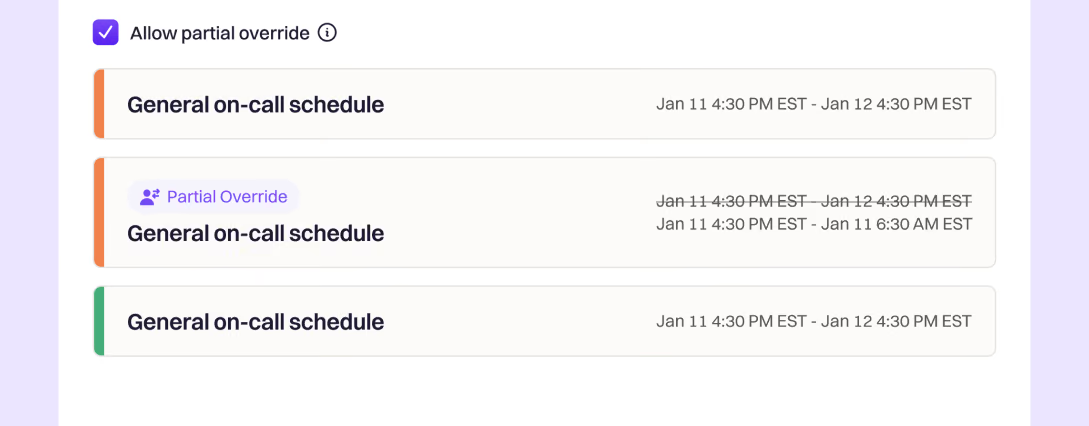
Overrides and requesting coverage made easy, including your PTO and holiday schedule.
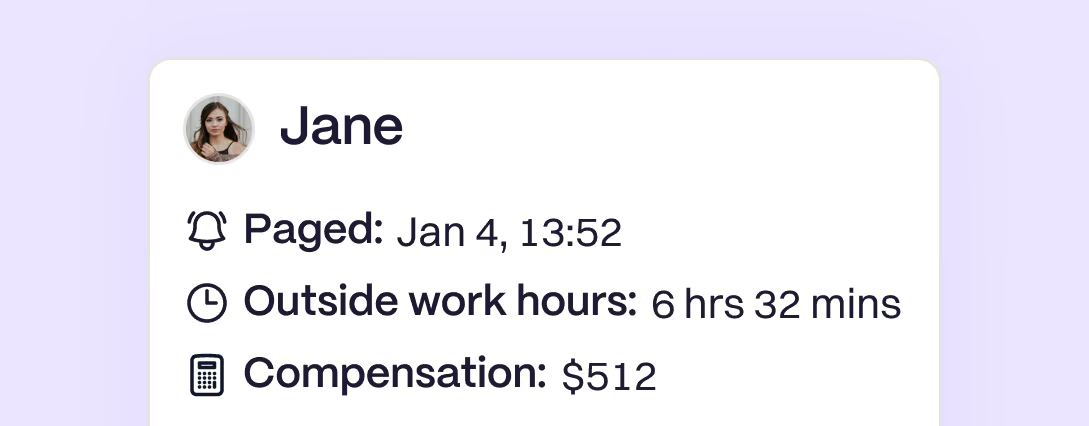
No more manually calculating who should get paid with spreadsheets.
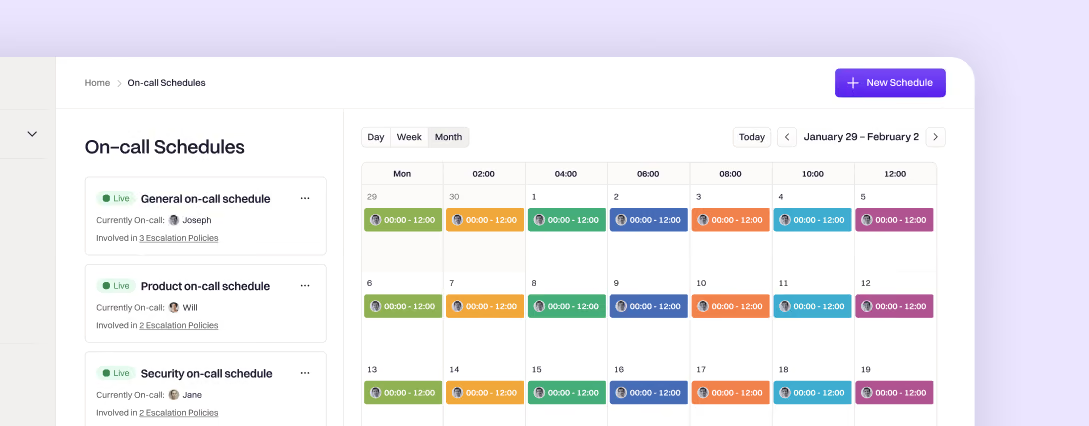
The basics done right. Setup your first schedule or escalation in minutes.
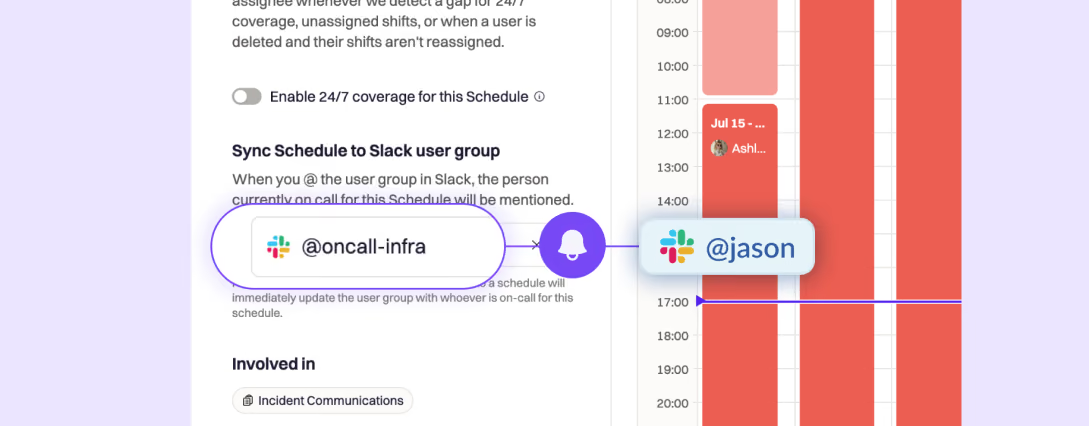
Sync Slack user groups like @team-infra with on-callschedules.
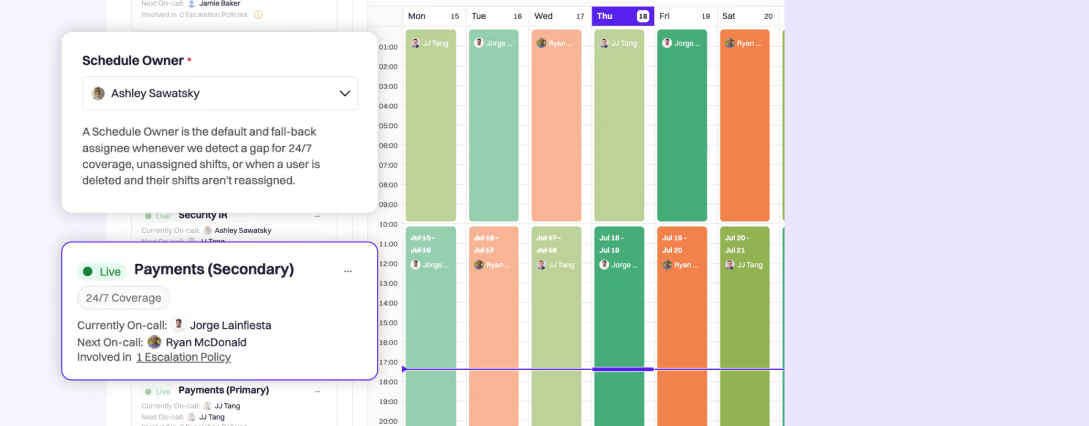
Never get caught with no one on call.
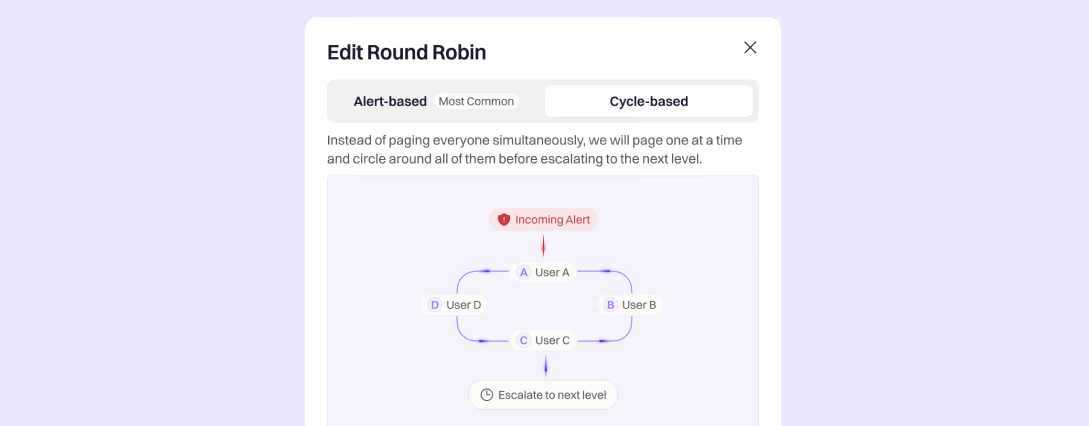
Automatically rotate on-call responsibilities, so no single team member is overwhelmed.
Consistency matters, ensuring escalation policies have enough levels.
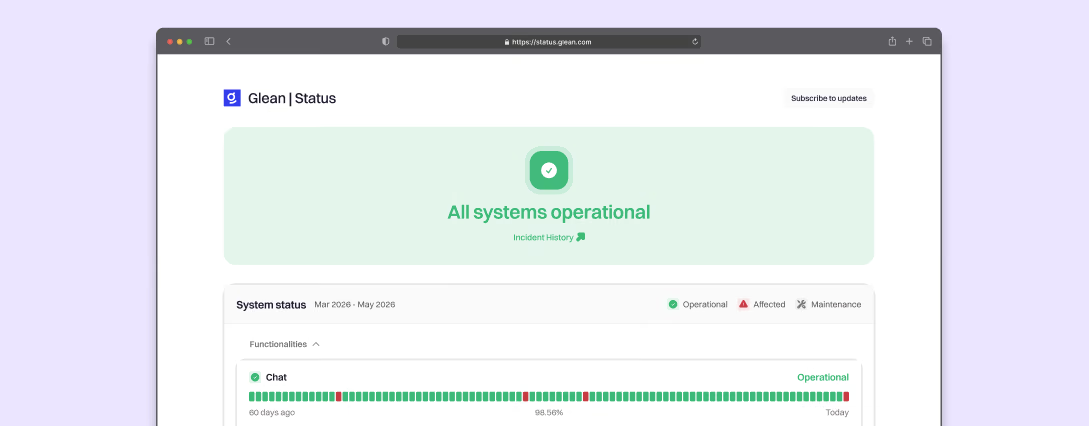
Inform customers in real time, reduce support noise, and build trust during downtime.
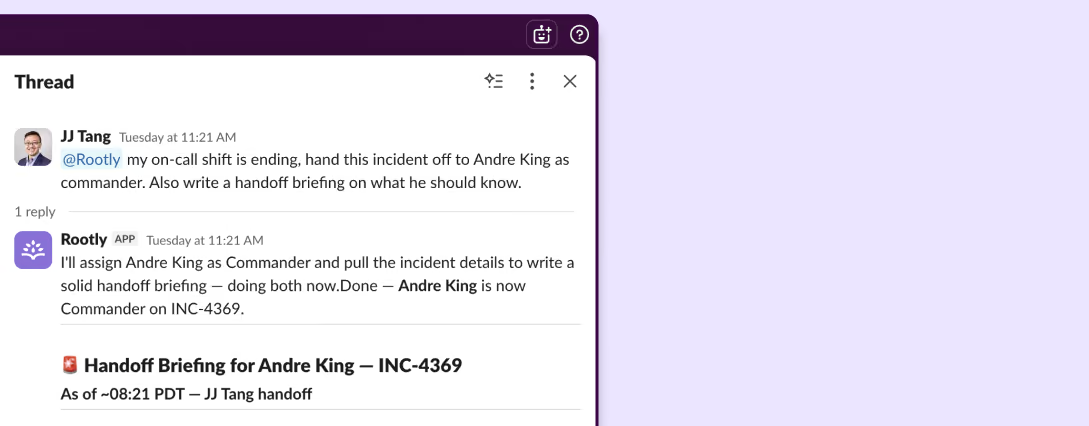
Mention @Rootly to get answers and drive actions without leaving the channel.

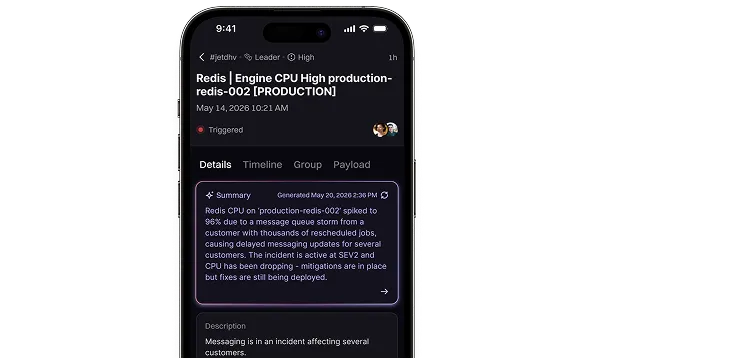
Ask questions and direct actions right from your finger tips, from anywhere in the world.
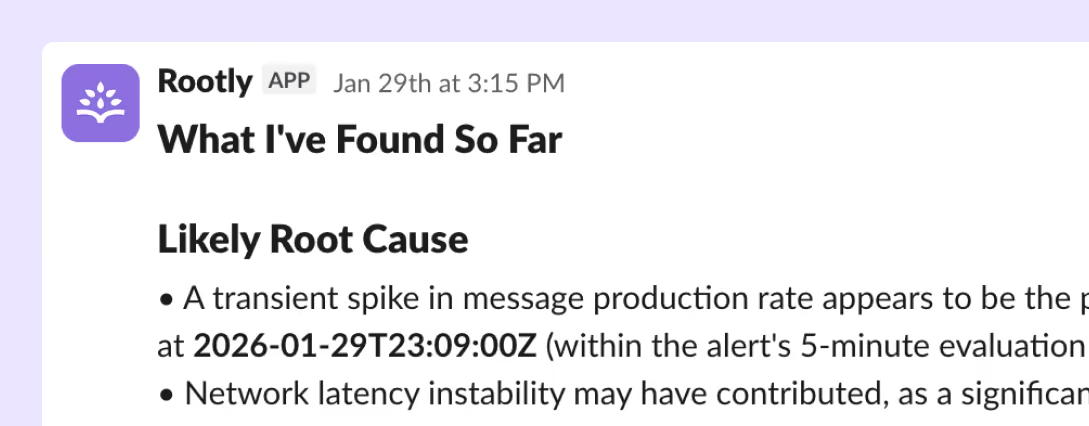
Automated root cause analysis complete with alert correlation and suggested fixes.
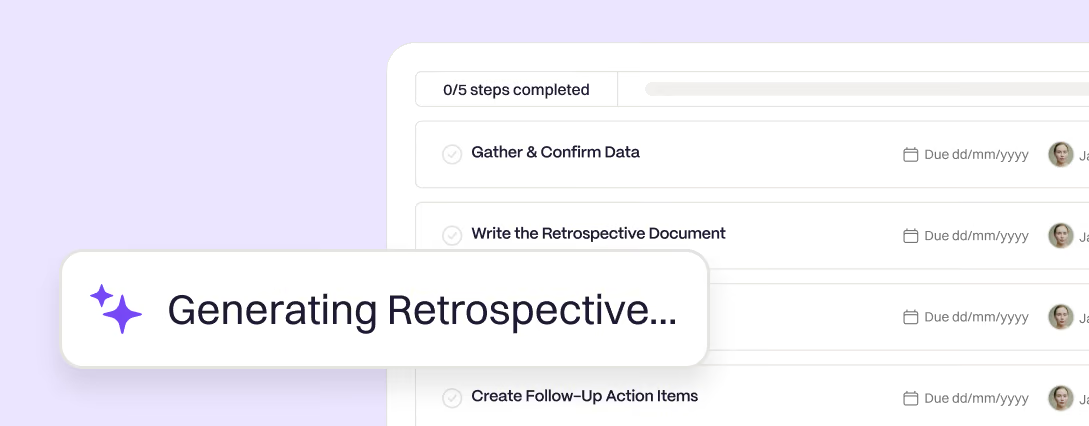
AI-powered retrospectives from contributing factors to timeline generation.

A dedicated meeting scribe that captures all context so nothing slips through the cracks.
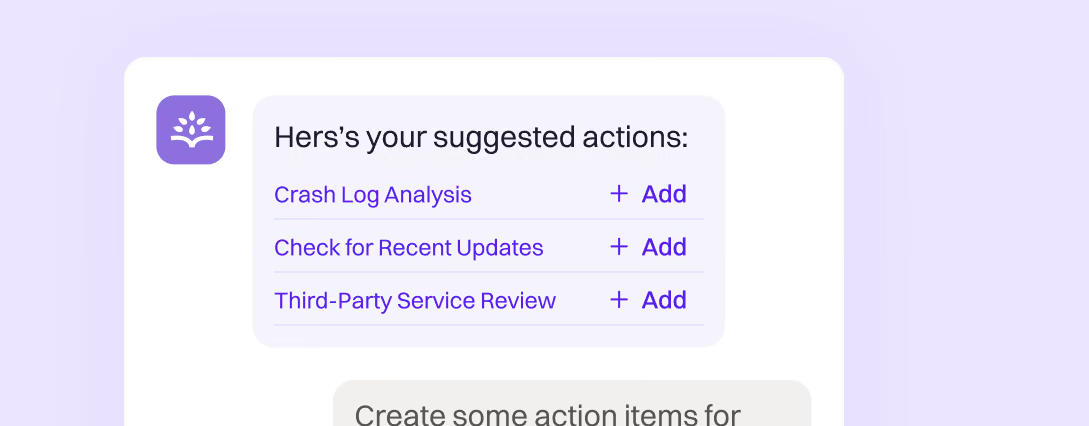
Stay a head with suggested troubleshooting, actions, and who to page.
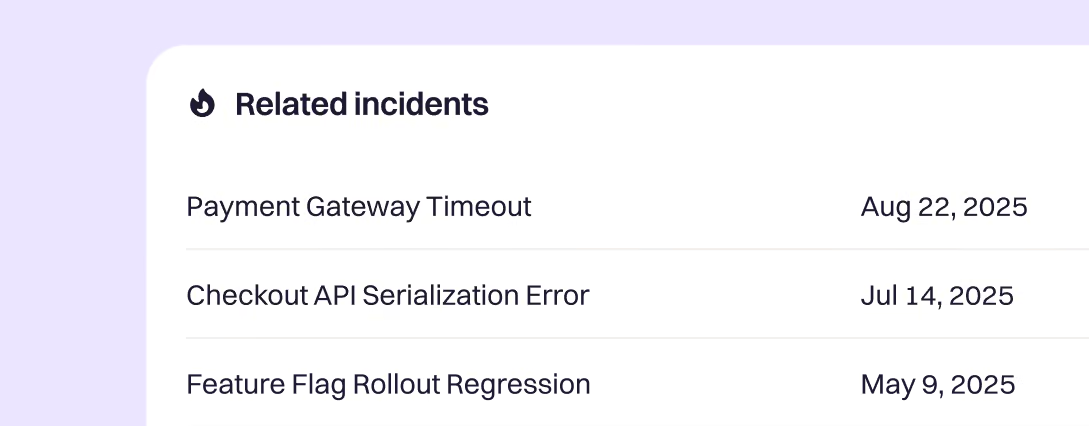
Quickly understand historical incidents, how they relate, and how they were resolved.
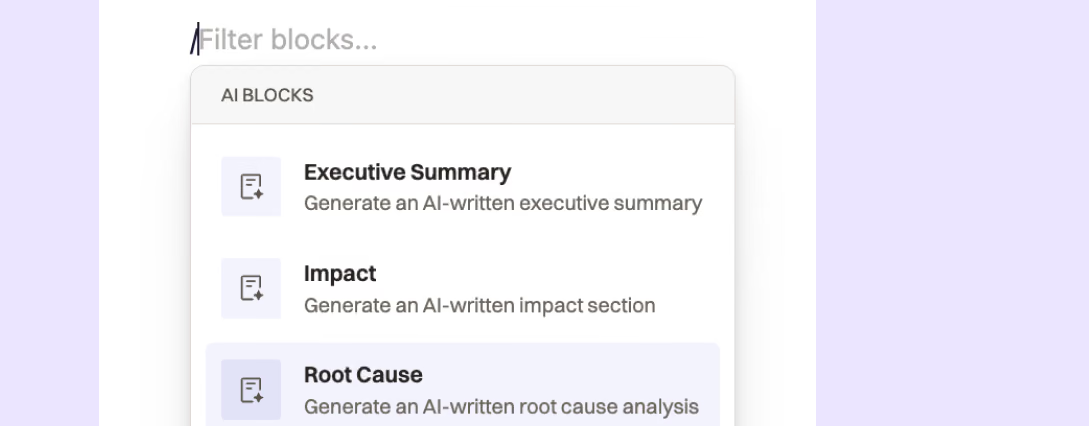
AI that’s not a black box. View and edit the prompts that return the data you need.
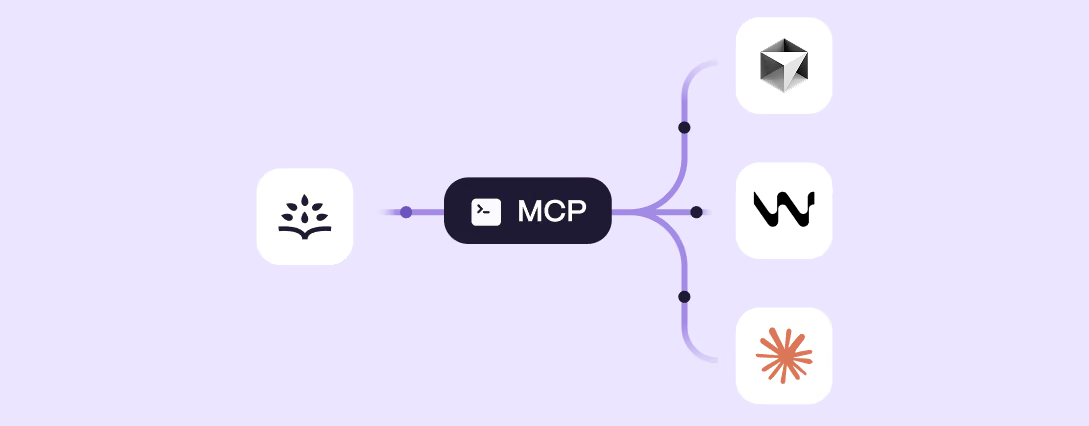
Plugged into your IDE and CLI, so you can set config, get answers, and resolve incidents in seconds—right where you work.
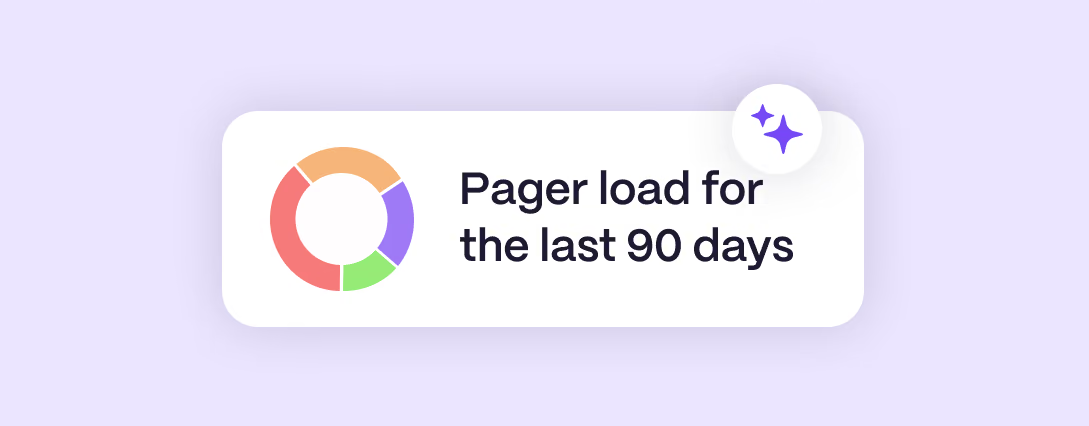
Reporting and metrics from alerts to on-call readiness and everything in between.
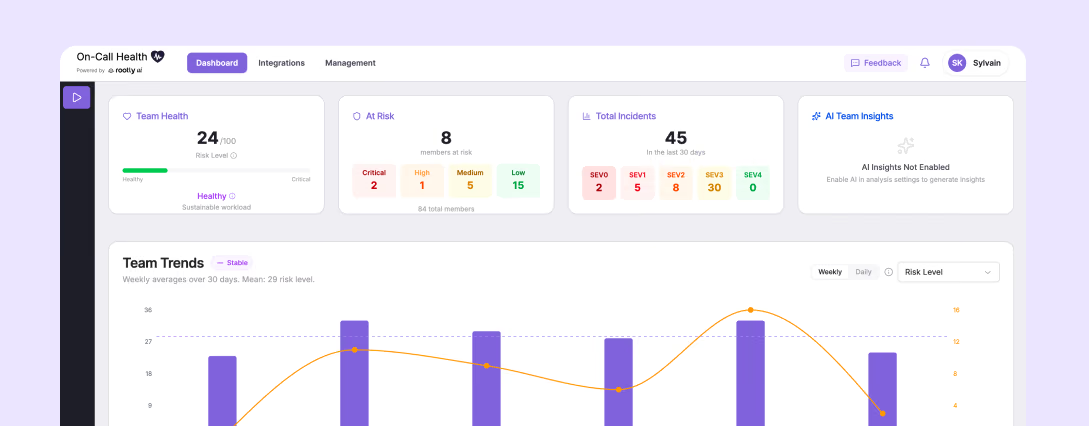
An open source tool that looks for early warning signs of overload in your on-call engineers.

A fellow-led community designed to redefine reliability engineering.
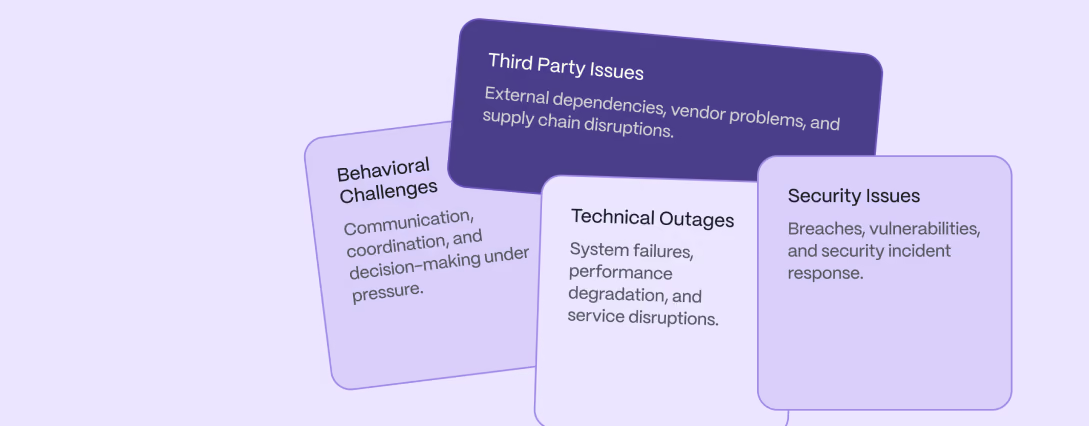
Equip responders with the skills, confidence, and experience to succeed when it matters most.
Any team, at any stage, any AI comfort level.


We’ve migrated thousands of teams from Opsgenie. Hand-in-hand with you, here’s how we do it.
You share a read-only API key.
We automatically audit everything from schedules, escalation policies, orchestration, automated actions, integrations, and unknown unknowns that have long been forgotten about.
You get a full assessment and findings report to make informed decisions with the inventory in front of you.
Based on the audit we create a tailored migration guide, complete with complexity, timelines, and phases that run in parallel; account setup, alerting sources, routing, integrations, onboarding, and final go-live.
We work side-by-side with two or three teams of mixed complexity first. We test everything; trial live traffic, then go-live.
We work with you to cutover the remaining teams in scheduled batches, under an hour each, fully trained end-to-end.
Opsgenie gets turned off when your teams trust the page.
 How Motive migrated from Opsgenie and achieved 99.99% reliability with Rootly.Paul van Liew
 Clay switched off Opsgenie to use Rootly to streamline incident management.
 George Dilthey
 Wealthsimple drove a culture of psychological safety for incident commanders with Rootly.
 Chris Inch
 Webflow shutdown PagerDuty to use Rootly to build a proactive reliability culture.
 Colin FitzGerald
Everything you need to know about Rootly vs. Opsgenie.
Atlassian closed new Opsgenie sales on June 4, 2025, and support ends on April 5, 2027. After that date, the platform becomes inaccessible and any data not exported or migrated is deleted. Teams still on Opsgenie now have months, not years, to move.
Yes. Rootly's on-call concepts closely mirror Opsgenie, so schedules, rotations, and overrides import directly, and Rootly generates future shifts from the imported rotations. The Rootly team covers escalation policies with you during scoping, which is a good moment to simplify rules that have grown over the years. Before anything moves, Rootly runs a read-only audit and gives you a findings report mapping exactly what you have, including edge cases like sub-24-hour rotations that standard importers drop.
Yes. Even though Opsgenie is an Atlassian product, leaving it doesn't mean leaving the Atlassian suite. Rootly connects to Jira, Confluence, and your other Atlassian tools in a few clicks.
Opsgenie is being retired because standalone alerting stopped being enough. Replacing it with another pager-only tool means running this same migration again in a few years. Rootly covers the full incident lifecycle from on-call, incident response, AI SRE, status pages, and retrospectives, so this is the last migration your team has to do.
Incident Response is $20 and On-Call is $20 per user per month, or $40 for both at list price. AI SRE requires Incident Response and is priced on request, Enterprise pricing is custom, and the free trial typically lasts two weeks. See Rootly pricing.
Rootly runs a read-only scan of your Opsgenie tenant and delivers a findings report; responders, contact methods, schedules, services, integrations, and any dead or legacy configuration. It's a clear map of what you have, with no obligation, so you can plan the move and set expectations with your own leadership.
Rootly guarantees up to 99.99% uptime in its SLAs. When your systems are down, your incident platform needs to be the most reliable thing in your stack.