
Incidents are rarely polite enough to knock before arriving. They erupt, disrupt, and demand attention in moments when teams least expect them. Modern organizations live in a world of constant digital threats, and the speed and strategy of a response often decide whether the impact is a minor hiccup or a brand-damaging catastrophe. Incident response is not just about plugging leaks. It is about building resilient systems, empowering teams, and fostering trust with every stakeholder involved. The playbooks and policies we create today shape how calmly and confidently we weather the storms of tomorrow.
Why incident response matters today
Cybersecurity incidents are no longer occasional crises. They are part of the daily landscape of operating any modern digital business. Attackers are persistent, and even the best-designed systems eventually encounter failure. What matters is not the absence of incidents but the quality of the response. A well-practiced incident response process reduces downtime, protects data, and maintains customer trust even in turbulent moments. Without preparation, organizations risk not only financial losses but also damaged reputations and frayed customer relationships.
Overview of leading incident response frameworks
Several structured approaches guide teams through incidents, ensuring chaos turns into coordinated action. The NIST Cybersecurity Framework highlights preparation, detection, and recovery as pillars. The SANS model breaks response into six practical stages: preparation, identification, containment, eradication, recovery, and lessons learned.
When to use which framework? NIST is often favored by organizations in regulated industries that need alignment with compliance requirements, while SANS is highly practical for teams looking for clear, operational steps. Many modern teams combine both: using NIST for strategic oversight and SANS for tactical execution.
Comparison of frameworks
| Framework | Focus Area | Best For |
|---|---|---|
| NIST Cybersecurity Framework | High-level governance, compliance, preparation, detection, recovery | Organizations needing regulatory alignment and strategic planning |
| SANS 6-Step Model | Practical step-by-step lifecycle (prep, ID, containment, eradication, recovery, lessons) | Teams seeking operational clarity and tactical guidance |
1. Build a resilient IR foundation
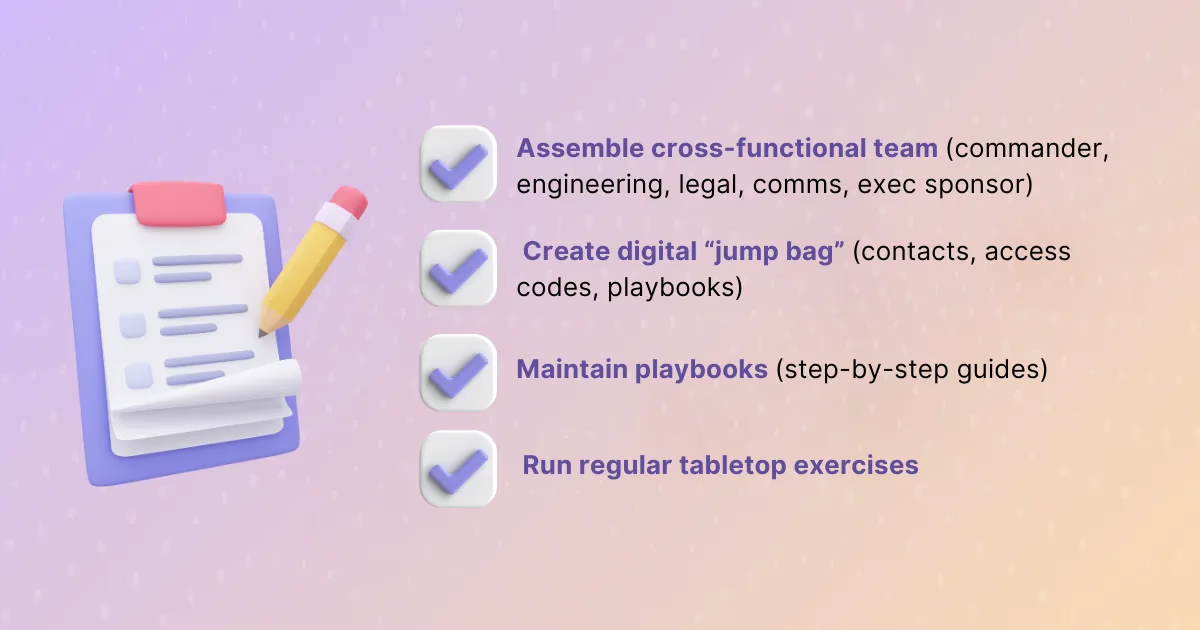
Assemble a cross-functional, on-call ready team
Incidents are not solved by technology alone. They require collaboration across roles. A strong team includes an incident commander to lead calmly, engineers who know the systems inside out, legal advisors to manage risk, communications specialists to craft the right messages, and executives to clear roadblocks. Each role ensures that no part of the incident goes unaddressed.
Create & maintain playbooks and “jump bags”
A “jump bag” is not a metaphor. It is a collection of the essential resources needed when urgency strikes. For some teams, it is a physical binder. For others, it is a digital repository with escalation paths, access credentials, communication templates, and updated contact lists. Playbooks guide responders through step-by-step processes, ensuring nobody wastes precious minutes reinventing solutions. Regularly testing and updating these resources transforms them from static documents into living tools.
Sample Communication Template for Incident Updates:
- Initial Alert: “We are aware of an issue affecting [service]. Our team is investigating and will provide an update within 30 minutes.”
- Follow-Up: “The issue has been identified and contained. Affected users may see delays. Next update in 1 hour.”
- Resolution: “The incident has been resolved. Systems are stable, and we will share a post-incident review shortly.”
Run regular tabletop exercises & scenario training
The real test of preparation comes not from what is written down but from what is practiced. Tabletop exercises simulate real incidents, allowing teams to rehearse decision-making under pressure. These drills reveal gaps in coverage, clarify responsibilities, and build trust among responders. They also strengthen the ability to improvise when real incidents deviate from expectations.
2. Gain visibility & preempt threats
Real-time monitoring across ecosystems
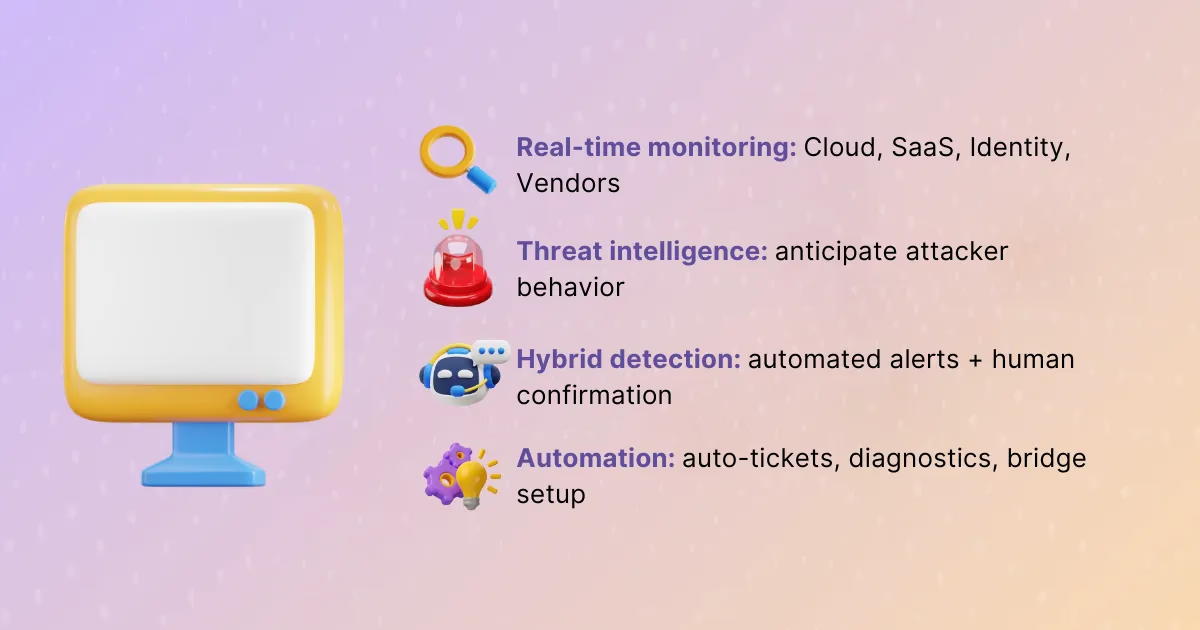
The earlier an anomaly is detected, the more manageable it becomes. Continuous monitoring across cloud providers, identity systems, vendor integrations, and internal networks creates a holistic view of an organization’s risk surface. Telemetry acts as a compass, pointing responders toward problems before they spiral out of control.
Leverage threat intelligence & hybrid detection models
Pure reliance on automated alerts creates blind spots. Threat intelligence strengthens detection by anticipating what attackers might try next. Hybrid detection, blending predictive intelligence with confirmed alerts, keeps teams from being caught off guard. This approach balances speed with accuracy, catching subtle threats while minimizing false alarms.
Build resilient automation
Automation is not about removing humans. It is about amplifying their capacity to respond. Automating ticket creation, diagnostics, and bridge setup means responders start with the right context instead of wasting time on logistics. Resilient automation still leaves room for human judgment, ensuring critical decisions are never left to scripts alone.
3. Swift, strategic containment & response
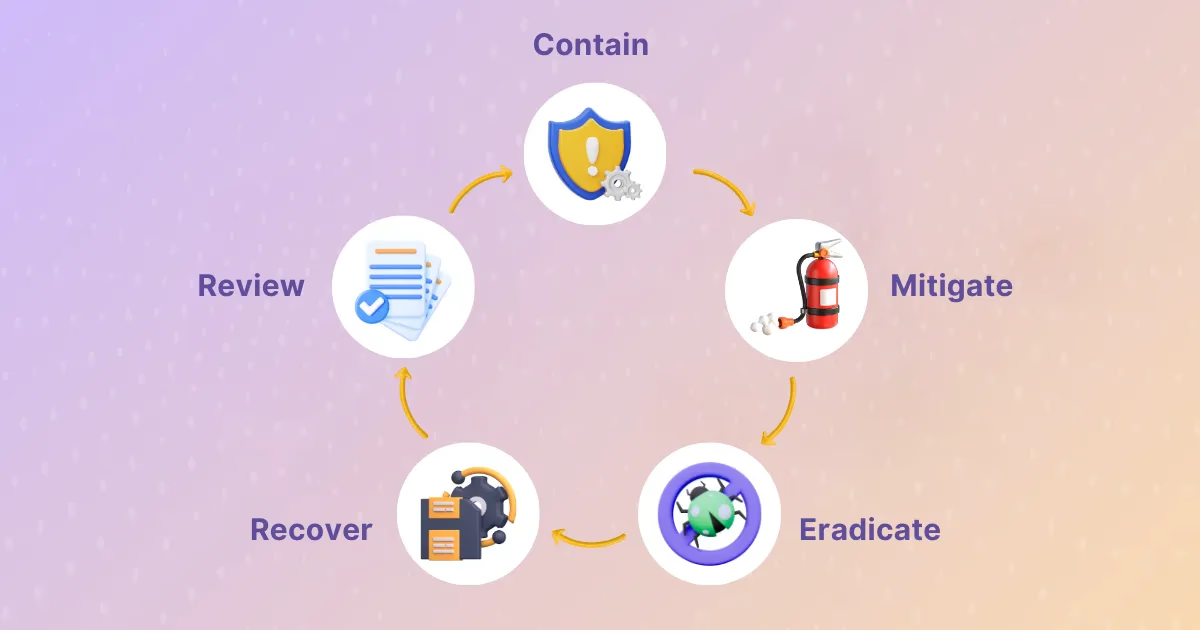
Follow the IR lifecycle: from containment to lessons learned
Incidents follow a rhythm. First, contain the issue to stop it from spreading. Then, mitigate immediate risks, eradicate the root cause, restore operations, and reflect on lessons learned. By internalizing this lifecycle, teams create order in the face of chaos. Each stage builds momentum toward not just resolution but growth.
Rapid containment, mitigation, and eradication
Speed does not mean recklessness. When a system is compromised, isolating it quickly prevents collateral damage. Deploying rollbacks or temporary feature flags can buy time while a long-term fix is developed. Just as a restaurant server might bring bread to a table while correcting a wrong order, a responder can stabilize customer experience while deeper issues are resolved.
Automate response actions where possible
Certain containment steps repeat across incidents. Automating them prevents human fatigue and ensures consistency. Actions like isolating machines, disabling accounts, or spinning up clean environments can be executed with minimal delay. Automation liberates responders to focus on the novel, complex aspects of each incident.
4. Communicate proactively: inside and out

Set clear expectations with users and stakeholders
Trust is fragile during a crisis. Customers and partners want to know not only that an issue is being addressed but also what to expect along the way. Differentiating communication by customer tier ensures that critical clients receive the attention they need without overwhelming general updates. Clarity reduces speculation and builds confidence.
Use multiple channels for transparent updates
Silence creates frustration. Broadcasting updates through status pages, direct emails, and even social channels keeps stakeholders informed on their preferred platforms. Transparency reduces support ticket volume and demonstrates accountability. People are forgiving when they know what is happening and when to expect resolution.
Keep internal Teams in sync
Internal miscommunication compounds external problems. By integrating tools like Slack, Jira, and shared dashboards, organizations keep every team aligned. Real-time updates prevent duplication of work and ensure that engineers, communicators, and executives share a single source of truth.
5. Restoring trust through recovery & retrospective action
Restore systems and validate stability
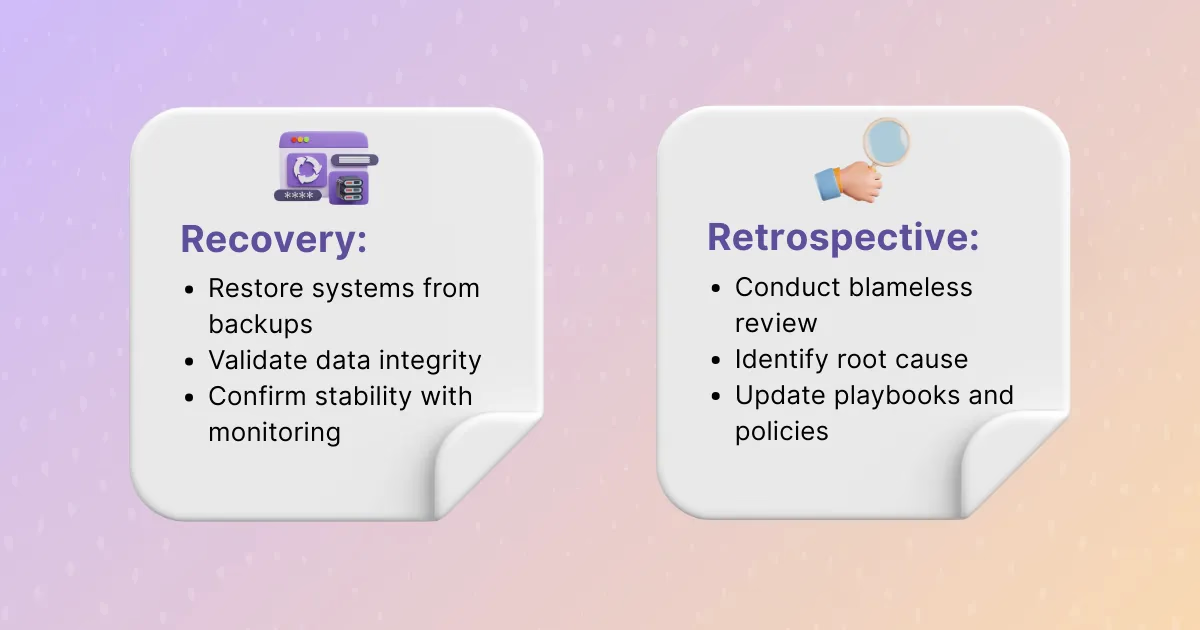
Recovery is not complete until systems are verified to be stable. Backups must be restored, data integrity must be tested, and monitoring must confirm that the issue does not recur. Rushing recovery without validation risks compounding the incident.
Conduct blameless post-incident reviews
Retrospectives should not be witch hunts. They are opportunities to ask what happened, why it happened, and how to prevent it in the future. Blameless reviews foster honesty, encourage accountability, and prevent responders from hiding mistakes that could contain valuable lessons.
Update policies and playbooks based on lessons learned
Outdated policies slow responders down. A dress code that once demanded servers wear high heels did nothing to improve service. Similarly, rigid or obsolete incident policies can hinder progress. Updating processes ensures responders are supported, not burdened, by the systems meant to guide them.
6. Measure, optimize, and scale

Track key IR metrics
Metrics illuminate progress. Mean time to detect (MTTD), mean time to recover (MTTR), and post-mortem cycle time help teams measure their maturity. These numbers are not about vanity. They are benchmarks for reducing impact and sharpening response capabilities.
Actionable Benchmarks:
- Elite teams target MTTD of under 15 minutes.
- Industry leaders aim for MTTR of less than 30 minutes for critical services.
- Post-incident reviews ideally completed within 5 business days.
Invest in readiness and third-party retainers
Sometimes expertise must come from outside. Partnering with incident response retainers ensures immediate access to specialists during high-severity crises. Combined with in-house training and simulations, external support strengthens resilience when the stakes are highest.
Adopt Agile, AI, and socio-technical improvements
Incident response should evolve alongside technology. Agile principles introduce adaptability, allowing teams to refine practices incrementally. Artificial intelligence and machine learning can predict patterns and flag anomalies faster than humans alone. Socio-technical training ensures teams are not only technically skilled but also prepared to navigate the human dynamics of high-pressure events.
Strengthening incident response with best practices
Incident response is not a checklist to be completed once and filed away. It is a living practice that grows with every incident faced and every lesson learned. By building resilient teams, embracing automation wisely, communicating transparently, and evolving processes continuously, organizations transform crises into opportunities for strength.
As Rootly, our mission is to make incident response calmer, smarter, and more human. We encourage you to take one step today: review a playbook, run a tabletop exercise, or revisit outdated policies. Each action builds momentum toward a stronger, more resilient tomorrow. In moments of uncertainty, it is preparation, clarity, and trust that carry us through.
Frequently asked questions
What should we do if our incident process breaks down during high-severity outages?
Fall back to the three things that matter most: one incident commander, one channel and one bridge, and a fixed update cadence. Then fix the breakdown in the retrospective, treating the process failure as a contributing factor. Rootly keeps the structure in place under pressure: declaring an incident assigns roles and creates the channel automatically, and reminders flag overdue updates.
What are the most common mistakes in incident management?
Declaring incidents too late, leaving roles unassigned, running side conversations outside the incident channel, going silent on the status page, and closing the retrospective without owned action items. Most of these are fixed by making the first steps automatic when an incident is declared, which is what Rootly does in Slack and Microsoft Teams.
Incident response best practices for modern teams