Status Pages
Beautiful, automated status pages.
Inform customers in real time, reduce support noise, and build trust during downtime with a beautiful, branded, automated status page.












status.glean.com
 Glean | StatusSubscribe to updates
System status ‹ Aug 15, 2026 - Today ›
Functionalities4 components ⌃
Chat· 98.56% uptime
Aug 15, 2026Today
Rest API· 100.00% uptime
Aug 15, 2026Today
Agents· 99.48% uptime
Aug 15, 2026Today
Search· 99.85% uptime
Aug 15, 2026Today
Integrations3 components ⌄
Incident history
Powered by 

Faster, more consistent incident communication.

Build trust through transparency
Give customers a single source of truth during downtime—what’s impacted, what you’re doing, and when they’ll hear from you next.

Cut support noise and escalations
Deflect “is it down?” tickets and reduce escalations with proactive, real-time updates your customers can find and share in seconds.

Communicate faster, every time
Automate updates with prompts, templates, and subscriptions—so the right message goes out, without slowing down response.
Faster updates, smoother incidents.
Status Pages plug directly into your incident workflows with built-in prompts and automatic reminders, one-click templates for pre-approved messaging, and subscriptions/notifications so stakeholders never miss an update—whether you fully automate posts or keep a human in the loop.

Rootly Agent
Ask @Rootly AI to manage incidents, on-call, alerts, and more.

Kayla Thomson Just now
@Rootly write an update to post to my status page, then post the update
Rootly Agent Just now
Which status page should I publish this update to?
Review or fill in the following before applying
Choose one or moreServices status page (search-svc) ✕
Confirm
Rootly Agent Just now
Confirmed, writing the update
Publish status page update
Status pageServices status page
Public titleElevated search latency
StatusMonitoring
Notify subscribersYes
UpdateSearch is fully operational again and latency is back to normal. We're monitoring to make sure it stays that way.
Published to Services status page
A page that’s built for every audience.
Publish customer-facing updates on your own domain with SEO-friendly public pages, or lock things down with SSO/authenticated private and internal pages—so the right audience gets the right message, automatically.
Status pages
Search status pages
Post update ⌄
+ New status page ⌄
NameTypeSubscribersLast updatedOwner
Customer status pagePublic1,2842026.10.14Kayla Thomson
Engineering status pagePrivate862026.10.09Kayla Thomson
EU customersPublic4122026.09.15Kayla Thomson
Partner status pagePublic572026.09.15Kayla Thomson
Support teamPrivate232026.08.30Kayla Thomson
Mobile appPublic9682026.08.21Kayla Thomson
PaymentsPublic2,3102026.08.12Kayla Thomson
Data platformPrivate412026.07.28Kayla Thomson
Developer APIPublic7352026.07.19Kayla Thomson
Make it unmistakably yours.
Launch a fully branded status experience on your own domain—with custom URL paths, logo, colors, favicon, and Open Graph previews—so every incident update looks and feels like a part of your products and experiences.
Public system status page
GeneralAuthenticationCustomizeComponentsTemplates
Public title
Platform System StatusAllSystems Service Status
Public description
Up-to-date service status reports of the AllSystems product.
Uptime message Shows when nothing is wrong
All systems operationalWe're functional
Downtime message Shows during an incident
Something's not quite right
Logo 64×64 jpg or png
Select a file or drag and drop allsystems-logo.png
Favicon Shows in the browser tab
Select a file or drag and drop
Show uptime graphsUptime graphs on components, over 90 days
Platform System StatusAllSystems Service Status
System status
Services· 99.98% uptime
API· 100.00% uptime
Dashboard· 99.95% uptime
Incident history

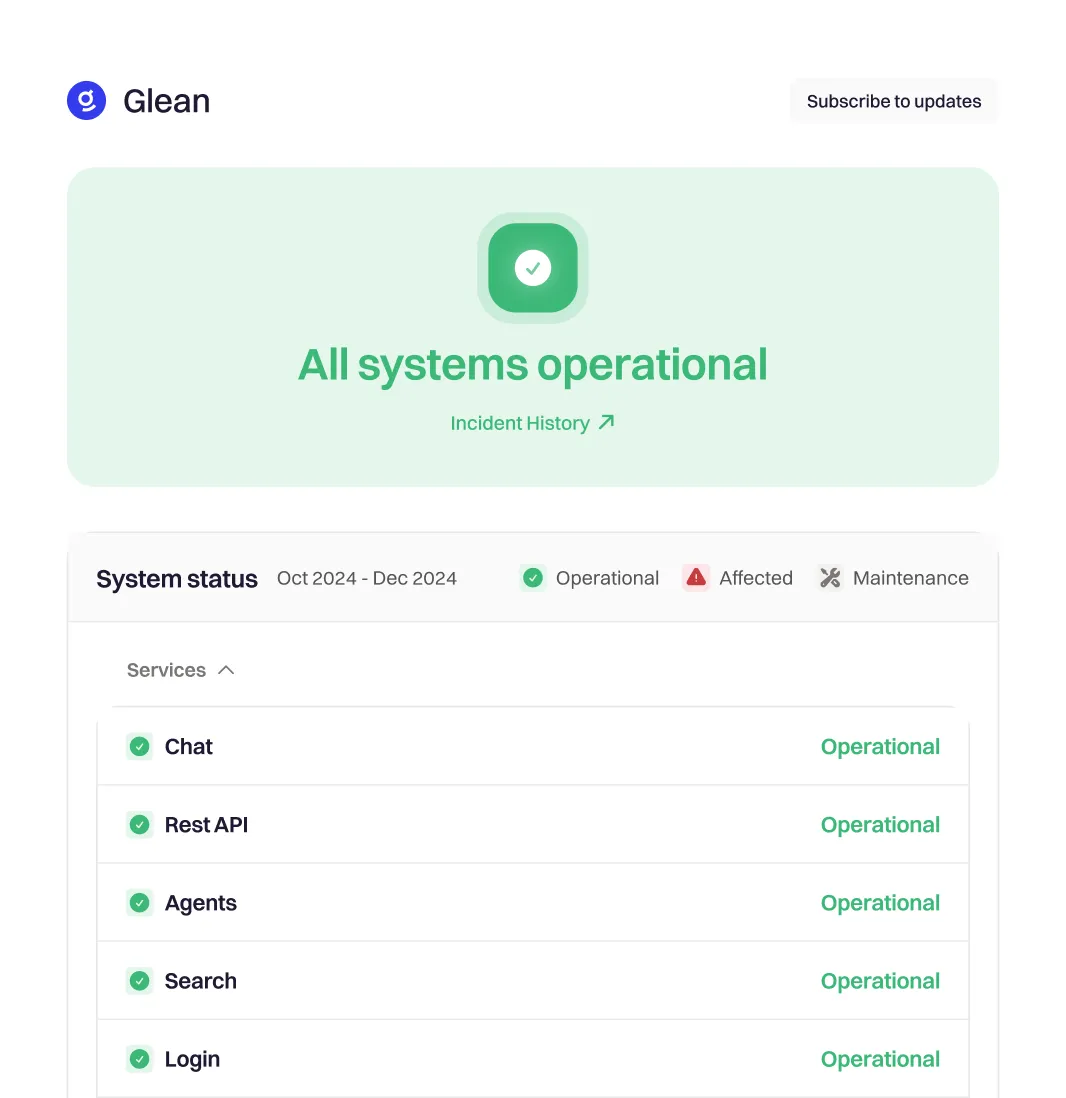
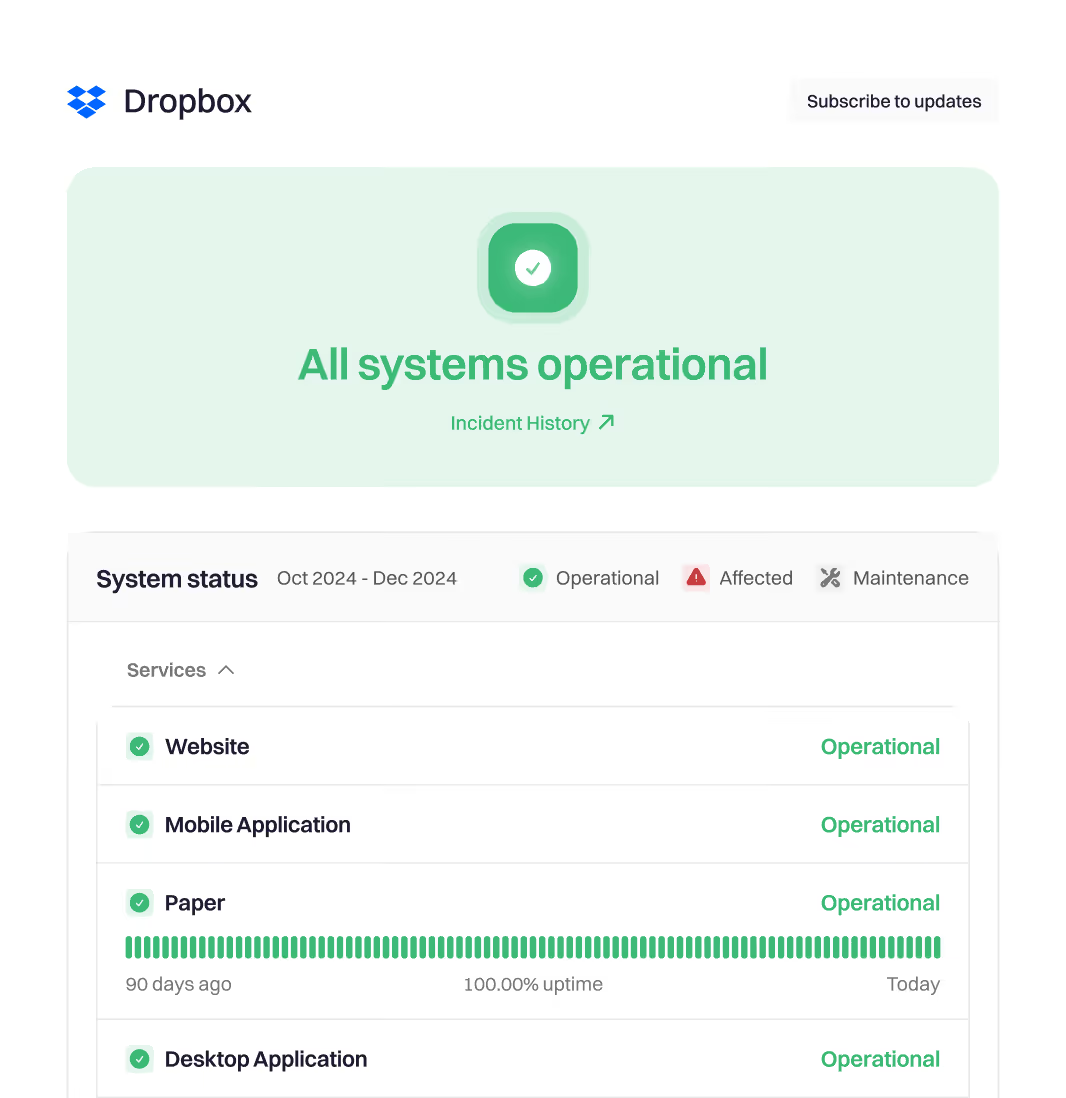
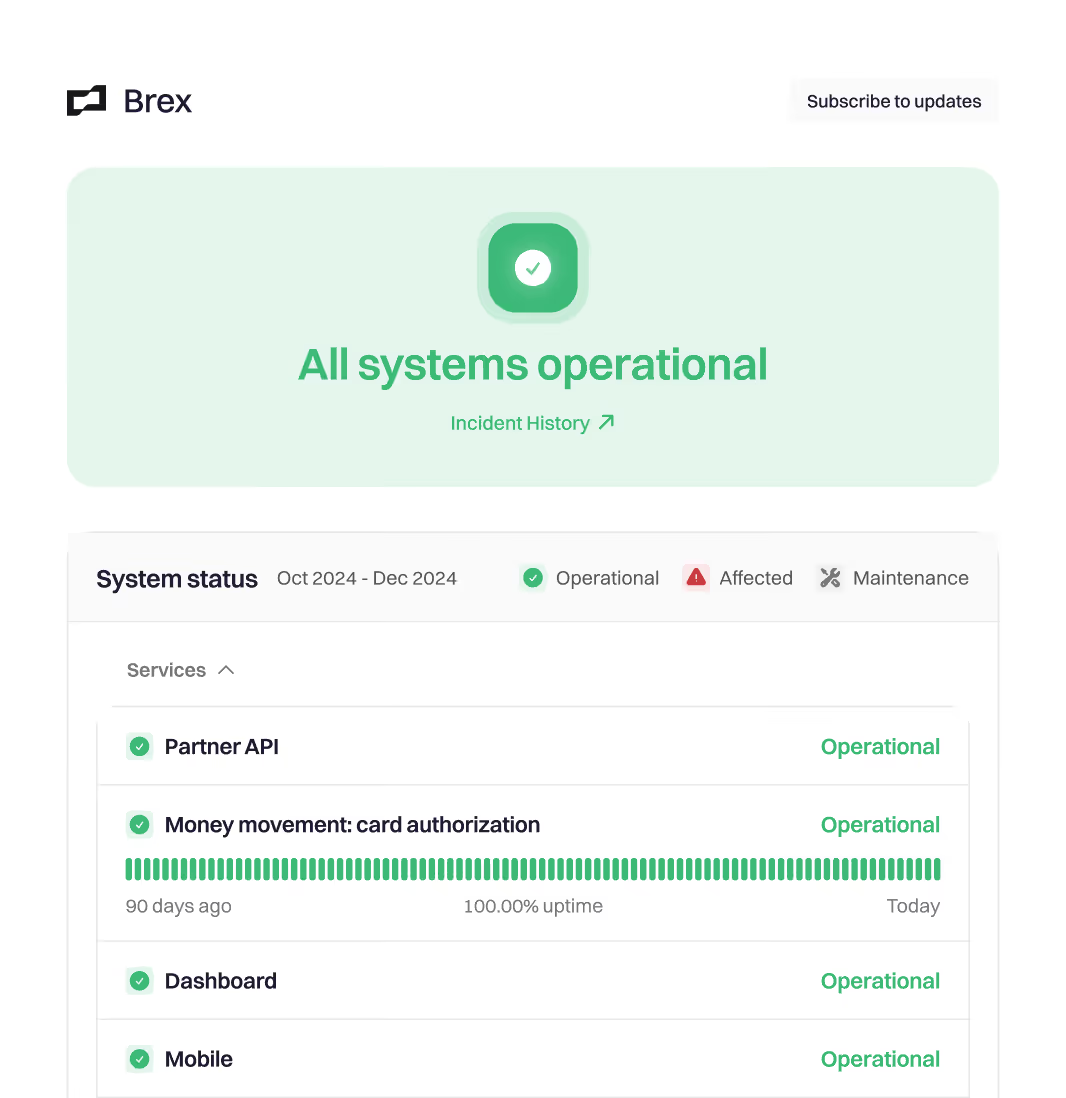
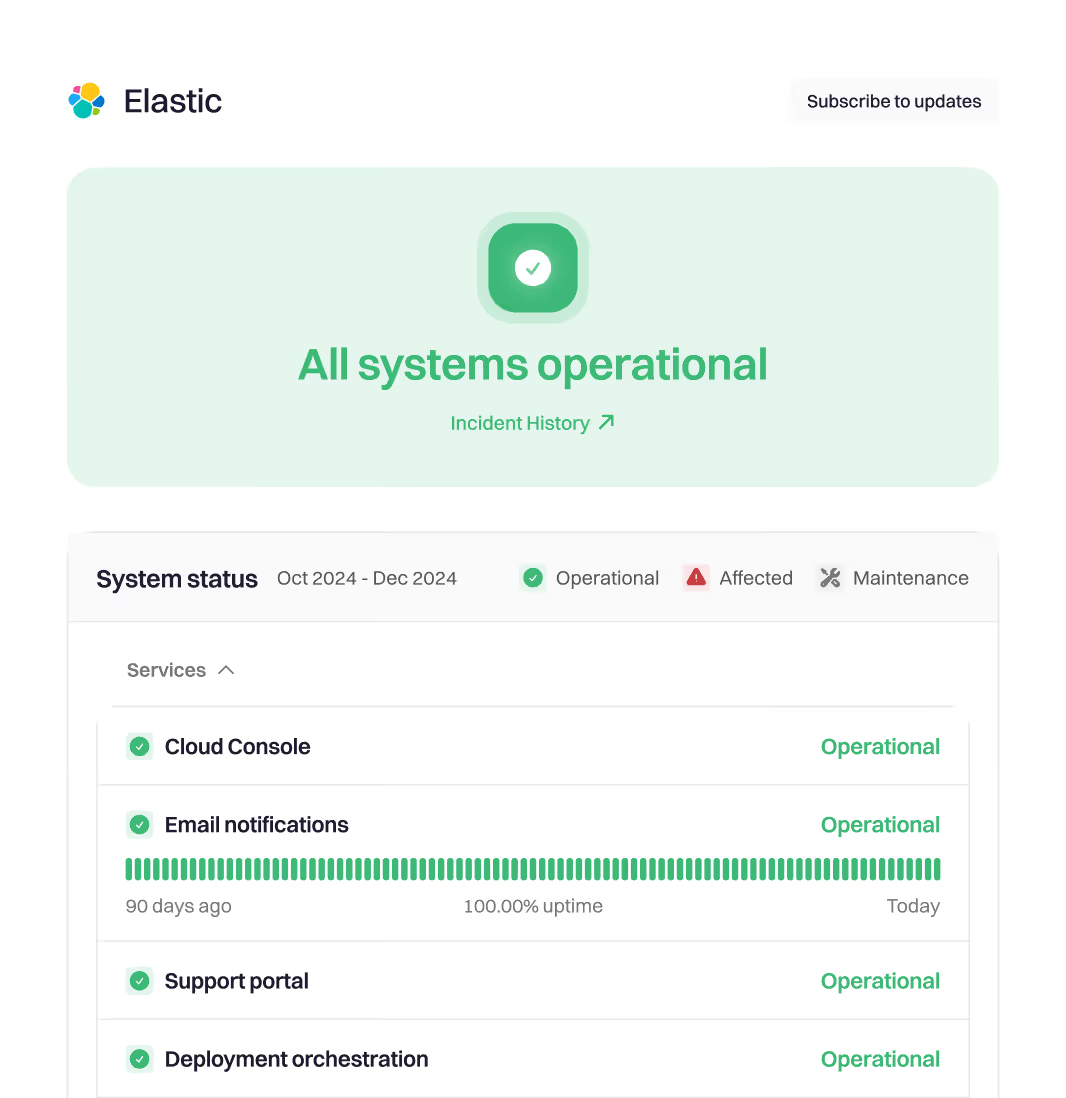

Join thousands of leading companies
that keep their customers informed—faster and more consistently.
You and your teams deserve modern incident management.
Frequently asked questions
Everything you need to know about Status Pages.
What is a Status Pages?
Rootly Status Pages let you publish clear, real-time service updates during incidents and maintenance—so customers and stakeholders always know what’s happening, what’s impacted, and when to expect the next update.
Why do teams use status pages in the first place?
Because the fastest way to reduce confusion during downtime is to share a single source of truth. A high-functioning status page builds trust, prevents rumor-based escalations, and keeps your team focused on fixing the issue instead of answering repeated “is it down?” questions.
How does Rootly Status Pages reduce support tickets?
When customers can self-serve accurate updates, they don’t open “any updates?” tickets. Rootly helps you publish timely, consistent messages so support and engineering aren’t flooded with duplicate inbound requests during incidents.
How is Rootly different from standalone status page tools?
Rootly is incident-first. Status updates aren’t an afterthought—they’re part of the incident workflow. That means communication stays aligned with response, updates happen on time, and your team doesn’t have to context-switch into separate tools to keep customers informed.
Can we automate status updates?
Yes—Rootly can help you automate updates (where appropriate) and/or speed things up with templates and pre-approved messaging. You can keep humans in the loop for sensitive incidents while still moving fast.
Does Rootly remind teams to post updates?
Yes. Rootly supports prompts and reminders so updates don’t stall mid-incident. The goal is simple: fewer silent gaps, fewer escalations, calmer incidents.
Can customers subscribe so they never miss an update?
Yes. Status page subscriptions/notifications let customers and stakeholders opt in to incident and maintenance updates—so they get the latest without needing to refresh or reach out to support.
Can we control who sees what? (Public vs private vs internal)
Yes. Rootly supports status pages for different audiences, including public pages for customers and options for restricted visibility (e.g., internal-only or partner-specific access) when you need tighter control.
Does Rootly support authentication for private pages?
Yes—Rootly can support authenticated access for private/internal pages, so sensitive operational details stay limited to the right audience.
How do we communicate maintenance windows vs incidents?
A good status program covers both. Rootly can help you publish planned maintenance updates and incident updates in the same place, with consistent messaging and clear timelines—so customers know what’s scheduled vs what’s unexpected.
What outcomes should we expect after launching Rootly Status Pages?
Teams see fewer inbound support tickets during incidents, faster and more consistent customer updates, and higher customer confidence because communication is proactive and reliable.