Retrospectives
Smarter, faster retrospectives.
Collaborative retrospectives, in an editor as powerful as Notion or Google Docs, with AI agents that capture all the context and generate your first draft—summaries, timelines, root cause analysis, and follow-ups included.
Build a consistent post-incident process with guardrails and make sure the same incident never happens twice.
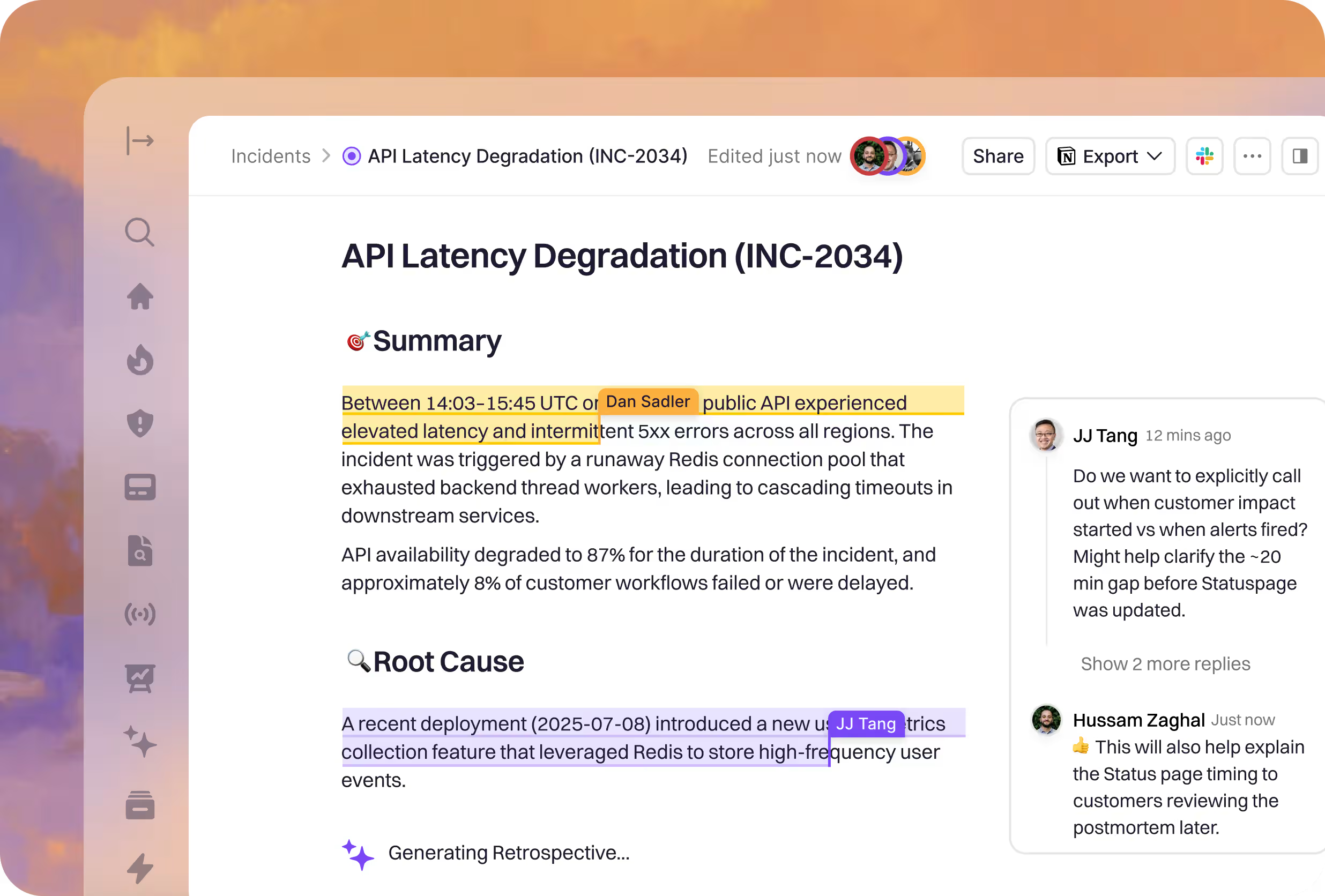
























More than just a retrospective document.

Drive accountability
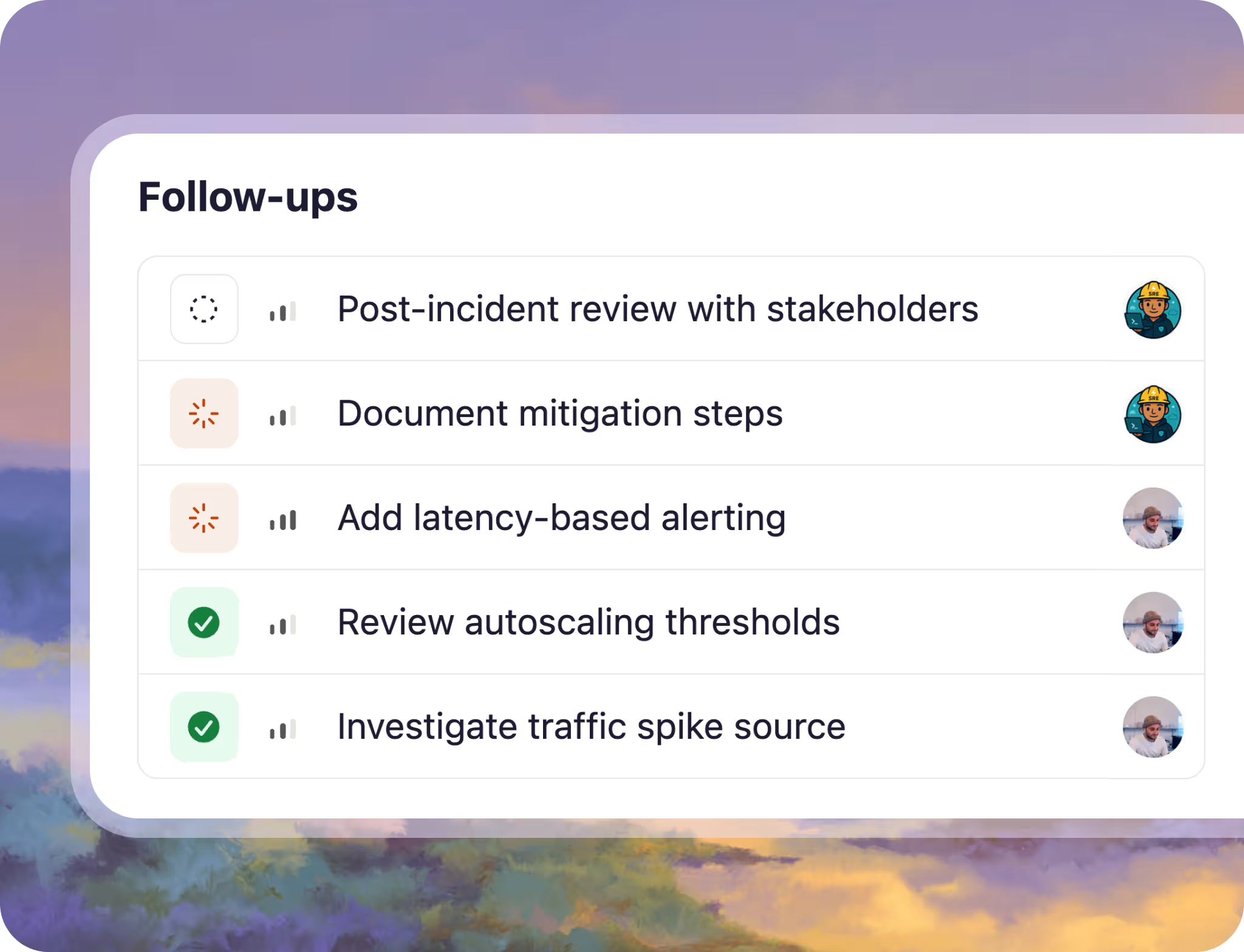
Assign and track action items so insights and learnings turn into positive change.

Recover faster
Context added and action items tracked so you can improve your next response.

Prevent repeat incidents
Retros that convert incidents into durable system and process changes.
Designed to save you hours.
Spend your time learning, driving accountability, and improving your reliability posture—not searching and writing.
A consistent process made effortless.
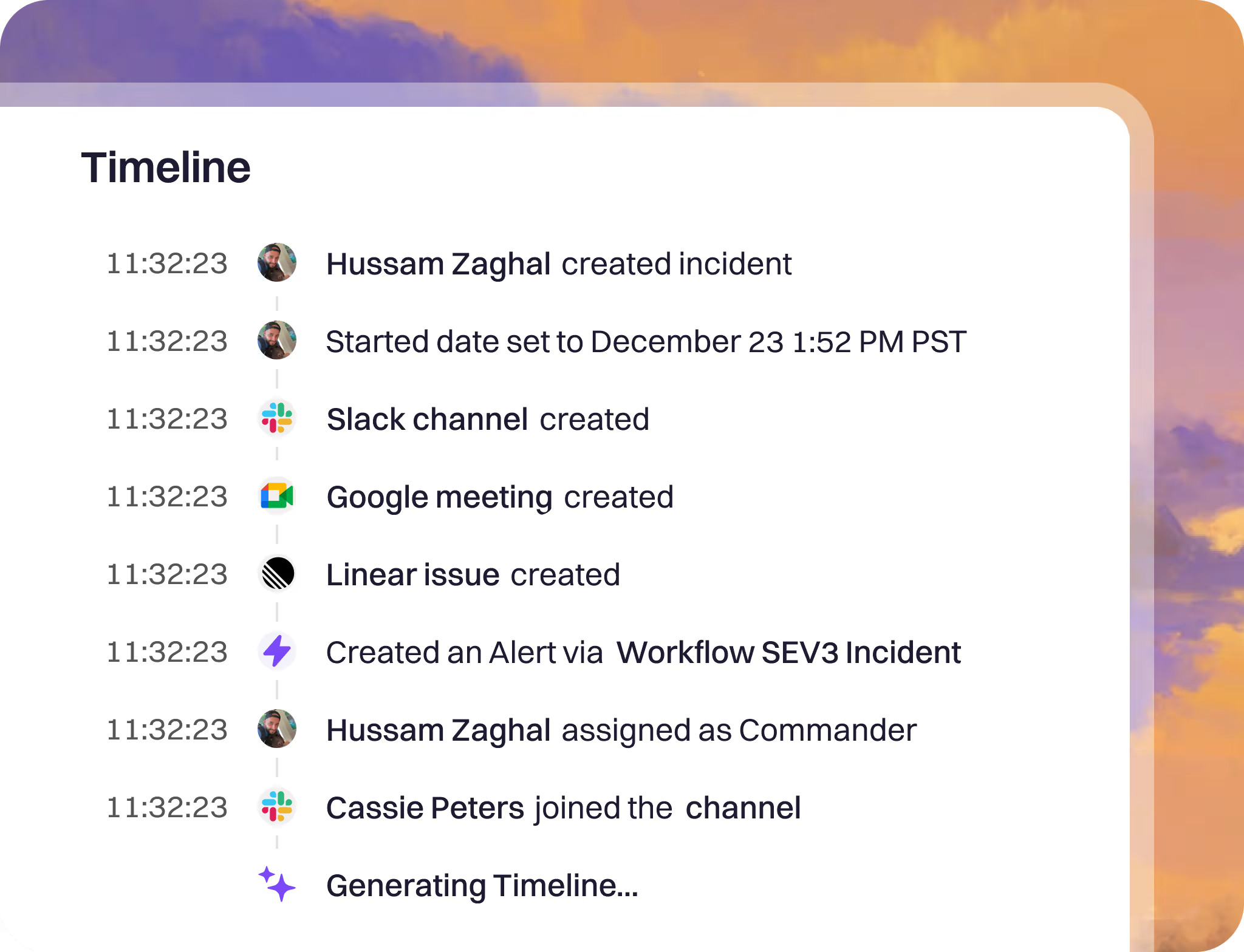
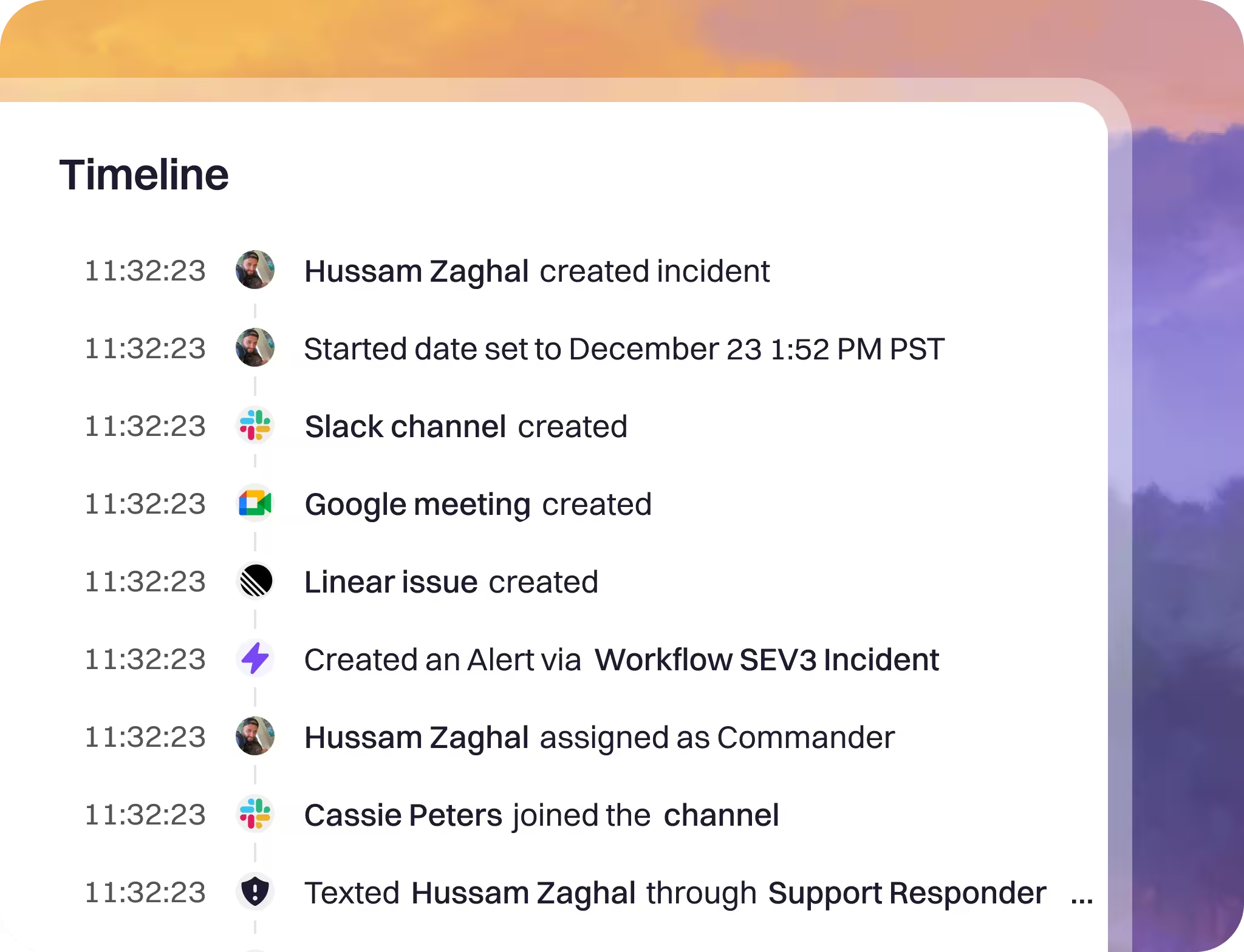
The best time to capture an incident is right after it happens—Rootly AI makes that effortless by automatically building the timeline and capturing key context.
Rootly then guides your team through your retrospective workflow, from validating impact to driving action items to completion so every incident leads to real improvement.
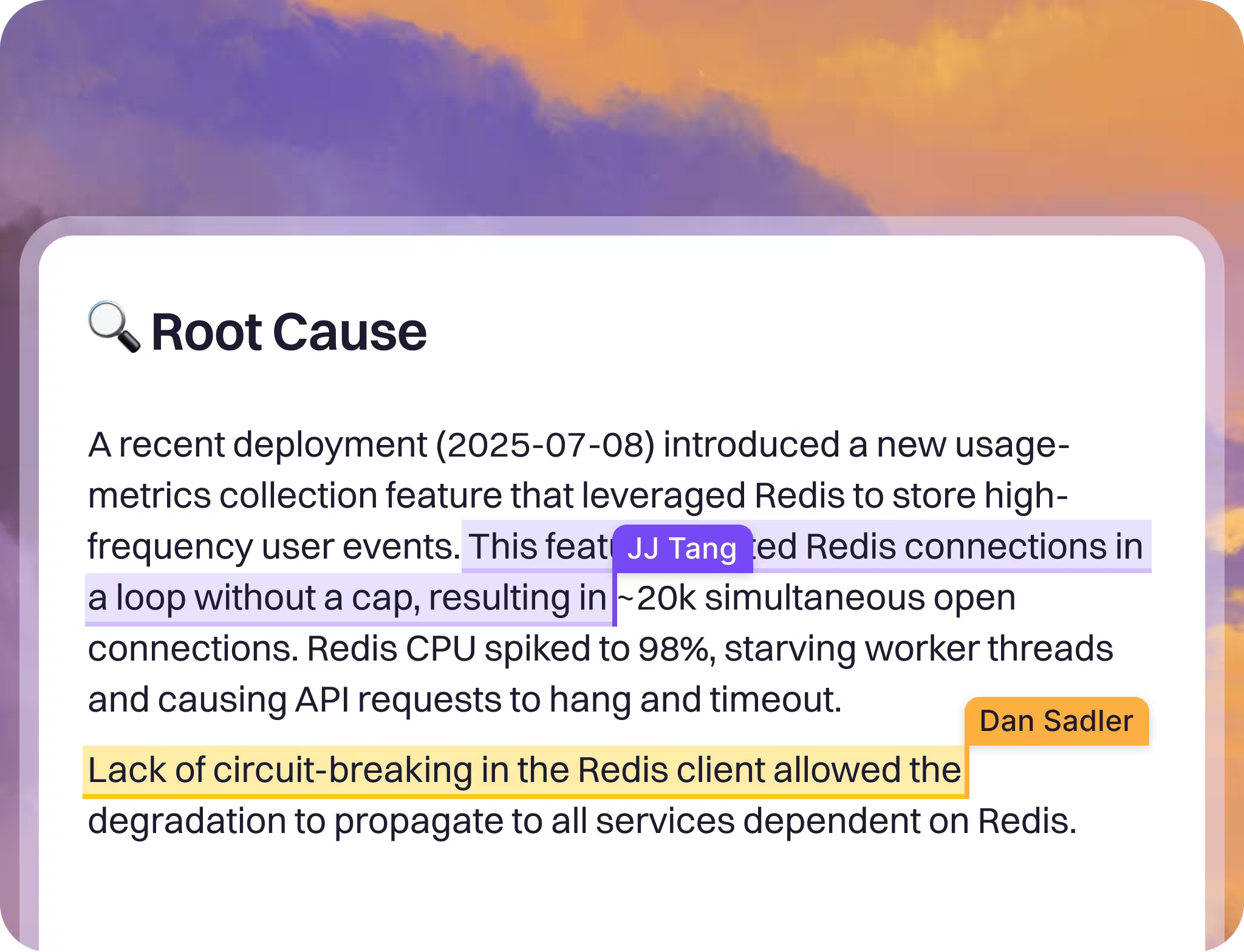
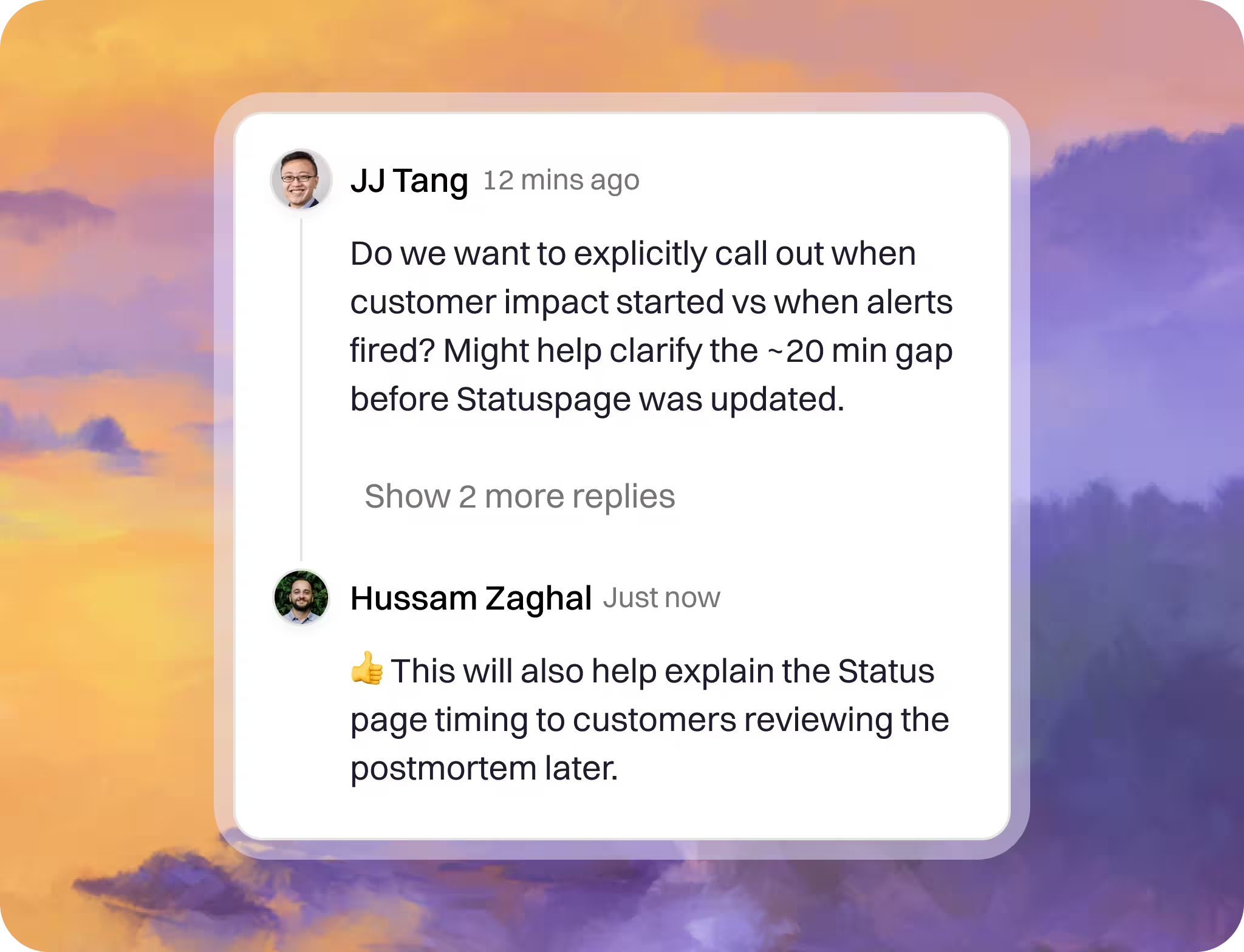
Collaboration, built-in.
Collaborate in real time, right where the incident context already lives.
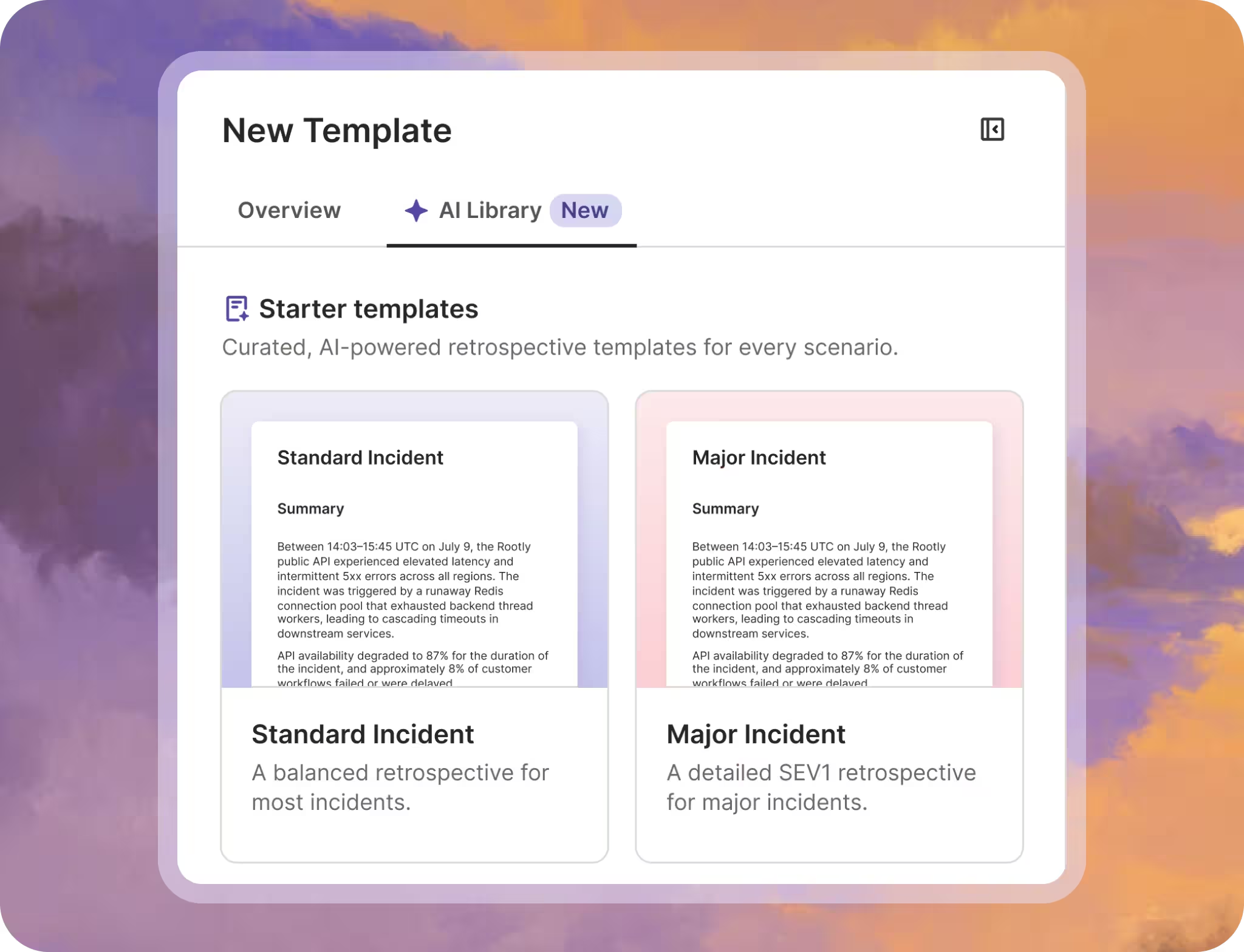
Get started in seconds, keep retros your way.
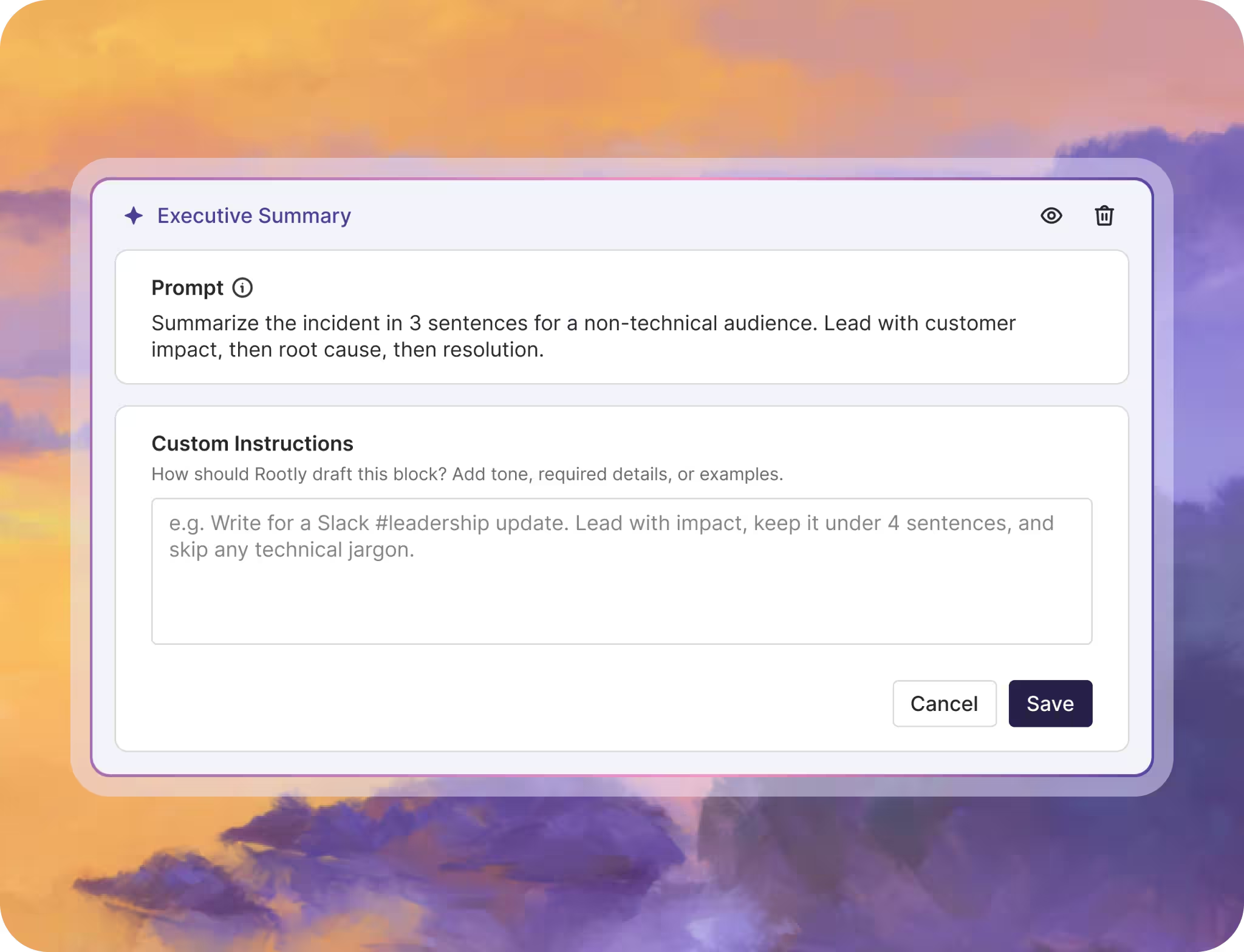
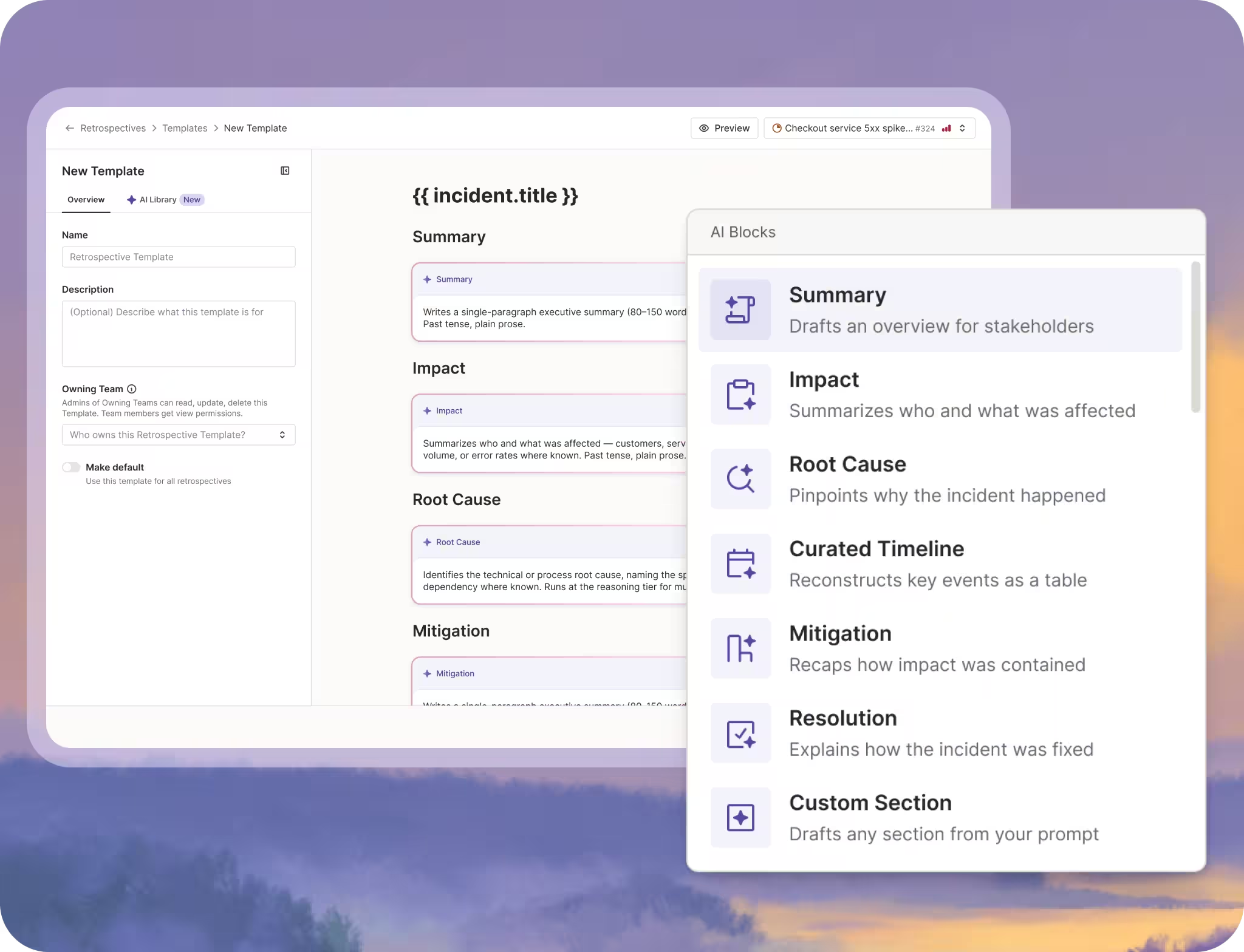
Add AI blocks to your templates and every retro drafts itself: summary, impact, root cause, mitigation, and a curated timeline, generated from the incident's data, Slack channel, and call transcripts. Steer each block with custom instructions, edit or regenerate anything, and get your first draft in minutes.
Integrations that keep everyone in sync.
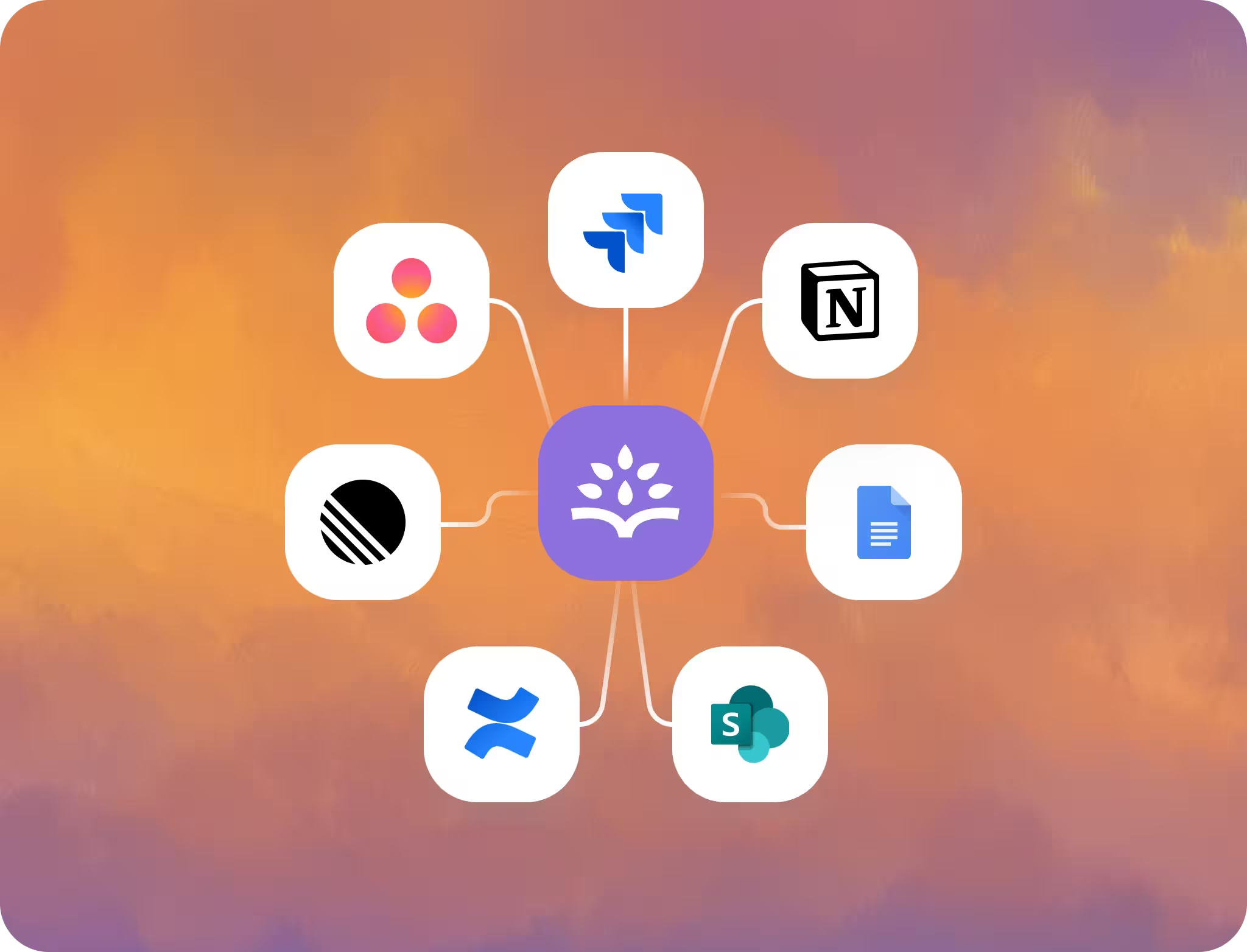
Automatically push action items into Jira or Linear as subtasks—assign owners, update status, and prioritize work seamlessly.
You can also export retro docs to your system of record—Confluence, Notion, Google Docs, and SharePoint.
See how your team learns and reliability improves.
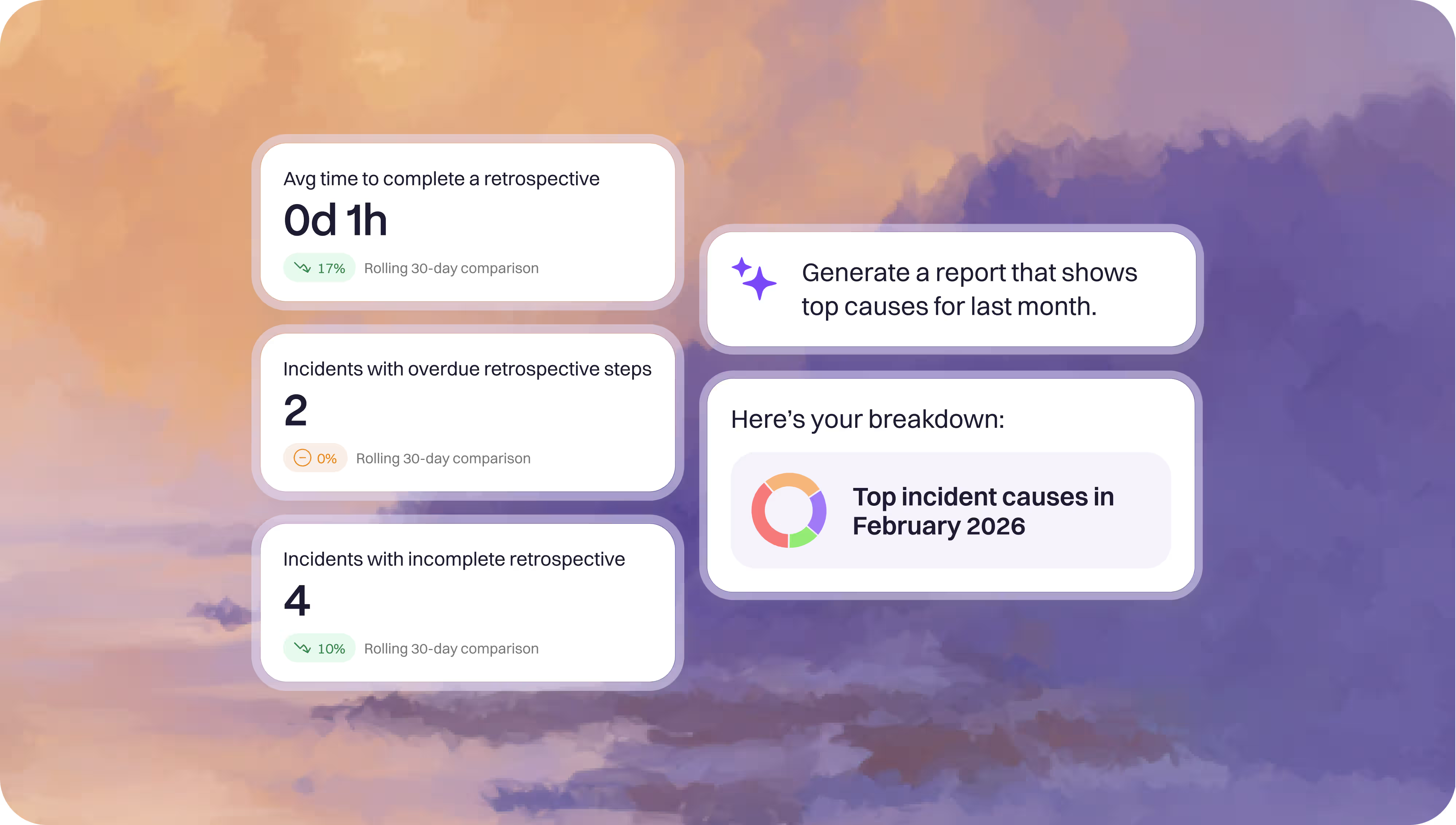
Track retro health with trend reports and high-level metrics—then ask for instant, natural-language reports on anything from retro time spent to outstanding action items.
You and your teams deserve modern incident management.
Frequently asked questions
Everything you need to know about retrospectives.
What’s the difference between a postmortem and a retrospective?
They’re often used interchangeably, but “postmortem” usually emphasizes documenting what happened, while “retrospective” emphasizes learning and improving the system/process through follow-up actions.
Do Rootly Retrospectives work with our existing documentation tools?
Yes, you can export or sync to Confluence, Google Docs, Sharepoint, Notion, etc. so the retro can live where your org documents knowledge, without duplicating effort.
Can we customize the retrospective process for different teams?
Yes—Rootly lets you customize your retro process end to end by defining your own steps and requirements, tailoring templates and questions, and applying different workflows by team or incident type so every retrospective matches how your organization works.
What parts of the retro can AI safely automate (timeline, summaries, drafts)?
Rootly AI is great for assembling timelines, summarizing long threads, drafting sections, and generating initial action items—so you can quickly validate facts, decisions, and final commitments.
How do we capture a reliable incident timeline automatically?
Rootly AI pulls timestamps from alerts, chat messages, commits/deploys, and status updates—so you can quickly validate/edit the timeline.
What does “good” look like—how do we measure retro quality?
Good retros produce a clear narrative, specific contributing factors, and a small set of high-impact action items with owners/dates—plus evidence that similar incidents are decreasing over time.
How do we run blameless retrospectives without losing accountability?
Focus on “what in the system made this outcome likely” (gaps in alerts, runbooks, ownership, change practices), then assign clear owners and due dates for action items—accountability is about follow-through, not blame.
How do we build a consistent learning culture across engineering and operations?
Retros in Rootly are routine, so outcomes are visible (trends + completed actions), and systemic fixes can be rewarded—people believe in the process when it leads to real change.
How do we connect retro action items to Jira/Linear work and keep them updated?
When connected, Rootly automatically creates linked tickets/subtasks and keeps status/assignee/priority in sync, so the retro remains the source of truth while execution happens in the delivery tool.
Where is incident data stored, and who can access it?
Data access mirrors your org’s permissions (SSO/RBAC) and is auditable—only the right people can view or edit sensitive incident artifacts.