Incident vs problem management: key differences
Incident management restores service; problem management removes the cause. Compare goals, owners and metrics, and see how Rootly links the two.

Incident vs problem management: key differences
On this page
Incident management restores a broken service as fast as possible. Problem management finds and removes the underlying cause so the same incident doesn’t come back. Software teams connect the two at the retrospective. In Rootly, responders tag each incident’s causes in the retrospective and turn every fix into a follow-up that syncs to Jira or Linear.
Incident management is measured in minutes and hours. Problem management is measured in days and weeks, and by whether the incident ever repeats. This guide compares the two side by side, shows the handoff step by step, and explains how SRE and DevOps teams run problem management differently from ITIL.
Key takeaways
- Incident management focuses on restoring service fast to reduce downtime and meet SLAs.
- Problem management digs into root causes to stop recurring issues and strengthen long-term stability.
- Incidents are reactive and urgent, while problems are proactive and require in-depth analysis.
- Effective ITSM links incidents to problems so teams can fix both symptoms and causes efficiently.
What is incident management?
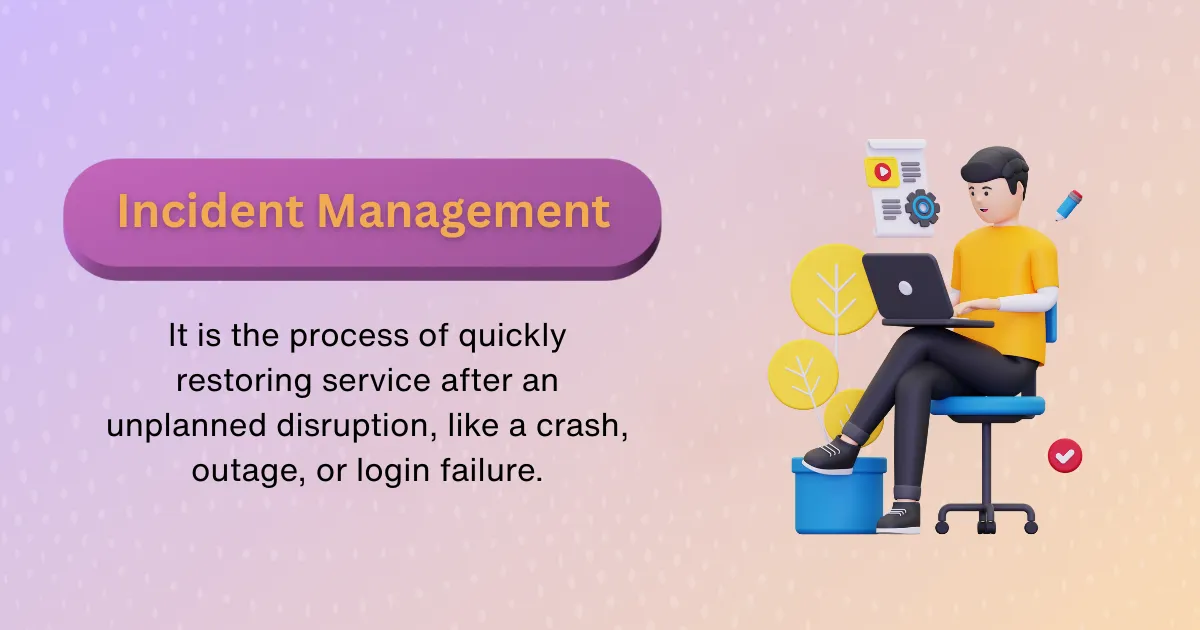
An incident is any unplanned disruption or degradation of service. It’s the thing your team wakes up to at 2 a.m., the deploy you roll back mid-release, or the spike in support tickets from users who can’t log in. In the ITIL framework, incident management is the process of restoring normal service operation as quickly as possible.
Goals of incident management
- Rapid restoration of service. Time matters. Every minute of downtime chips away at customer trust and internal momentum.
- Minimize business impact. The goal isn’t perfection—it’s containment.
Common incident types
- Application crashes during user interactions
- Network outages affecting internal systems or customer-facing platforms
- Authentication failures that lock users out of key functionality
Incident management workflow
It’s not glamorous, but process is everything:
- Detection – Alerts or reports signal that something’s off.
- Logging – Record what’s happening and where.
- Categorization – Tag it appropriately for routing.
- Prioritization – Is this P1, or can it wait?
- Diagnosis – Triage, troubleshoot, isolate.
- Resolution – Apply the fix.
- Closure – Confirm, document, and learn.
What is problem management?
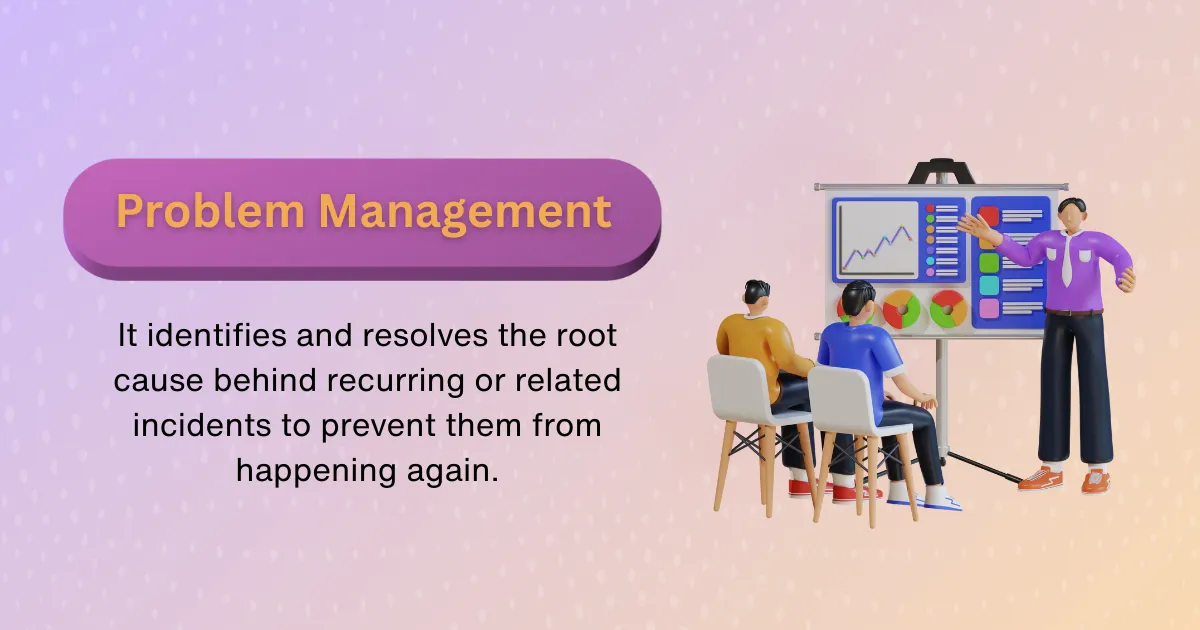
A problem is the underlying cause of one or more incidents. Where incident management asks, “How do we stop the bleeding?”, problem management asks, “Why did we start bleeding in the first place?”
Goals of problem management
- Root cause identification. Not just what broke—but why.
- Long-term resilience. Eliminate recurring pain points.
- Proactive prevention. Get ahead of systemic risk.
Reactive vs proactive problem management
- Reactive: Investigating after a spike in incidents or a major outage.
- Proactive: Analyzing logs and metrics to spot and fix vulnerabilities before they manifest.
Example: A database timeout may trigger several incident alerts. Fixing the timeout (incident management) doesn’t prevent it from recurring. Rewriting the query structure or refactoring the architecture (problem management) does.
Common problem scenarios
- Recurring latency issues from an overloaded service
- Chronic 5xx errors tied to a third-party API
- Performance degradation every time traffic peaks
Problem management workflow
- Detection – Triggered by pattern recognition or incident trends
- Logging – Centralized in your CMDB or issue tracker
- Investigation – Deep-dive into contributing factors
- Root Cause Analysis – Use fishbone diagrams, 5 Whys, or Fault Tree Analysis
- Resolution – Apply long-term corrective action
- Closure – Validate outcomes, update knowledge base
What is the difference between incident management and problem management?
Incident management restores service while users are affected. Problem management finds the cause behind one or more incidents and removes it, so the incident doesn’t repeat. The incident ends when service is back; the problem ends when the fix is verified. In Rootly, the retrospective is where one hands off to the other: responders record the causes there and track each fix as a follow-up.
| Incident management | Problem management | |
|---|---|---|
| Goal | Restore service and limit user impact | Find and remove the underlying cause so the incident doesn’t recur |
| Trigger | An alert, a customer report or a declared incident | A major incident, repeat incidents with the same cause, or trend analysis |
| Owner | On-call responders and the incident commander | The team that owns the affected service; in ITIL shops, a problem manager |
| Timeframe | Minutes to hours | Days to weeks |
| Output | Restored service, an incident timeline and a retrospective | A root cause, a permanent fix, and a workaround until the fix ships |
| Metrics | MTTA, MTTR, incident count by severity, SLA attainment | Repeat incident rate, open problems and their age, follow-up completion rate |
| In Rootly | Declared and run in Slack or Microsoft Teams, with a timeline captured as the response runs | Causes tagged in the retrospective, follow-ups synced to Jira or Linear, repeat incidents matched to past ones |
Goal
An incident’s goal is to get things back to normal quickly. The priority is speed, not full understanding. A problem’s goal is to stop the issue from happening again.
Trigger
Incidents start in real time when something breaks or users feel it. Problems start from patterns: repeated failures, trend analysis or persistent symptoms. The first is loud and obvious; the second is easier to miss.
Owner
On software teams, the on-call engineer and the incident commander own the incident until service is restored. The problem belongs to the team that owns the affected service, often with SREs involved. In ITIL organizations, a service desk or Tier 1 group restores service and a problem manager or Tier 2/3 group owns the investigation.
Timeframe
Incidents need immediate action to restore functionality and meet SLAs. Problems allow for deeper investigation over days or weeks, scheduled alongside other engineering work.
Output
An incident produces a restored service, a timeline of what happened and a retrospective. A problem produces a root cause (or a set of contributing causes), a permanent fix, and a documented workaround for responders to use until the fix ships.
Metrics
Incident management tracks mean time to acknowledge (MTTA), mean time to resolve (MTTR), incident count by severity and SLA attainment. Problem management tracks how often the same cause produces a new incident, how many problems are open and for how long, and what share of follow-ups get finished.
Example
A user login failure is an incident: it stops people cold. A recurring cache misfire under heavy load is a problem: it signals fragility under the surface. One gets fixed fast; the other needs root cause attention.
How incident and problem management work together

Think of it this way: incident management patches the tire; problem management finds and removes the nail from the road.
Both are essential. One buys you time, the other buys you trust. Effective teams coordinate these roles intentionally. A well-run PIR (Post-Incident Review) almost always identifies a handoff moment—when the issue should have gone from incident to problem.
In an ideal world, your ITSM system creates a linked problem ticket every time a major incident closes. This makes it easier to follow through with the deeper fix.
How to connect incident response with problem management
Connect them at the retrospective. Incident response restores service, the retrospective names the causes, and every cause that could produce the same incident again becomes a problem record with owned action items. The loop closes with a recurrence check: the problem stays open until the failure mode is shown to be gone. In Rootly, the retrospective, the Causes field, follow-ups synced to Jira or Linear, and related-incident matching carry each step.
The workflow runs in five steps: incident → retrospective → problem record → action items → recurrence check.
- Incident: restore service first. While users are affected, restoring service is the only job. Root-cause work waits until the impact is over. Rootly’s incident timeline records key events, decisions and status changes as the response runs, which becomes the raw material for the retrospective.
- Retrospective: name the causes. Within a few days, work from the timeline and list the contributing factors in the system and the process. Rootly routes each incident to a retrospective process by severity, type or team, so a SEV0 gets a full formal review and a SEV3 a lightweight one. Rootly AI drafts sections such as What Happened, Impact, Contributing Factors and Follow-Up Actions from the incident data, the Slack channel and bridge-call transcripts. During the retrospective, responders tag the incident with one or more Causes from a shared list, such as
Deployment regression,Configuration driftorThird-party outage. Start from the incident retrospective template if you don’t have one. - Problem record: track the systemic cause. Any cause that could produce the same incident again gets a problem record, linked to the incident that exposed it. ITIL teams keep it in their ITSM tool; many software teams use a Jira or Linear epic. Rootly stores integration links on the incident, so the problem ticket sits next to the incident it came from, and its ServiceNow integration syncs incidents in both directions.
- Action items: give every fix an owner and a date. Rootly records post-incident work as follow-ups with an assignee, priority, status and due date. With Smart Defaults, Rootly can create a Jira issue for every new follow-up or push high-priority follow-ups to Linear, and the Export to ticketing button sends selected items to Jira, Linear, Asana, Trello or Zendesk (docs). The Jira integration syncs both ways once its webhook is configured, and the Linear integration turns action items into sub-issues. SLA policies set assignment and completion deadlines on follow-ups and flag the overdue ones. For the habits that get them finished, see post-incident action items.
- Recurrence check: confirm the cause is gone. Close the problem when a test, a drill or a quiet period shows the failure mode is gone. Causes are a top-level filter in Rootly’s metrics dashboards, so a view of Causes over the last 90 days shows whether the same failure mode keeps returning. When a new incident opens, Rootly AI’s Related Incidents matches it against past incidents and posts the matches in the Slack incident channel, and a responder can ask “what fixed it?” to get the documented resolution. That puts a repeat incident next to the problem it belongs to in the first minutes of the response.
| Step | What happens | How teams do this in Rootly |
|---|---|---|
| Incident | Restore service, capture what happened | Incident timeline records events, decisions and status changes |
| Retrospective | Name the contributing causes | Retrospective process by severity, type or team; Rootly AI drafts sections; Causes tagged |
| Problem record | Track each systemic cause until it is fixed | Jira, Linear or ServiceNow record linked on the incident |
| Action items | Give each fix an owner and a due date | Follow-ups exported to Jira, Linear, Asana, Trello or Zendesk, with SLA policies |
| Recurrence check | Confirm the failure mode is gone | Causes over 90 days in metrics; Related Incidents matches repeats |
Tools that connect incident response and problem management
- Rootly: incident response in Slack and Microsoft Teams, retrospectives drafted by Rootly AI, Causes tagged across incidents, and follow-ups synced to Jira or Linear.
- Jira Service Management: Atlassian’s ITSM product, with incident and problem records in the same system. A natural fit for teams already running ITIL processes in Jira.
- ServiceNow: an enterprise ITSM suite with a dedicated problem management module, common where IT operations and engineering share one service desk.
- PagerDuty: alerting, on-call and incident workflows. Teams usually pair it with an ITSM tool or tracker for problem records.
Problem management in SRE and DevOps
In SRE and DevOps, problem management is the work that follows the retrospective. The team that owns the service identifies the contributing causes, ships the fixes through its normal delivery pipeline, and checks that the failure doesn’t recur. It covers the same ground as ITIL problem management with fewer handoffs and different owners.
| ITIL problem management | SRE and DevOps practice | |
|---|---|---|
| Where it starts | A problem record logged in the service desk | The retrospective, which Google’s SRE book calls a postmortem |
| Who owns it | A problem manager or a Tier 2/3 support group | The engineering team that owns the service |
| Key artifacts | Problem record, known error, workaround, known error database | Retrospective document, contributing factors, follow-up tickets in the team’s tracker |
| How fixes ship | Through change management, often with a change advisory board | Through code review, tests and the deploy pipeline |
| How work is prioritized | Business impact and problem priority | SLOs and error budgets: when the budget is spent, reliability work comes first |
| Framing | A root cause, singular | Several contributing factors, reviewed blamelessly |
Three differences matter most in practice:
- No separate problem queue. ITIL tracks problems as their own records in the service desk. SRE teams put the fixes in the same backlog as feature work, so the people who wrote the code fix it.
- Error budgets set priority. Google’s SRE practice uses error budgets to decide when reliability work beats new features. A problem that keeps burning the budget gets scheduled; one that doesn’t can wait.
- Blameless review over single root cause. Google’s postmortem culture treats incidents as system failures with several contributing factors, and tracks each action item to completion.
In Rootly, that SRE version of problem management runs on the same objects as incident response. Rootly’s default retrospective template has seven sections built from incident patterns and resilience engineering research. Causes give the trend view that ITIL gets from problem trend analysis, and follow-ups land in the Jira or Linear backlog the team already works from.
When to use incident management
During a major outage
A major outage brings everything to a halt and demands an immediate response. Your dashboards light up, teams mobilize, and the clock starts ticking. Incident management is your fastest path to recovery.
Urgent issues impacting users
Any disruption to access, billing, or user data creates real friction. These issues affect customer trust and must be addressed on the spot. Quick action through incident management helps avoid escalation.
High SLA pressure
Service Level Agreements set the standard for uptime and responsiveness. If they’re at risk, there’s no time to hesitate. Fast incident resolution protects both your reputation and contractual commitments.
When to use problem management
Repeated or complex incidents
Recurring issues aren’t just annoying—they’re a signal something deeper is wrong. When fixes feel familiar, it’s time to stop patching and start investigating. Problem management turns repetition into insight.
Trend analysis or systemic issues
Small anomalies often foreshadow bigger breakdowns. Recognizing patterns before they escalate is the heart of proactive problem management. It helps teams stay ahead instead of constantly reacting.
Post-incident reviews (PIRs)
Every incident leaves a trail of clues. PIRs are your chance to ask hard questions, connect dots, and build smarter systems. It’s not just about what went wrong—but what you’ll change going forward.
Benefits of incident management
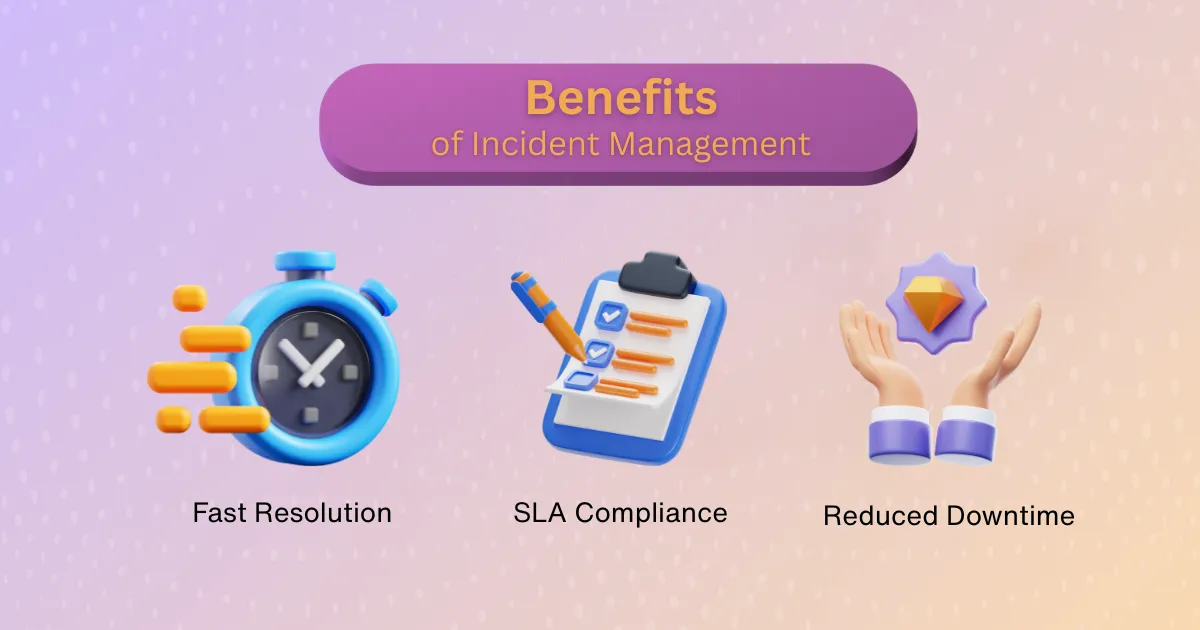
Fast resolution
Quick action keeps services online and customer satisfaction high. Users experience minimal disruption, and confidence in your systems stays intact. A swift fix reduces stress across the board.
SLA compliance
Meeting SLAs protects your credibility and prevents financial penalties. It reflects your team’s reliability under pressure. Incident management helps hit those targets consistently.
Reduced downtime
Downtime erodes trust and drains resources. The less time your team spends reacting to incidents, the more time they can spend building value. Fast incident response lets teams shift focus from crisis to progress.
Benefits of problem management
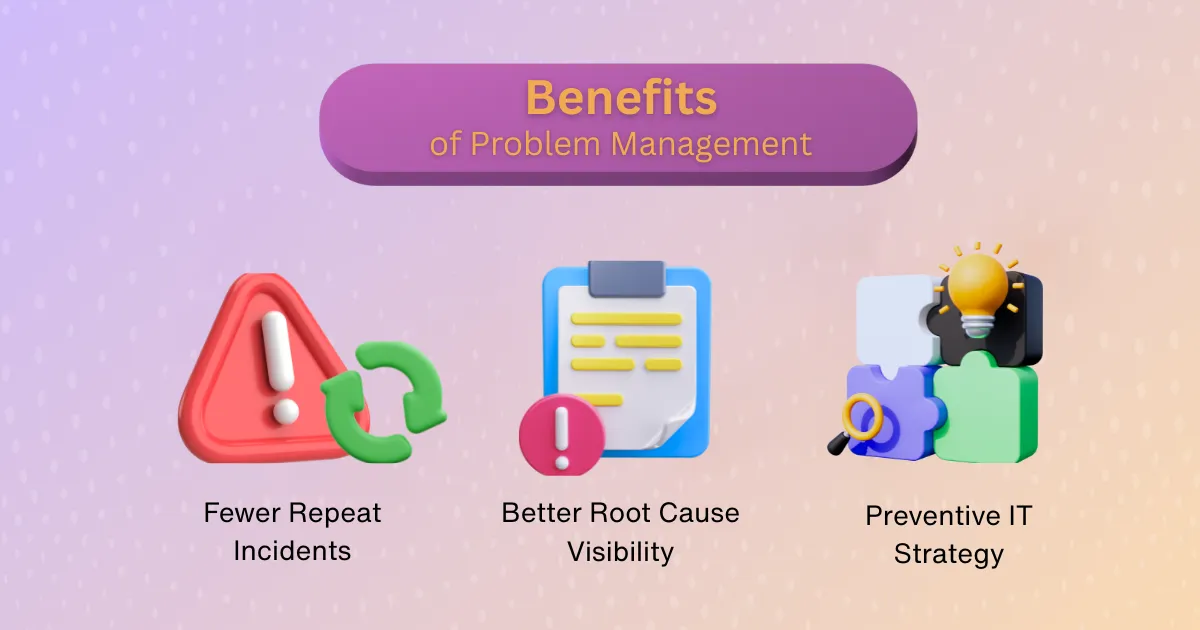
Fewer repeat incidents
Temporary fixes might hold, but they don’t last. Problem management digs deeper to solve the root cause, eliminating recurring disruptions. Over time, this reduces support burden and builds system stability.
Better root cause visibility
Understanding what truly broke means fewer surprises later. Visibility into the core issue allows leaders to make informed, strategic decisions. It shifts teams from guessing to knowing.
Preventive IT strategy
Problem management turns hindsight into foresight. By learning from past issues, teams can build systems that anticipate and withstand future ones. It helps create a culture where prevention is just as important as resolution.
Challenges in incident management
- Misclassification: Too many tickets get misrouted, slowing everything down.
- Alert Fatigue: Too many low-signal alerts bury the real threats.
- SLA Breaches: Without clear ownership or workflows, deadlines slip.
How to solve: Automate triage, normalize severity scales, and build smart alert routing.
Challenges in problem management
- Lack of Trend Data: Without solid logging, patterns go unnoticed.
- Slow RCA: Teams get stuck in “what-if” mode.
- Siloed Ownership: Problems straddle multiple systems, and no one takes the lead.
How to solve: Invest in observability, create structured RCA frameworks, assign cross-functional leads.
Best practices for ITSM Teams
Automate ticket routing and prioritization
Use AI and machine learning to intelligently route tickets based on priority and type. This reduces manual triage and helps surface the right issues to the right teams. Smarter routing clears the queue and improves resolution time.
Use knowledge management to reduce incident volume
A centralized, easy-to-navigate knowledge base empowers teams to solve recurring issues faster. When fixes and RCA insights are documented well, they’re reused more often. Less guesswork means fewer escalations.
Establish clear escalation paths
Every team member should know when to escalate and to whom. Defined pathways prevent bottlenecks and reduce finger-pointing. Clear boundaries help incidents move smoothly through the resolution process.
Invest in root cause analysis training
Surface-level fixes aren’t enough—engineers must be equipped to uncover what really caused the issue. Structured RCA training fosters deeper thinking and better outcomes. It turns every incident into an opportunity to strengthen systems.
Integrating incident and problem management in your workflow
Unified dashboards and reporting
Shared dashboards bring visibility to key metrics like MTTA, MTTR, and recurring problems. They create alignment across teams by showing what’s working—and what’s not. Consistent data helps drive smarter decisions and faster improvements.
Cross-team collaboration techniques
Effective collaboration doesn’t happen by accident—it’s built through shared rituals. Blameless retrospectives, transparent handoffs, and clear documentation keep everyone informed and engaged. The result is smoother coordination and fewer dropped balls.
Communication protocols
Escalating an incident into a problem shouldn’t rely on gut instinct. Standardized communication flows, consistent terminology, and decision trees make the process predictable. Clear expectations build trust and speed up outcomes.
Why strong incident and problem management matter for resilient IT operations
The boundary between incident and problem management doesn’t have to be complicated—it just needs to be clear. Incidents need speed. Problems need depth.
Each serves a different purpose, but together, they build stronger, more resilient operations. We’ve seen that the more intentional the connection between the two, the less room there is for surprises.
To see the incident-to-problem handoff run on your own incidents, book a Rootly demo.
Frequently asked questions
How can we connect incident response with problem management?
Make the retrospective the handoff. Tag the incident’s causes, open a problem record for any cause that could recur, and track each fix as an owned action item with a due date. In Rootly, responders pick Causes during the retrospective and follow-ups sync to Jira or Linear, so problem work lands in the tracker engineers already use. Close the problem only after a recurrence check shows the failure mode is gone.
What is the difference between incident management and problem management for software teams?
Incident management restores service while users are affected, and is measured in minutes and hours with metrics like MTTA and MTTR. Problem management finds and removes the underlying cause over days or weeks, and is measured by whether the incident comes back. In Rootly, the incident runs in Slack or Microsoft Teams, and the retrospective’s Causes and follow-ups carry the work into problem management.
What is problem management in SRE and DevOps?
It is the follow-through after a retrospective: the team that owns the service identifies the contributing causes, ships fixes through its normal delivery pipeline and watches for recurrence. Unlike ITIL, it rarely uses a separate problem manager or change advisory board, and SLOs and error budgets decide when reliability work comes first. Rootly supports it with Causes tagged across incidents, follow-ups synced to Jira or Linear, and Related Incidents matching repeats to past ones.
What is the difference between an incident, a problem, and an alert?
An alert is a signal from a monitoring tool that something needs attention. An incident is a declared disruption with responders, a timeline and a retrospective. A problem is the underlying cause behind one or more incidents, tracked until it is fixed.
How do incident management and ITSM work together?
ITSM frameworks such as ITIL define incident, problem and change management as separate practices. Engineering teams often run incident response in a dedicated tool like Rootly, where responders already work in Slack or Microsoft Teams, and sync the resulting action items and problem records into the ITSM or tracker the rest of the organization uses.
Related articles

Making decisions with incomplete information
Six questions an incident commander can ask to make good calls under pressure, drawn from Apollo 13, the Berlin Airlift, Everest and more.


The unofficial SRE track for KubeCon NA '26
Seven KubeCon NA 2026 sessions for SREs, covering infrastructure testing, incident context, clock-skew debugging, GitOps failures, and hands-on recovery.


Your customers will notice before your status page does
How to run a status page during an incident: post within minutes, update on a set cadence, separate facts from guesses, and give comms its own role.