Rootly Status Pages V2
Rootly Status Pages V2 adds fully synced service health, third-party component status, workflow automation and more configuration for enterprise teams.
On this page
📯 Rootly Status Pages V2
We’re excited to announce V2 of our wildly popular and native Rootly Status Page that is now more configurable and enterprise-ready.
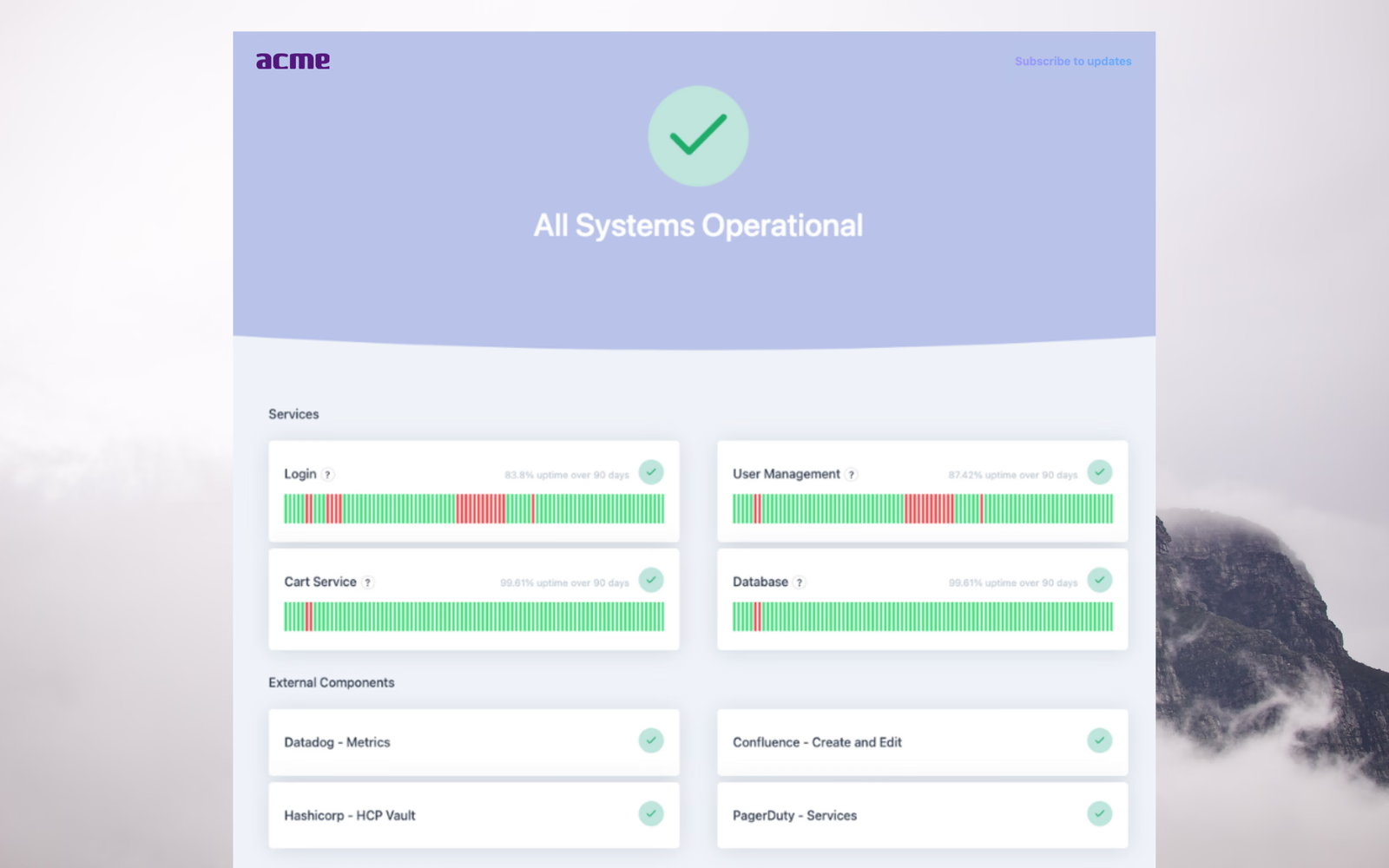
The best way to get real-time updates on incident and system statuses. Organizations can proactively communicate to customers (or internally) to eliminate duplicate support requests, accurately display system health, showcase system reliability, and provide full transparency.
- Fully synced service health status. Rootly will automatically mark any impacted service, as long as they are attached to a live incident. No longer need to manually update.
- Show impacted 3rd party components. You can tap into 100s of third party components to display the status of mission-critical tools your service relies on like Twilio, Datadog, and AWS, etc.
- Automate via workflows. Ability to auto-publish based on the status of the incident or any other conditions. Supports pre-templated messages and incident variables.
- Public and Private pages. You might not want to use the same status page for your public audience (customers) as your internal leadership (employees). Now you don’t have to.
- Fit your brand. Organizations can match their page to fit their look and feel via custom domains, header/footer colors, logos, etc.
- Display your uptime. Uptime for each system component over a configurable amount of time can be displayed to show system reliability.
- Integrates directly with Statuspage.io. Import existing templates and subscribers directly from your Statuspage.io account. Can run both Rootly Status Pages and Statuspage.io at the same time without conflicts.
- Publish directly from Slack. With the intuitive
/incident statuspageSlack command. From Web navigate to Incidents > Status Page Timeline to update. - Unlimited subscribers. Supports email, phone, and RSS notification methods.
Get started by navigating to Rootly > Configuration > Status Page. Live for all customers!
What else shipped
🆕 Auto Assign Role from On-Call Rotation workflow task can now be configured to assign on-calls based on PagerDuty services (previously only escalation policies) 🆕 Alert workflows now support Update Action Item task 💅 Enhanced shortcut emojis to accept the same emoji but in all skin tones 💅 Sub-incidents have been added to Rootly retrospective templates 🐛 Expanded selectable date range on incident filter to extend past one year 🐛 Fixed alerts retrieval error on Attach Alerts form field
Related changelogs

Rootly On-call Health
On-Call Health is Rootly's open source project that uses incident, GitHub, and Slack data to spot early signs of on-call burnout and help rebalance rotations.
Mobile App Update: Revamped Shifts, New Nav
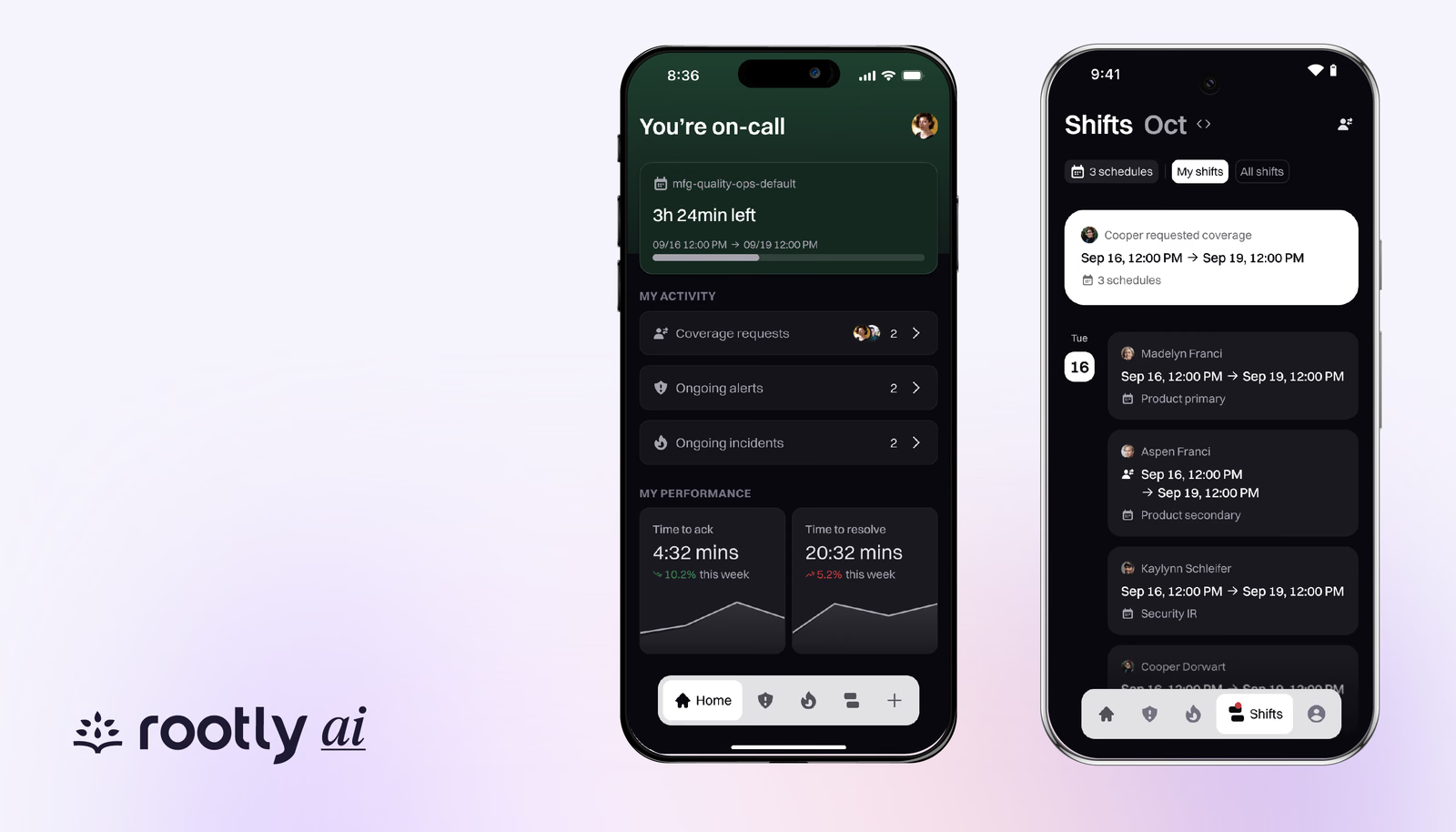
The latest Rootly mobile update for iOS and Android refreshes Shifts and navigation, with coverage requests you can submit and accept in the app.
Coverage Requests Just Got Easier
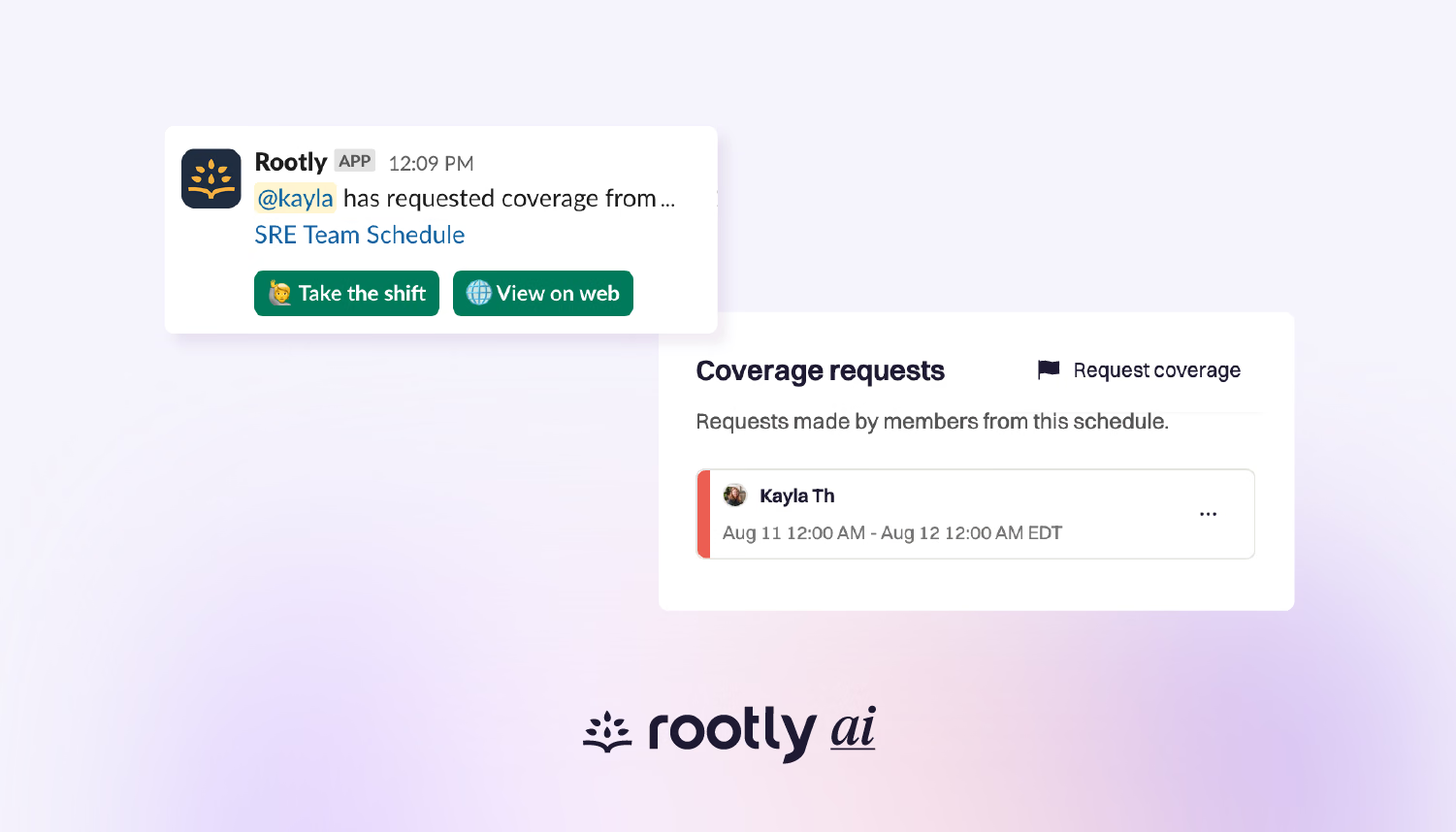
Easily request coverage through Slack and the web when you can’t take your scheduled shift (or part of it).