Keep everyone current in a Slack Canvas.
Rootly workflows now create and update Slack Canvases, so anyone can follow an incident in the channel they already use.

On this page
Rootly workflows can now create and update a Slack Canvas in any channel. Add the Create Slack Channel Canvas action to put a living incident summary right in the channel, then add Update Slack Channel Canvas to keep it current as severity, status, roles, tasks, and the timeline change. Canvas content is written in Markdown with Liquid variables, so every refresh is filled in with real incident data.
The canvas stays yours to work in. Rootly only updates the sections it manages, so notes your team types by hand, at the end or in the middle of the canvas, survive every refresh. Running the create action again keeps the existing canvas instead of replacing it, and each update can either append to the end or replace a specific section.
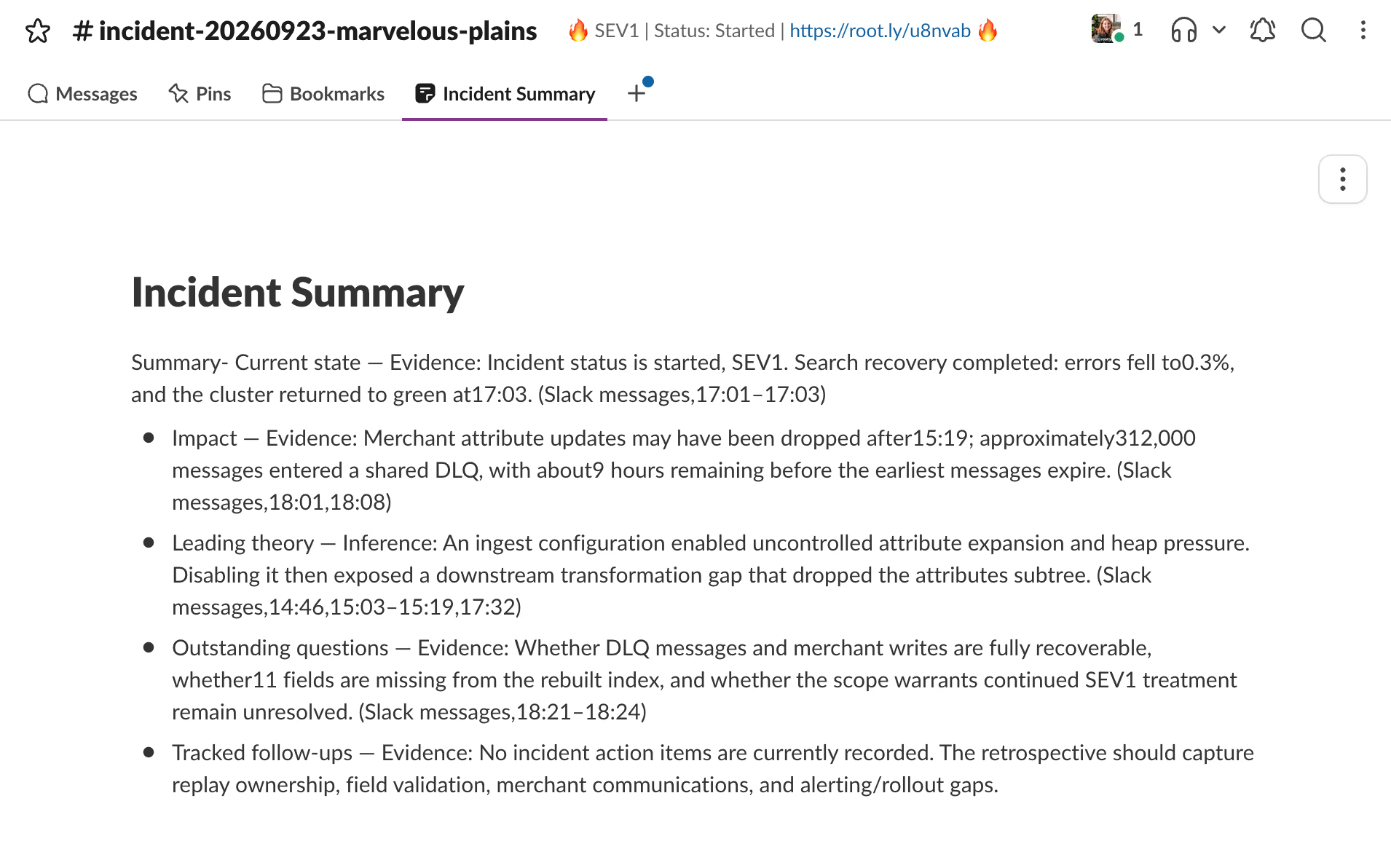
Post regular updates to your incident channel’s Slack Canvas for async alignment.
What’s included
- A Create Slack Channel Canvas workflow action that adds a canvas to the selected channel with your configured title and Markdown content.
- An Update Slack Channel Canvas workflow action that appends new content or replaces a single section.
- Liquid variables for incident ID, severity, status, roles, and more, so the canvas always reflects the incident.
- Managed sections that refresh on their own while hand-written notes stay exactly where your team left them.
- Refreshes driven by the incident and action item triggers you already use, including when a task or follow-up is created or updated.
Why it matters
Plenty of people need to know how an incident is going without being part of the response: leadership, support, and the teams whose services sit downstream. Today they either join the incident channel and scroll a fast-moving thread, or someone on the response stops to rewrite the current state by hand.
A canvas gives them one place to look, in Slack, in a format they already know. Observers can follow along without adding noise to the channel, responders keep their attention on the fix, and the summary stays accurate because Rootly keeps it up to date as the incident moves.
To get started, reconnect Slack in your integration settings to grant the new canvas permissions, then add the canvas actions to any incident workflow.
What else shipped
Improvements
On-Call
- Responders on a cycle-based round-robin level can now page the next person in the rotation from the Escalate menu.
Incident Response
- You can now turn on a setting to skip the retrospective for canceled incidents.
- New incidents and maintenance events can now be announced in Slack even when no incident channel is created.
API & CLI
On-Call
POST /v1/on_call_rolesnow savesmembers_permissionsinstead of silently dropping them.- The schedules API now returns a validation error instead of a 500 when
active_time_typeis sent as null. - The public API now enforces schedule override permissions from both on-call roles and team policies.
Incident Response
POST /v1/incidentsno longer lets a role limited to private incidents create public ones.
Terraform
- The
rootly_alert_groupresource now supportsowner_group_ids, so alert grouping rules can be owned by a team.
Fixes
On-Call
- The shift details popover now lists each shadow once and scrolls when the list is long.
- Alert exports now work with a search term, Labels filter, or built-in field filter applied.
- Custom alert fields can now be picked in the filter menu even when their name matches a built-in filter.
- Deleting a service in the UI now shows the escalation path conditions that block it.
Incident Response
- Conditional required fields now apply when a Slack form first opens and on the convert-to-normal-incident form.
- Incidents on a private status page now open the incident instead of redirecting to the website URL.
Related changelogs
Automatically create and sync sub-incidents with workflows.
A new workflow action creates sub-incidents and keeps summary, severity, and status synced with the parent incident, so parallel response stays coordinated.
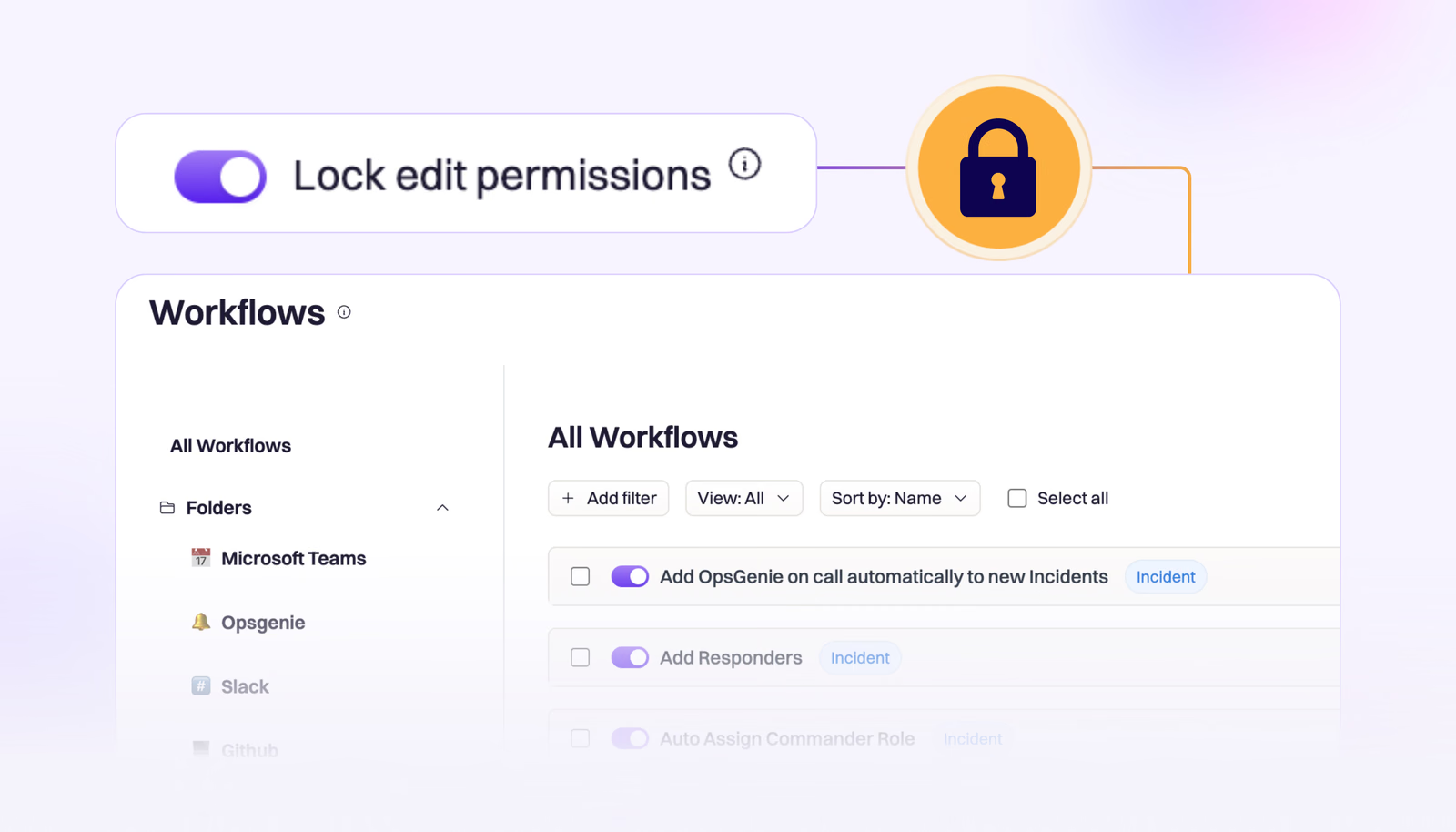
🔒 Lock Individual Workflows
We’ve introduced the ability to lock individual workflows, allowing teams an extra layer of control over their business critical workflows.
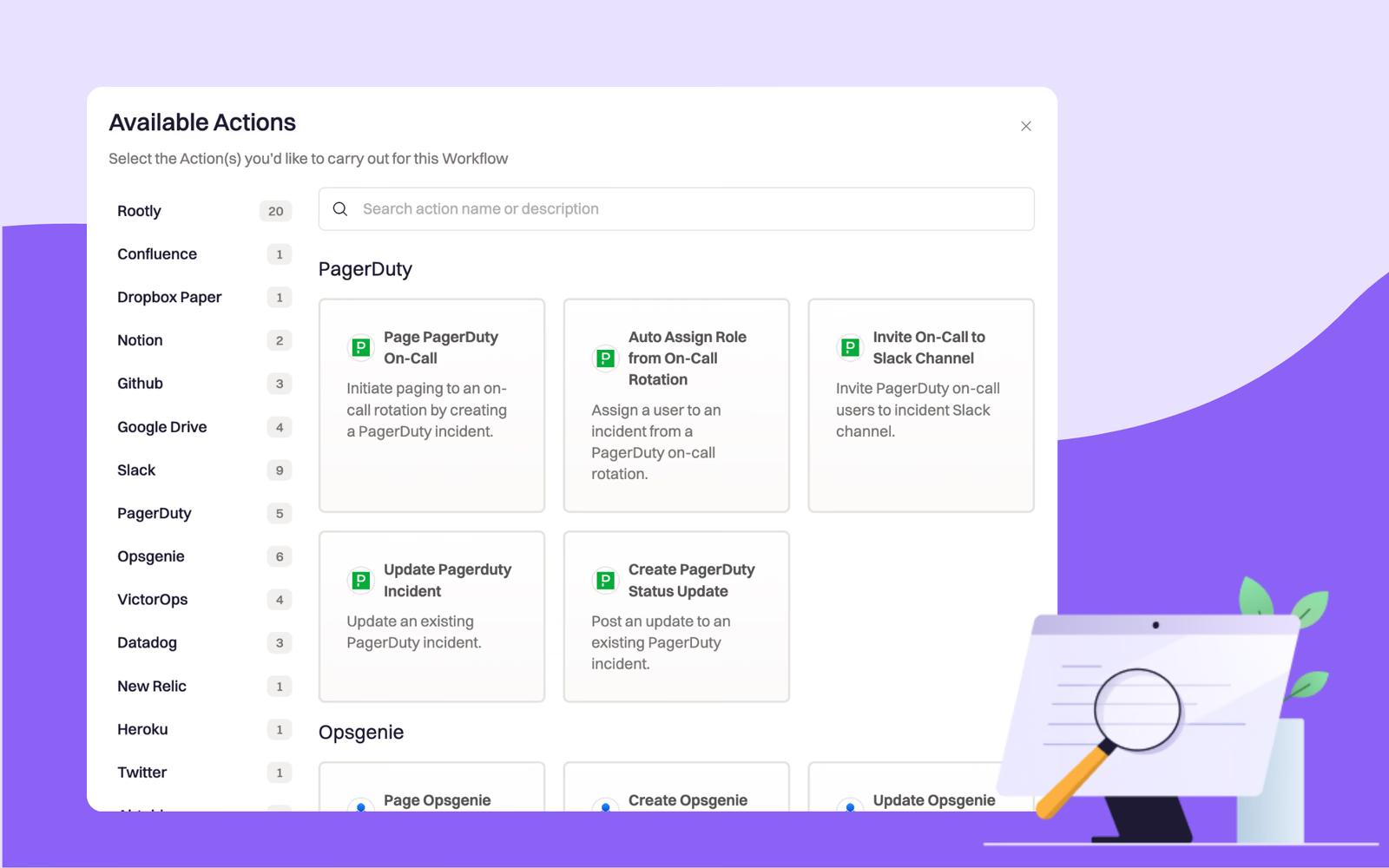
Search and Filter Available Actions for Workflows
Find workflow actions faster: jump to a specific integration from the left navigation or search by keyword, plus a new search bar on Rootly resource pages.