
On-demand webinar · 33 min ·
Status pages people actually trust

Kayla Thomson
Product Enablement at Rootly

Ben McBratney
Head of Incident Strategy at Rootly
About this webinar
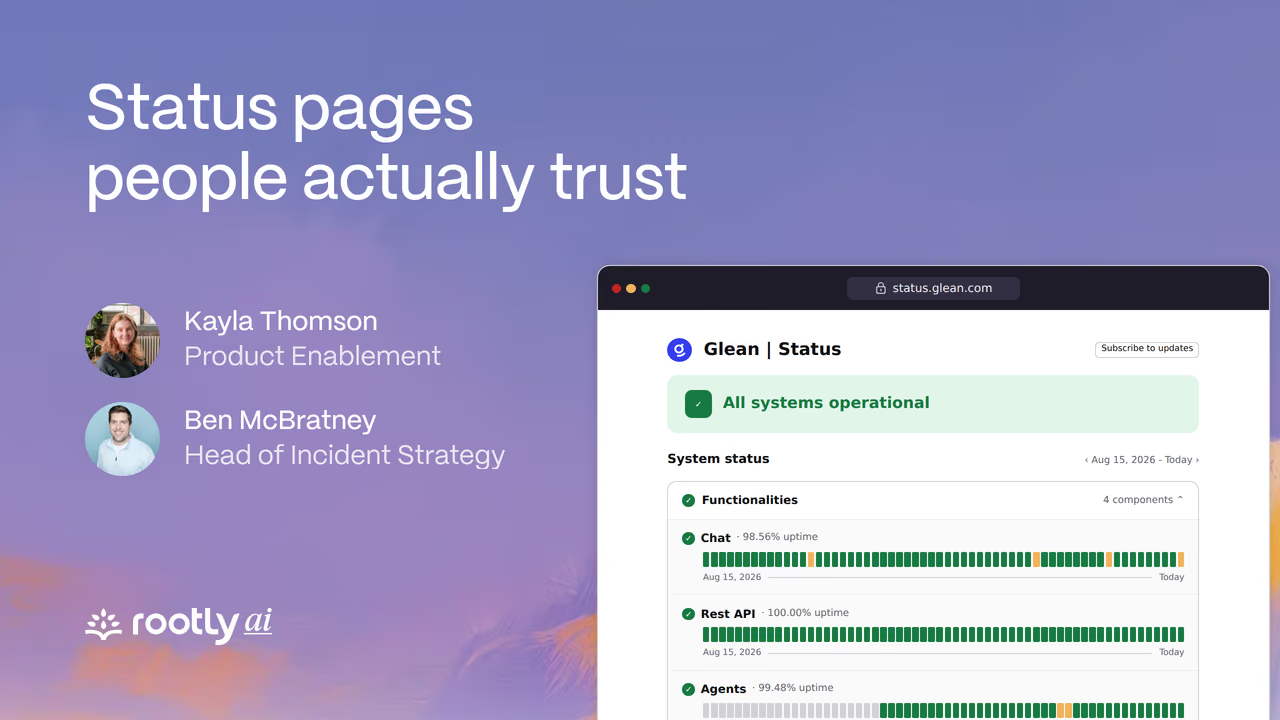
Status pages people actually trust is a 33-minute Rootly webinar on incident communication. Kayla Thomson, from Rootly’s product enablement team, shows how to set up public and private status pages in Rootly and update them from Slack and the web app. Ben McBratney, Rootly’s Head of Incident Strategy, then covers what to post, when to post it, and how to keep updates honest under pressure.
Ben has run incident functions for ten years. His case is that a status page does two jobs: it shows customers you are honest and on top of the problem, and it heads off support tickets, because one post answers every customer at once. Posting is still far from automatic. Across paying Rootly teams with a public status page, 62% of SEV0 incidents and 82% of SEV1 incidents in the previous 12 months never got a public post.
Key takeaways
- Post within minutes, not hours. “We’re aware of an issue affecting login and we’re investigating” is enough for a first update.
- Tie posting to severity, and post anyway when your support queue starts to climb.
- Write pre-approved templates with your legal or PR team before an incident, so the first post skips review.
- Every update answers three questions: what’s broken, how it affects the customer, and when it will be fixed, given as an estimated range.
- Update every 15 to 30 minutes for high-severity incidents, and end each update with when the next one is coming.
- Keep facts and guesses apart. An AI can draft an update, but a person approves every post so an unconfirmed cause never reads as fact.
- Use a private status page for support, sales, customer success, and executives, and keep sensitive incidents such as data breaches off it.
- Plan a fallback, like a social post or an in-product banner, for when the status page itself goes down.
Chapters
- Welcome
- Public and private status pages in Rootly
- Configuring a status page
- Components and groups
- Update templates
- Updating a status page from Slack
- Resolving from the web app
- Why status pages matter to customers
- When to post
- Pre-approved templates
- What every update should say
- Words to keep out of updates
- Public retrospectives
- Private status pages
- Who owns incident communication
- AI drafts, people approve
- When the status page goes down
- Takeaways
- Questions from the audience
Questions from the session
How often should you update a status page during an incident?
Every 15 to 30 minutes for high-severity incidents and every 45 to 60 minutes for lower-severity ones. If an incident runs for days, update often at first and then taper to daily. Each update should say when the next one is coming, and should go out on time even when nothing has changed.
What is the difference between a public and a private status page?
A public status page is for customers and partners, with short updates that are often written by a communications lead. A private status page is for people inside the company who are not on the incident bridge, such as support, sales, customer success, and executives, and can carry more detail. Anyone logged in to Rootly can read a private page, so sensitive incidents belong in a restricted channel instead.
Can Rootly update several status pages at once?
Yes. One update can be posted to more than one status page, and Rootly Workflows can post updates automatically. Each status page has its own templates, which can use Liquid variables to fill in details from the incident.
Can a status page show a degraded service rather than a full outage?
Yes. When you mark a component as impacted, you choose the degree of impact, such as degraded or a minor outage, and subscribers are notified about that component.
How can you update a Rootly status page besides Slack?
From the incident in the Rootly web app, or automatically through Rootly Workflows. Rootly can also remind the team when a status page update is due.
Can we manage status page subscribers ourselves?
Yes. Each status page has a subscribers list you can review and remove people from. Subscribers can follow a page by email, SMS, or Slack. Importing subscribers from another status page provider is done by your Rootly customer success manager, and imported subscribers do not have to confirm their subscription again.
Next live webinar
Run better retros without automating away the learnings
Ben McBratney and Kayla Thomson show where AI earns its place in an incident retrospective and where a person still has to do the thinking, so the learning survives the automation.
Register