Sub-Incidents
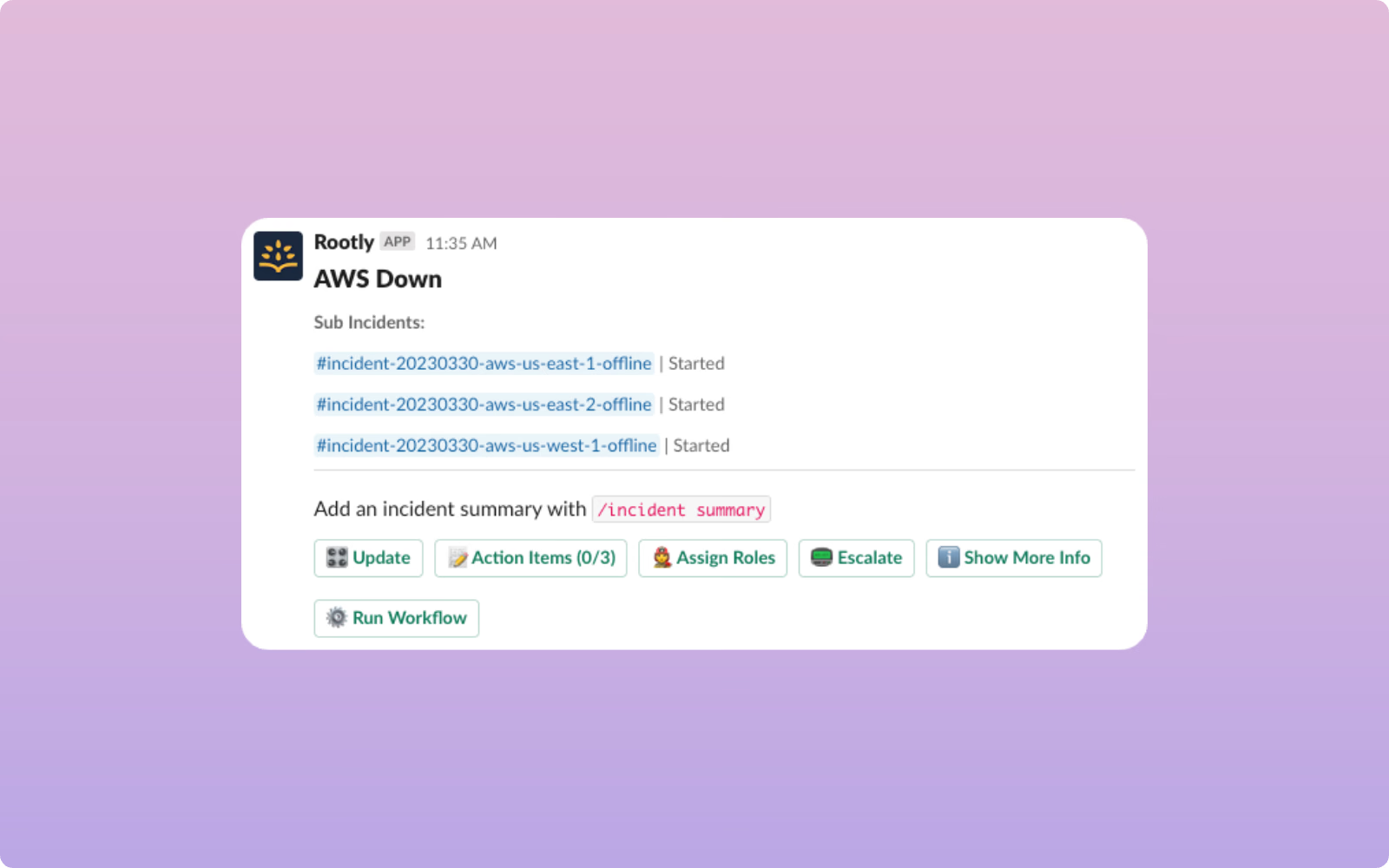
🔀 Sub-Incidents Large scale incidents often impact multiple product areas and teams to varying degrees. Being able to break the incident into different workstreams can often help make managing them easier. We’re excited to introduce the ability to create sub-incidents from parent incidents . Shou
On this page
🔀 Sub-Incidents
Large scale incidents often impact multiple product areas and teams to varying degrees. Being able to break the incident into different workstreams can often help make managing them easier.
We’re excited to introduce the ability to create sub-incidents from parent incidents. Should you ever find yourself tackling a complex incident that requires it to be broken into smaller pieces, simply use the /rootly sub command in the incident Slack channel to or the button under /incident overview to declare a sub-incident. Alternatively, you can also create a sub incident through the Web Platform.
Like their parent counterparts, sub-incidents are also supported in workflows. To trigger tasks for sub-incidents, set the kind condition field to Sub Incident and your workflow will only run when the incident in reference is a sub-incident.
Once created, sub-incidents can be handled just like a regular incident. You’ll be able to reference its properties via the same incident/liquid variables and report on them in metrics.
GA today for all customers! You can visit our docs to learn more about sub-incidents.
What else shipped
🆕 Create as User field in Create a Zoom Room workflow task now accepts incident/liquid variables
🆕 Retrospectives created in Google Docs, Confluence, Notion, and Dropbox can now be be marked as draft
💅 List Alerts API & List Pulses API has been enhanced to be queried by source
💅 Slack User field in Invite to Slack Channel workflow task now accepts user inputs
🐛 Corrected permission-check error for Slack commands
🐛 Fixed display issue on linked Jira ticket for backfilled incidents
Related changelogs

Rootly On-call Health
Rootly's new open source project: On-Call Health On-call work is demanding, and exhaustion directly impacts incident response quality, retention, and overall team health. Engineering leaders often lack visibility into when their teams are being stretched too far until it’s too late. Rootly’s On-Call
Mobile App Update: Revamped Shifts, New Nav
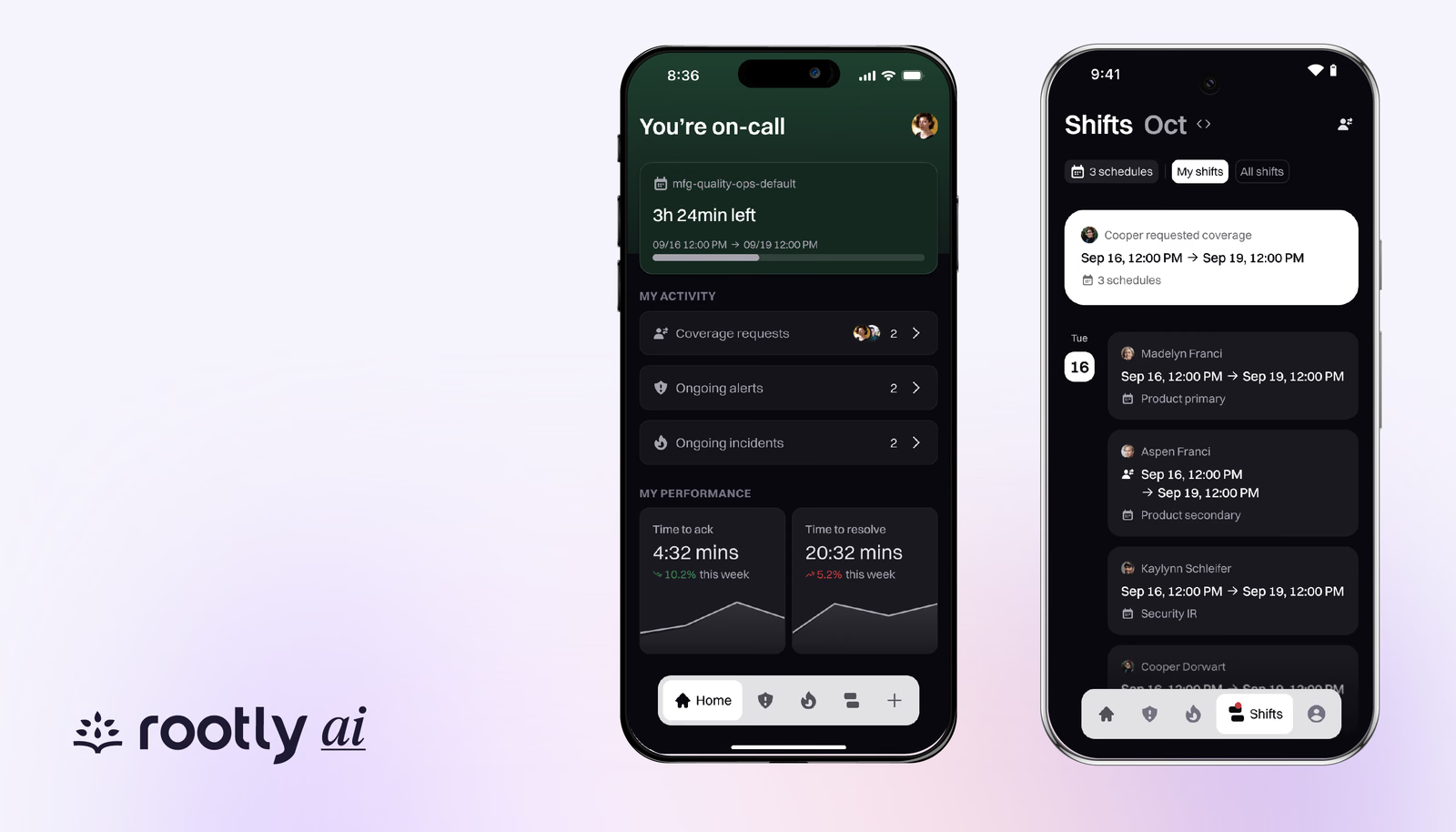
Update your iOS or Android Rootly app to manage your shifts with a few taps
Coverage Requests Just Got Easier
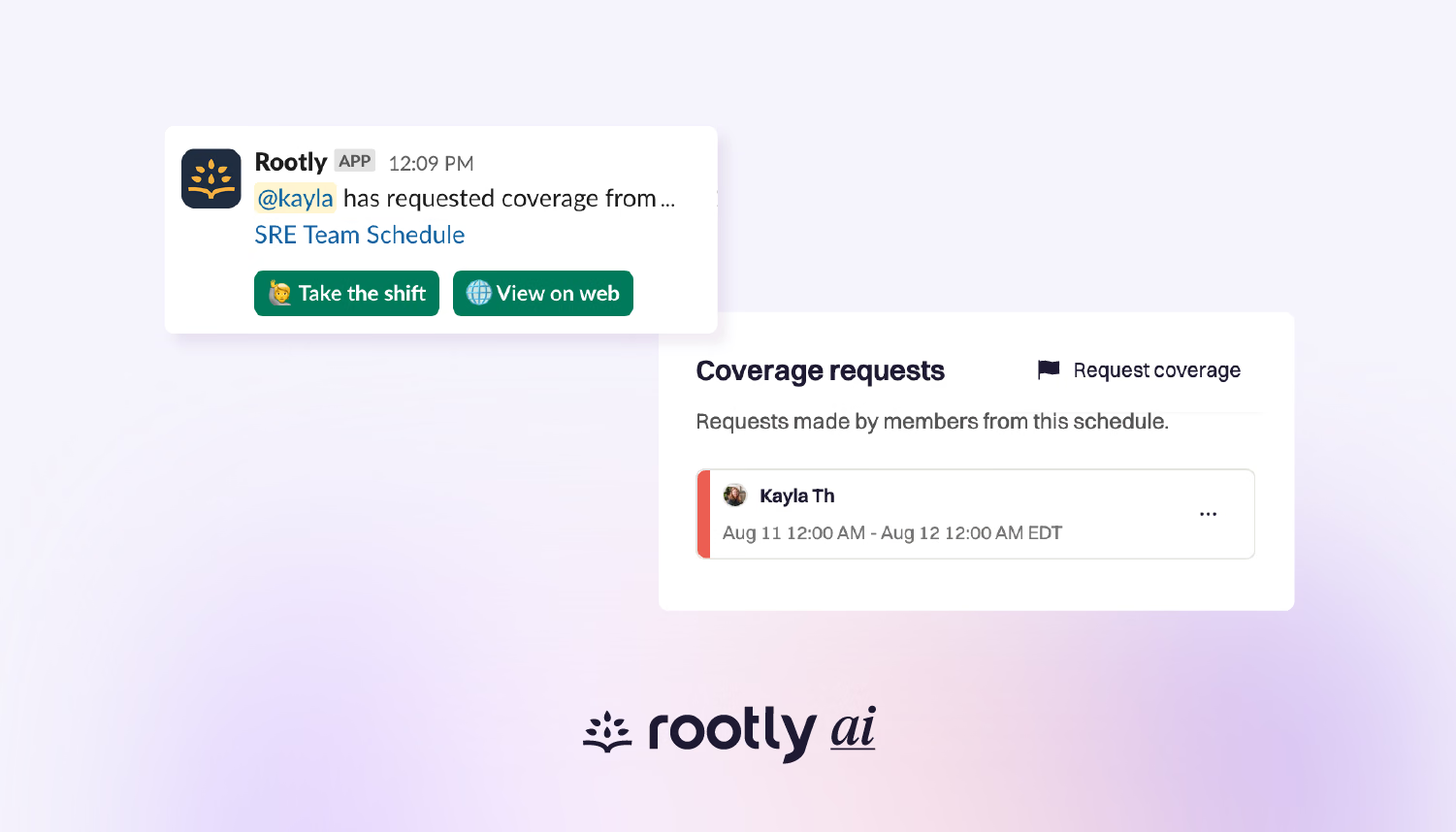
Easily request coverage through Slack and the web when you can’t take your scheduled shift (or part of it).