Search and Filter Available Actions for Workflows
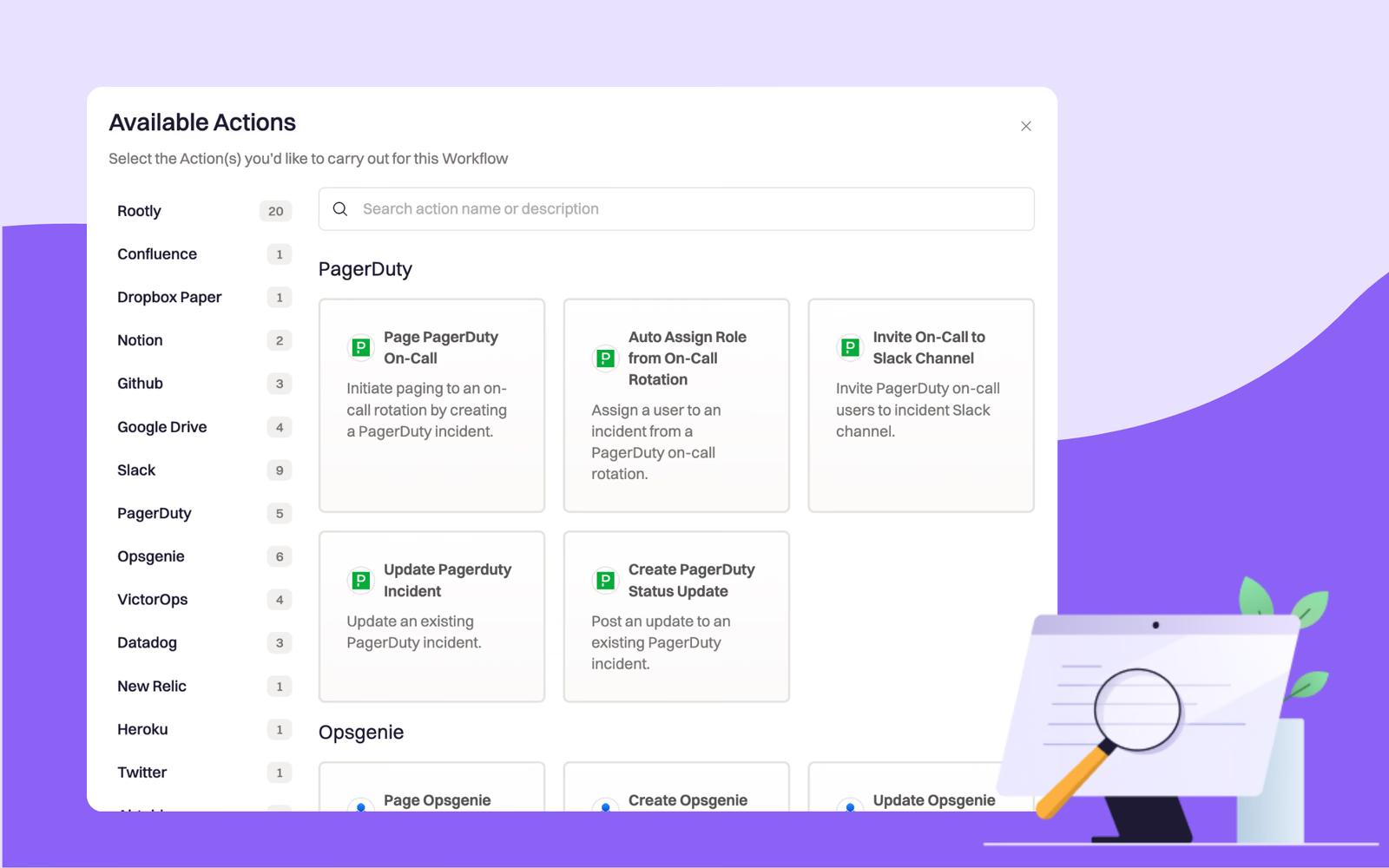
You can now jump to all actions for a specific integration using the new navigation bar on the left side, or use the search bar at the top to find actions using keywords!
On this page
🔎 Search and Filter Available Actions for Workflows
Building workflows just got even easier! We’ve introduced additional navigation and search abilities for available actions in the workflow builder. You can now jump to all actions for a specific integration using the navigation bar on the left side, or use the search bar at the top to find actions using keywords.
Check it out in the video demo below!
What else shipped
🆕 Search bar has been added to all resource pages (e.g. services, functionalities, incident types, teams, etc.). Now users can search for specific resources by their names. 🆕 Ability to copy and paste has been enabled for timestamp fields. 💅 Real incidents and test incidents are now visually separated into different tabs on the Incidents page. This makes test incidents easier to distinguish from the real ones. 💅 Improved display of incident roles in Slack by wrapping long descriptions is instead of truncating them. 🐛 Fixed broken workflows tasks for inviting on-calls to incident Slack channel 🐛 Fixed issue with custom text fields not showing entered values on the Update Incident form
Related changelogs

Keep everyone current in a Slack Canvas.
Rootly workflows now create and update Slack Canvases, so anyone can follow an incident in the channel they already use.
Automatically create and sync sub-incidents with workflows.
Run parallel response without losing incident command.
🔒 Lock Individual Workflows
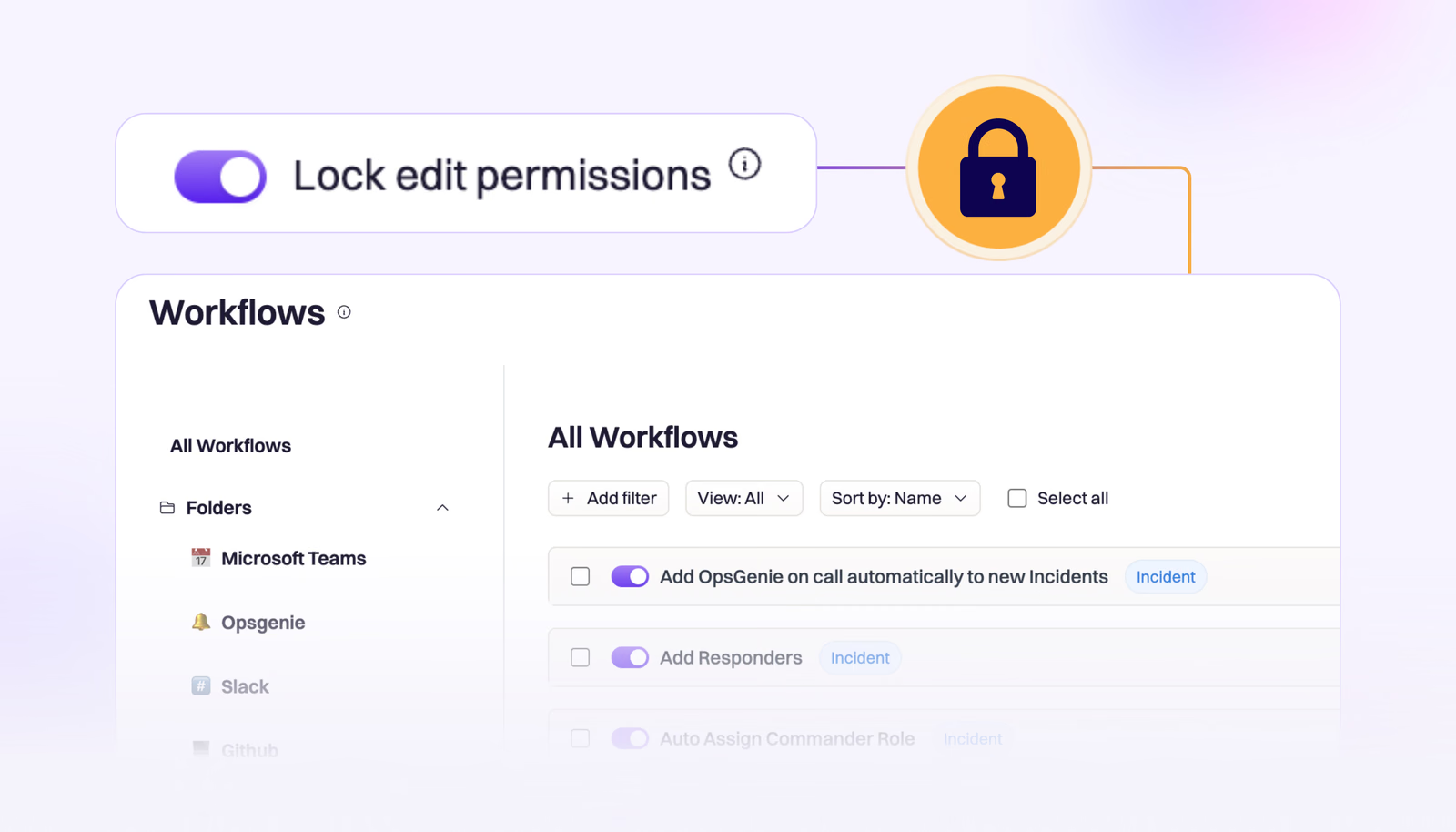
We’ve introduced the ability to lock individual workflows, allowing teams an extra layer of control over their business critical workflows.