Escalating to another Team
Build your escalation policies to automatically loop in another team.
On this page
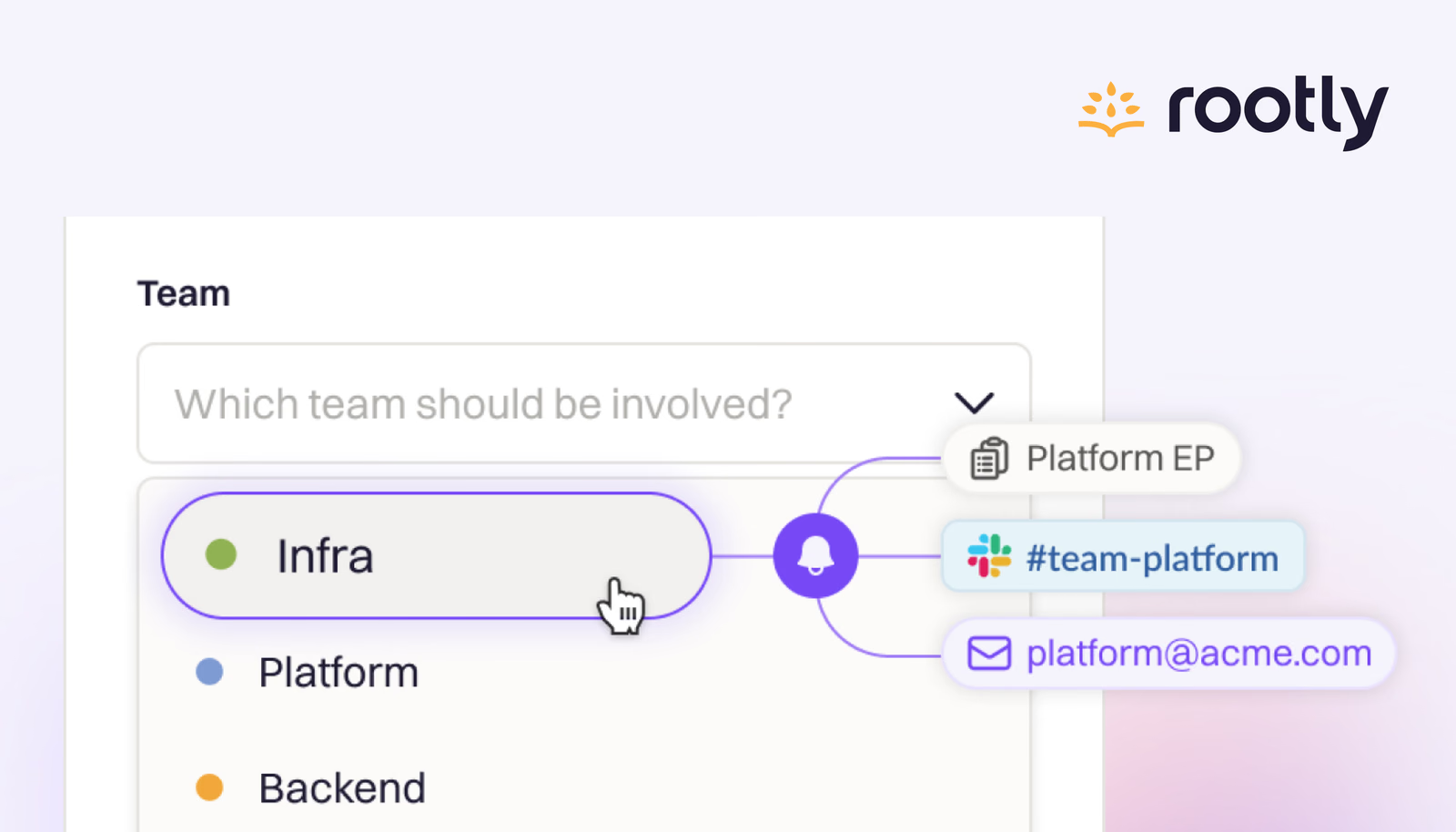
While triaging an alert, there often comes a point when you need to loop in another team. This could be infrastructure, security, or a service owner, who needs to investigate or take action. Now, you can configure your escalation policy in Rootly to automatically escalate to the new team: Rootly takes care of the rest.
By escalating to a new team, Rootly will follow that team’s preferred escalation policy. Whether they use an on-call rotation, Slack alerts, or multi-step escalation flows, we ensure the alert reaches them exactly how they expect so it can be quickly investigated and triaged.
This ensures that:
- The alert is escalated to the right people without delay.
- Teams retain full control over how they’re engaged.
- The paging process respects each team’s escalation preferences.
Why this matters
- Less guesswork for responders. There’s no need to memorize or document paging details for other teams.
- Faster, smoother handoffs. You can loop in the right team at the right time without extra steps.
- Improved autonomy and clarity. Teams manage their own alerting, which reduces friction and confusion.
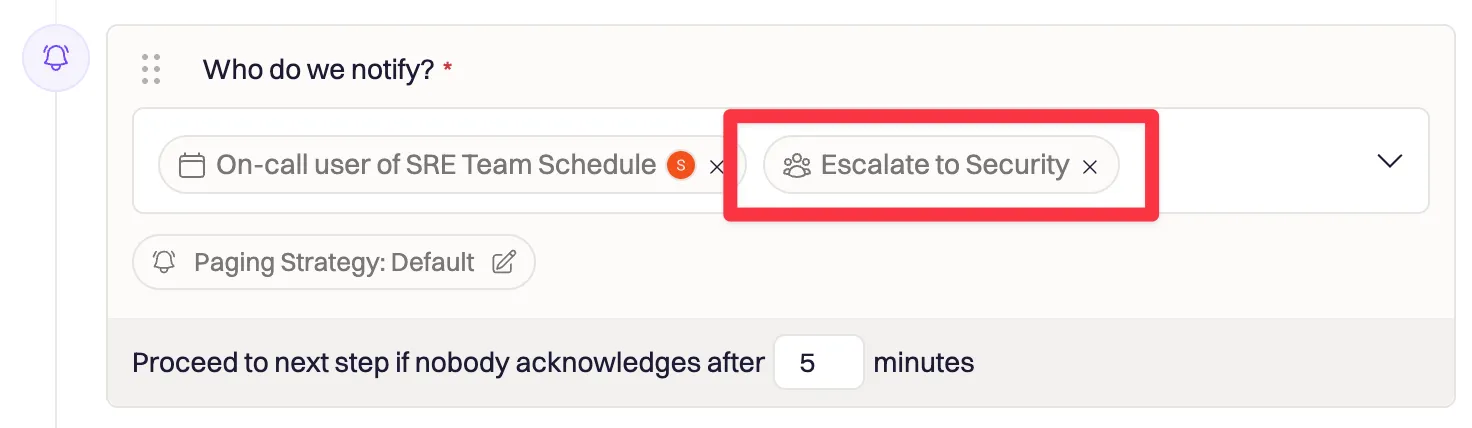
Configure Team Escalations directly in your Escalation Policy editor!
What else shipped
Retriggering Alerts: Bug fix to ensure that retriggered Alerts respect the Quiet or Audible escalation paths.
Using Terraform for Heartbeats: Heartbeat’s URL and Auth are now configurable via Terraform resources.
Improved Incident Sidebar: Enhanced UI to improve reading and editing incident fields in Rootly Web application.
Related changelogs

On-Call Paging in Microsoft Teams.
Rootly On-Call now pages responders, posts alerts, and lets them acknowledge, escalate, and resolve right in Microsoft Teams.

The on-call widget, 24-hour time, and a new Alerts table.
Three new features for responders: 24-hour time, a live on-call widget in the sidebar, and a customizable Alerts table.

Pay calculator for global teams.
Calculate on-call pay for teams anywhere in the world, in one place.