Changelog

  1. Product update

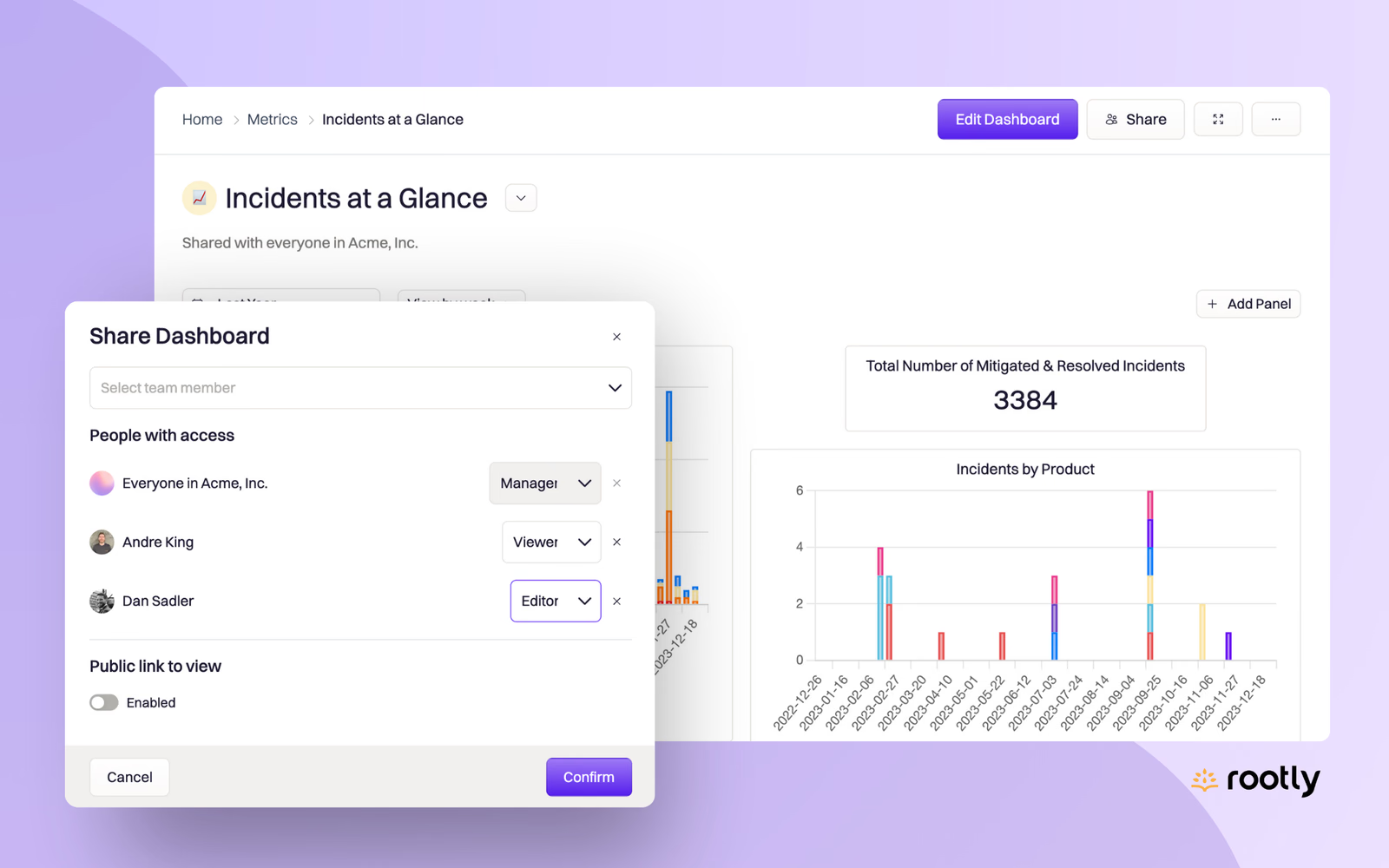
    📊 Dashboard Sharing Permissions

    Controlling who can access your incident data is paramount, especially for large organizations. You might have dashboards which contain information only relevant to a specific team, or some you only want accessible to Executives, etc. With our Dashboard Sharing settings, this is no problem.

  2. Product update

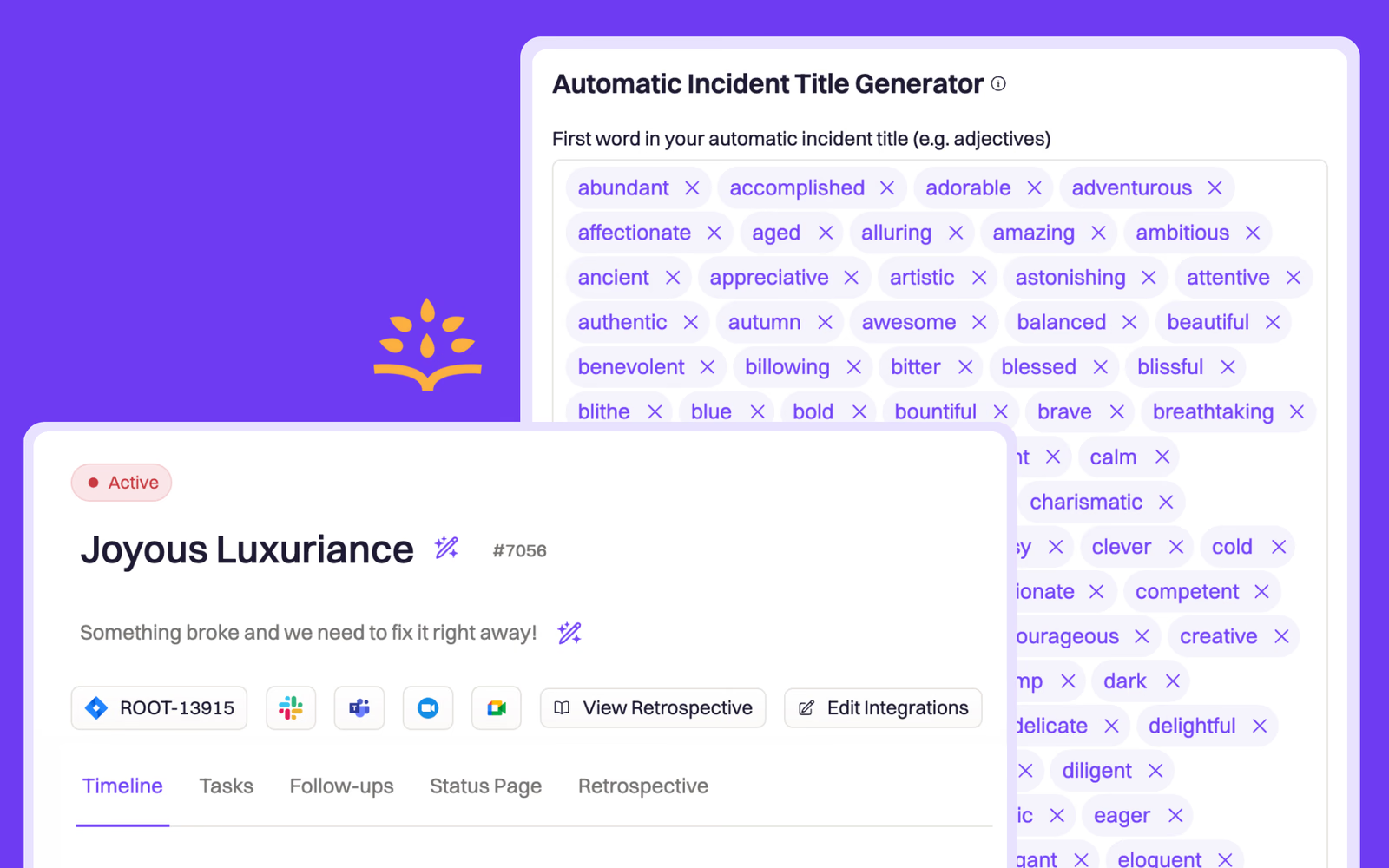
    ✍️ Customize Your Wordbank for Automatic Incident Title Generation

    When you leave the “Incident Title” field blank in the Incident Creation Form (web or Slack), Rootly will automatically generate a random title for you using our built-in wordbank. Now, you can add or remove words to the wordbank used to generate incident titles!

  3. Product update

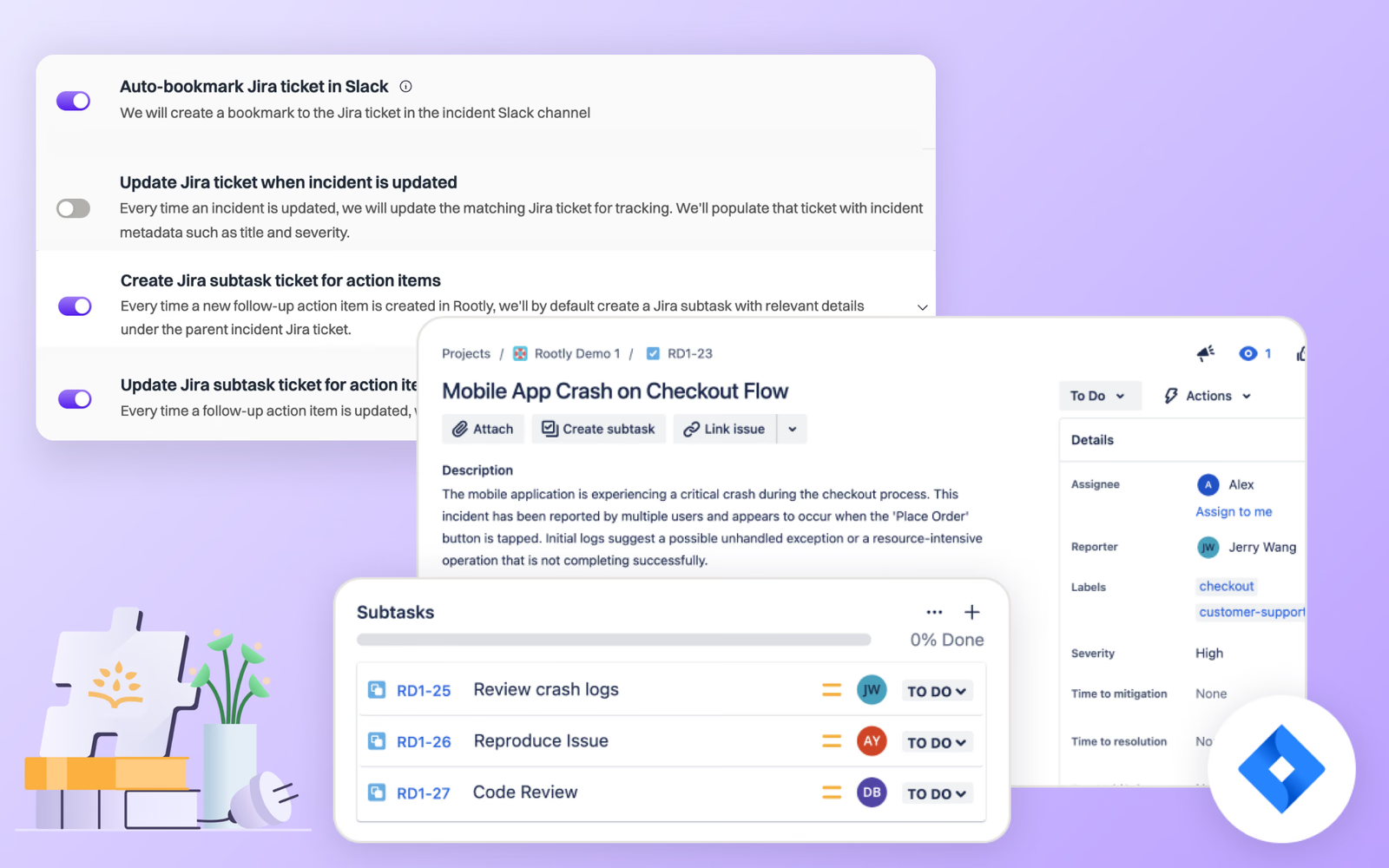
    🧠 Smart Defaults for Jira

    Our Jira integration goes deeper than the other tools on the market. As we continue to evolve this crucial integration, it’s key that we keep ease of use at the forefront of our product philosophy—this is where Smart Defaults come in. They’re our recommended default settings that come enabled out of

  4. Product update

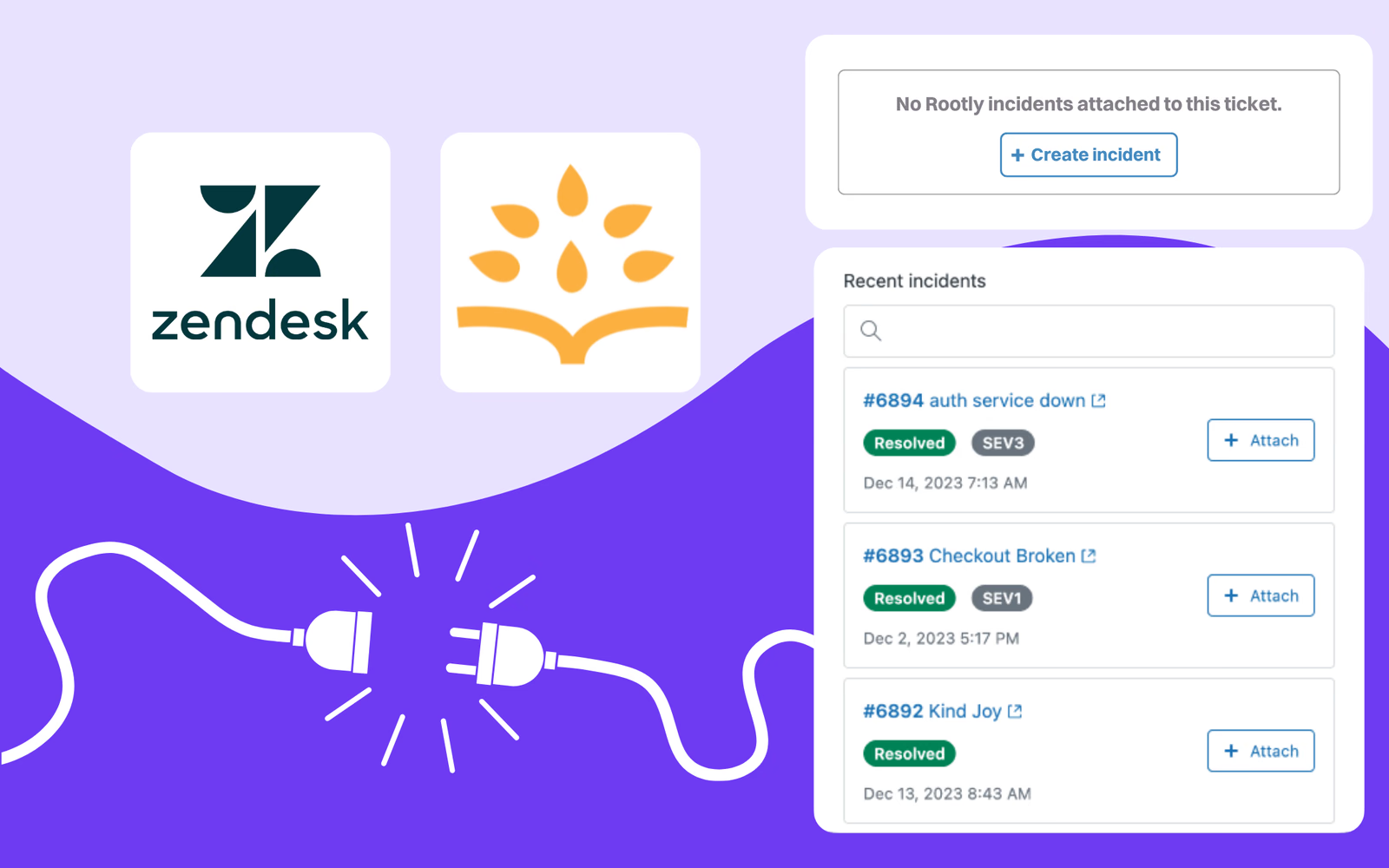
    🔌 The Rootly Plugin for Zendesk

    Our new Zendesk plugin is a must-have for customer support teams wanting to improve the customer experience during incidents.
  5. Retrospectives

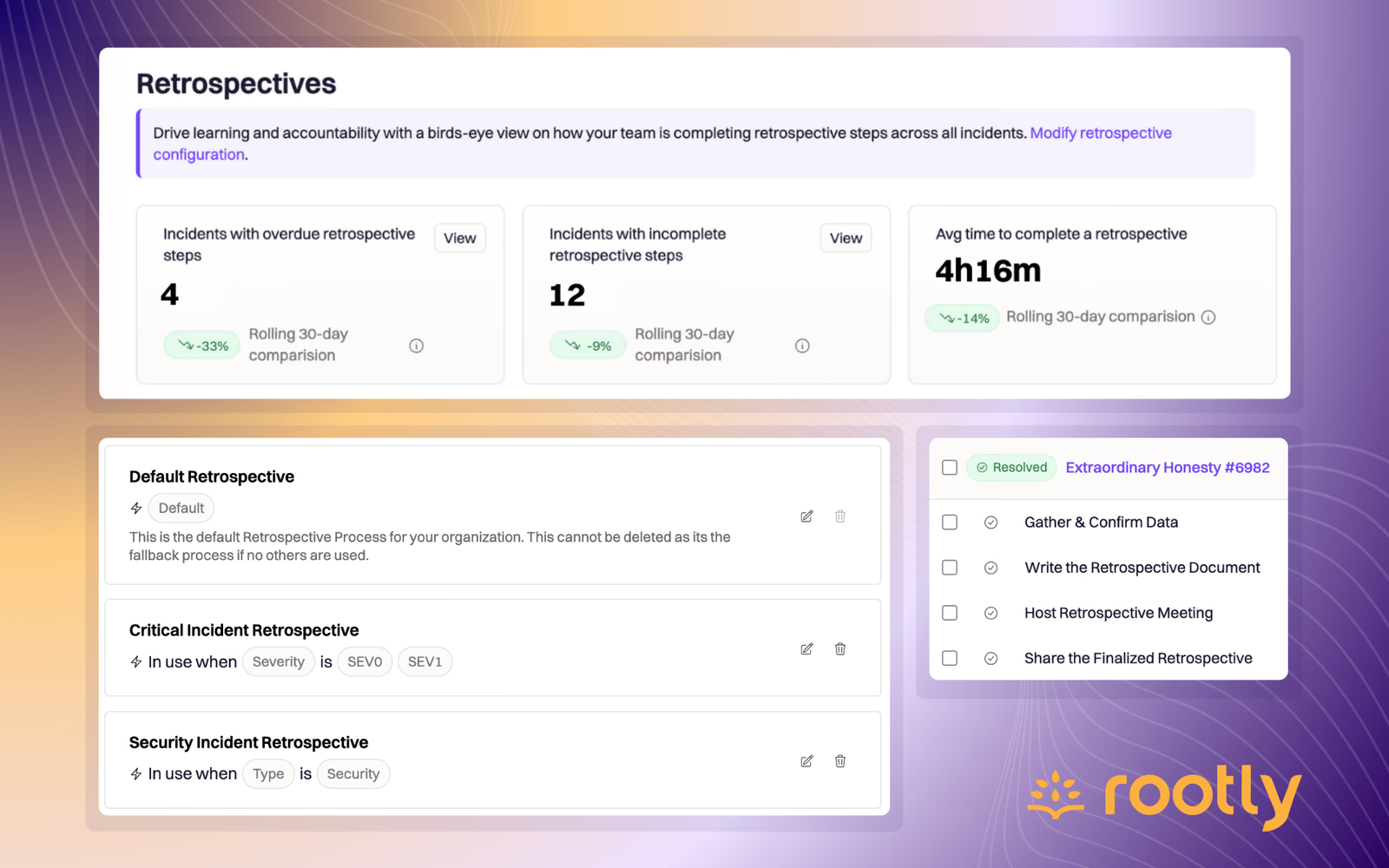
    🪄 Rootly Retrospectives

    Rootly Retrospectives are configurable, customizable processes that allow you to define right-sized retrospectives based on severity, type, or teams involved in an incident.

  6. Product update

    Smart Defaults for Slack Configuration

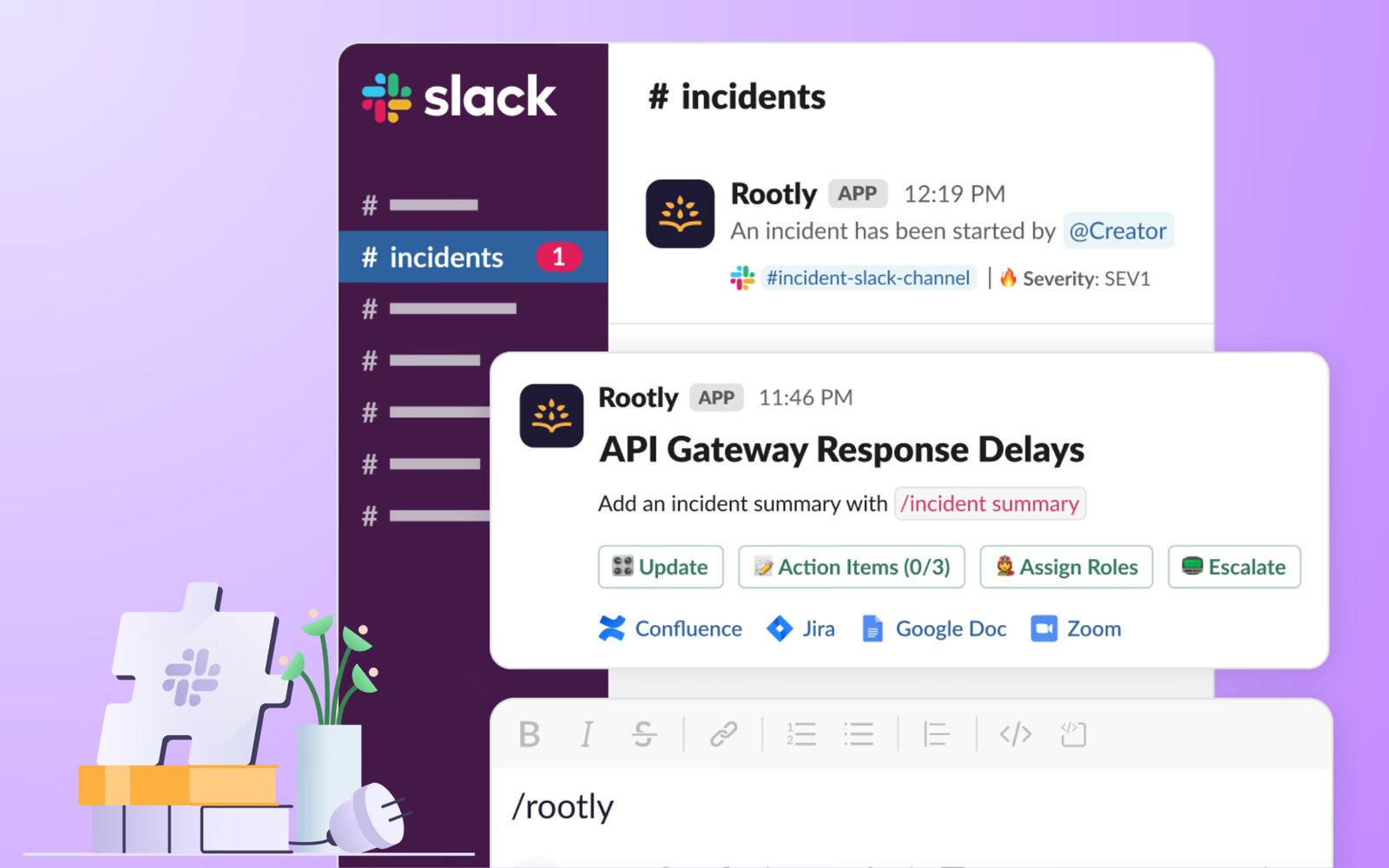
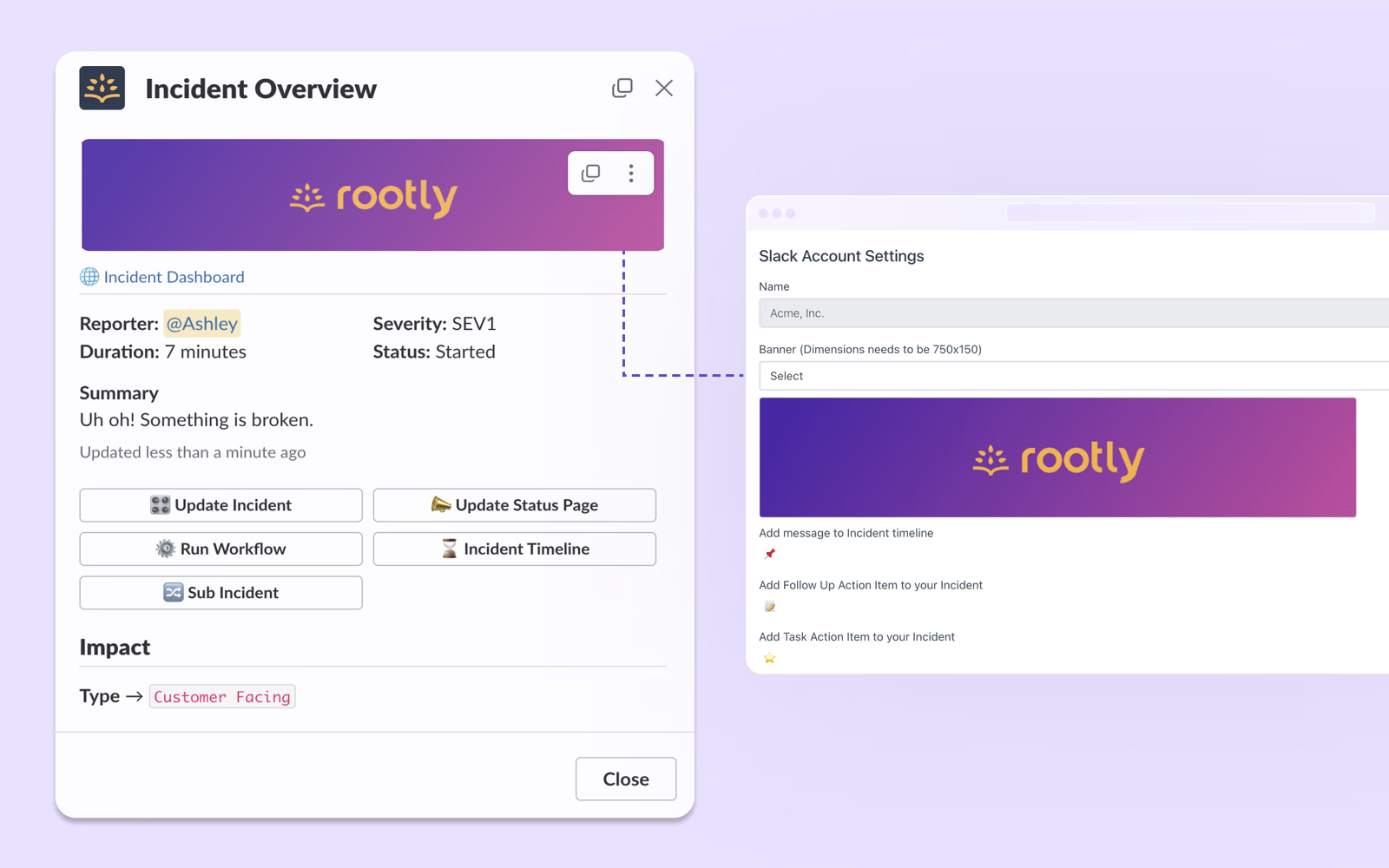
    We've simplified the process of setting up and maintaining your Slack integration with Smart Defaults: a set of easy-to-manage settings that can be configured right in the Integration page instead of requiring custom workflows!

  7. Product update

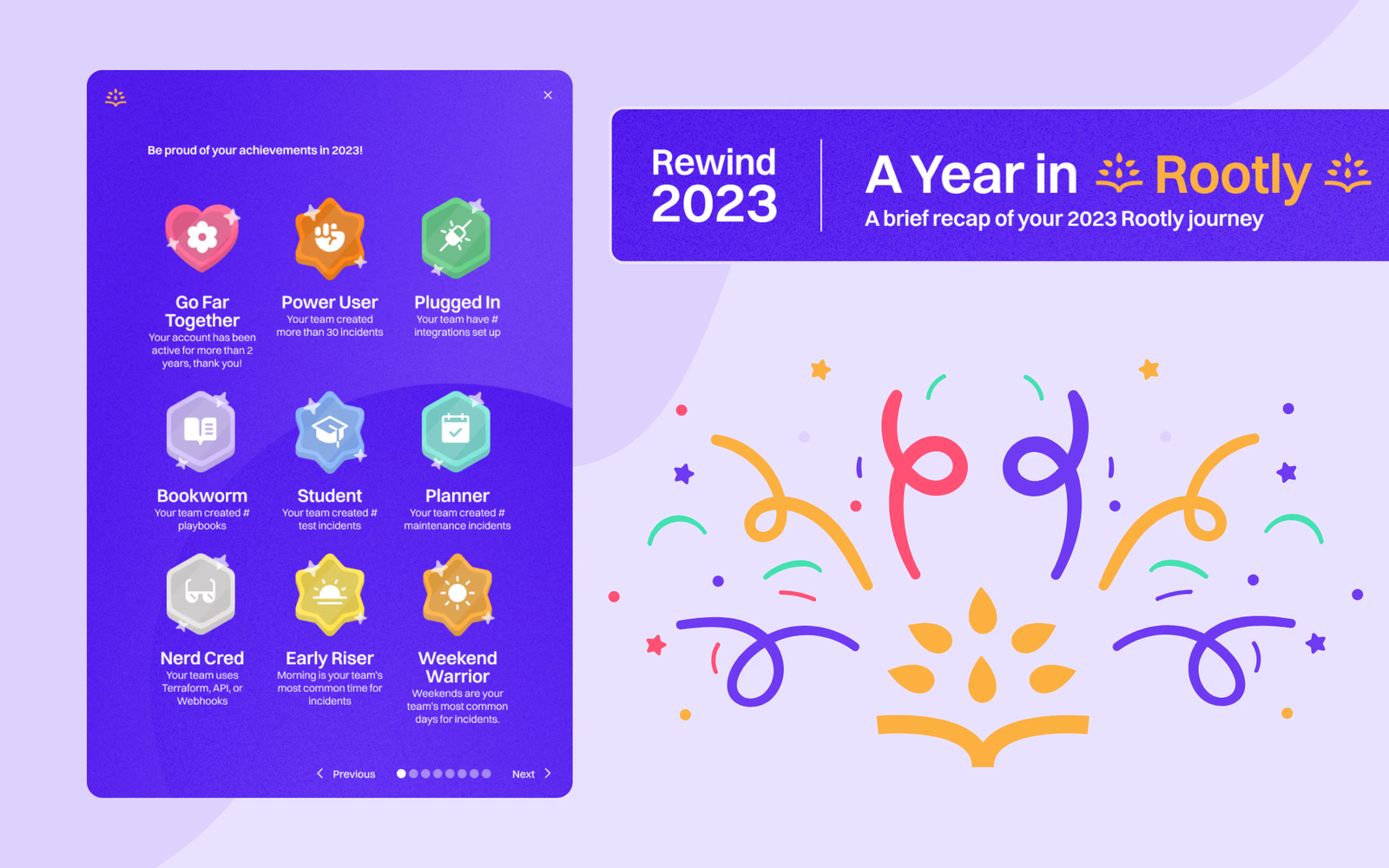
    Rootly Rewind: Celebrating 2023 With Our Amazing Customers!

    When you log in to Rootly today, you’ll see a banner for your Rootly Rewind 2023. Our goal with Rootly Rewind is to give our customers the chance to look back at your incredible accomplishments this year. We’ve put together some stats for you to review, reflect, and celebrate as you look back on 202

  8. Workflows

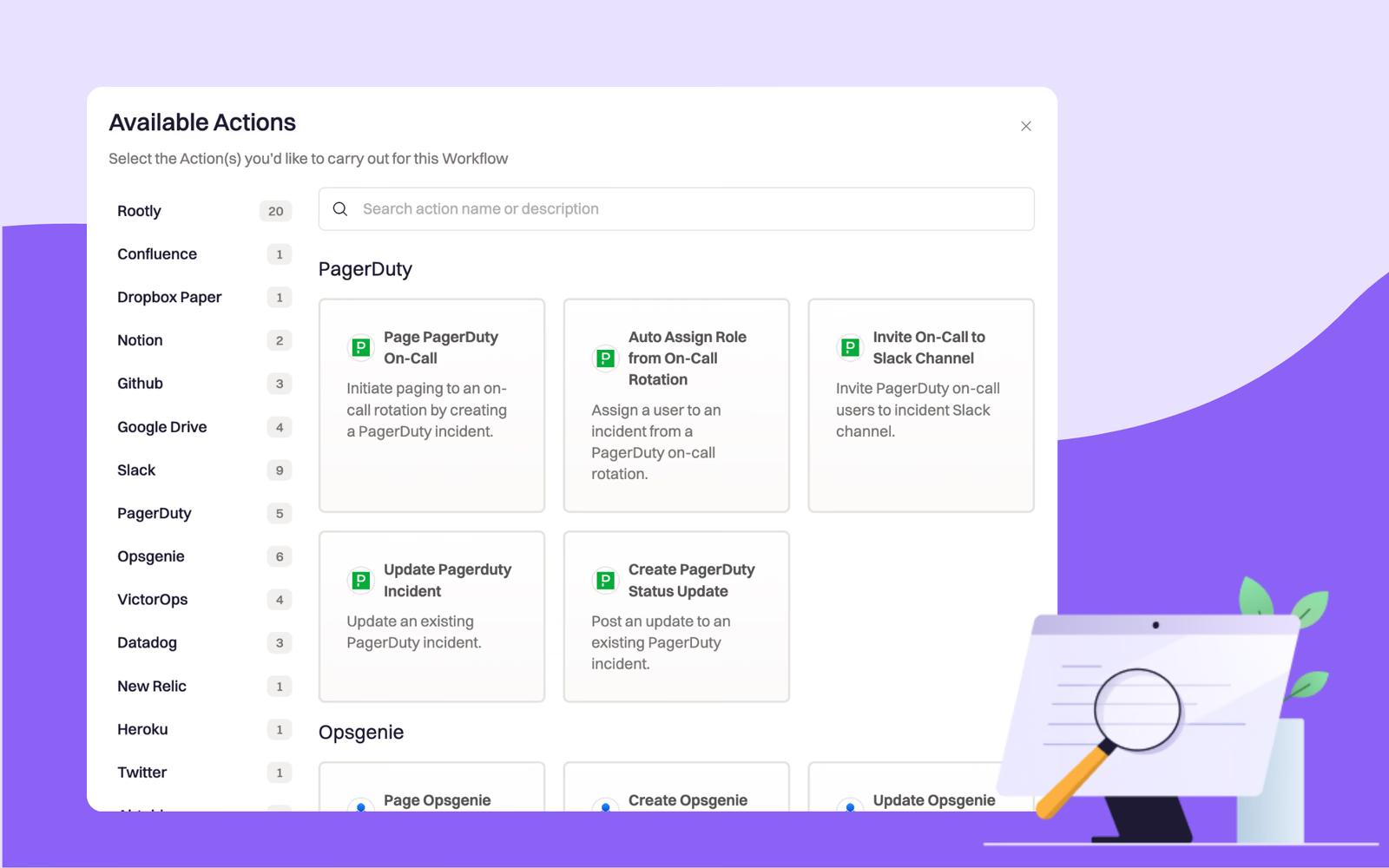
    Search and Filter Available Actions for Workflows

    You can now jump to all actions for a specific integration using the new navigation bar on the left side, or use the search bar at the top to find actions using keywords!

  9. Product update

    The New and Improved Home Dashboard

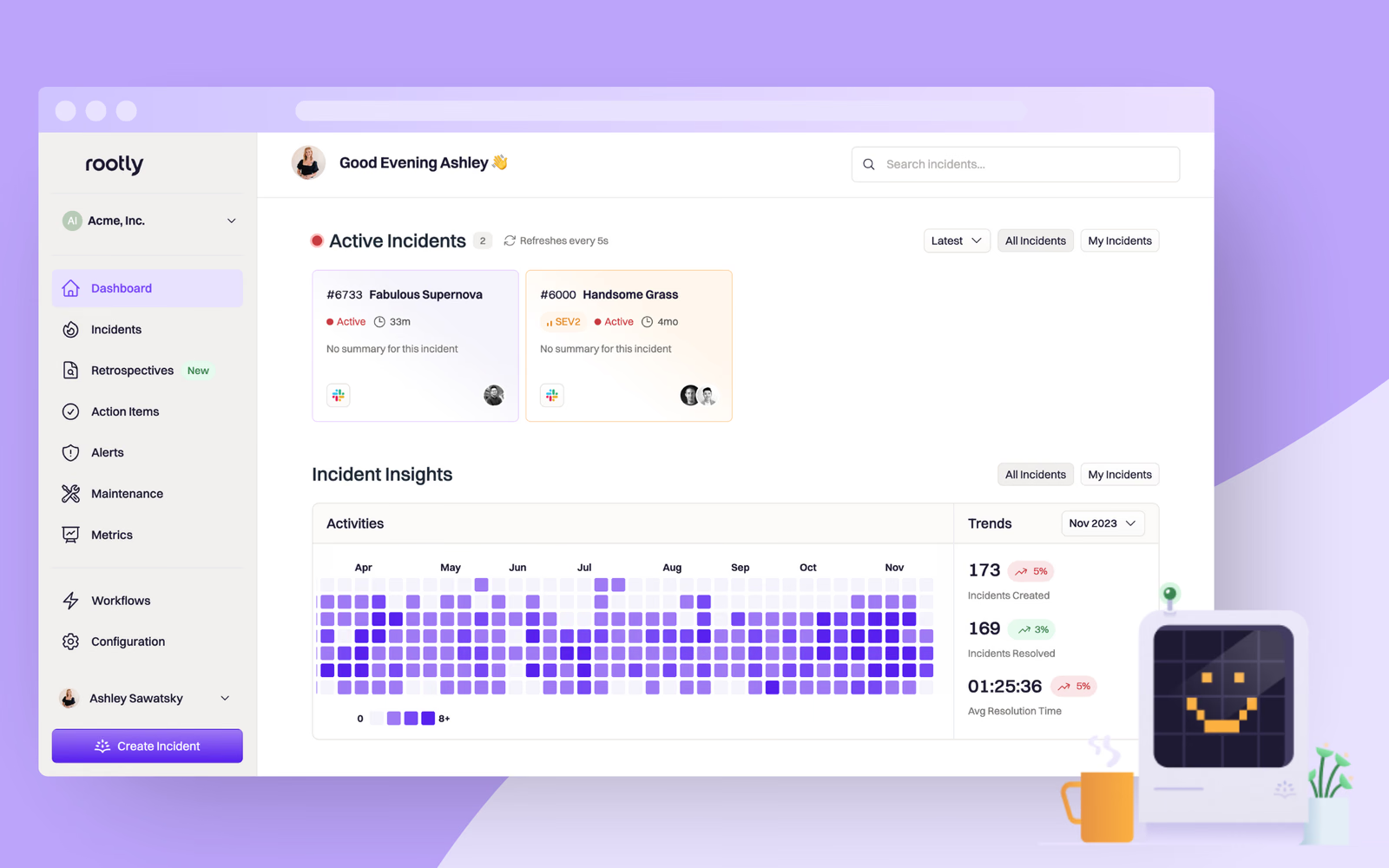
    We’ve redesigned the web dashboard in Rootly, introducing several thoughtful design elements and usability features to make it even better, simpler, and more intuitive to use!

  10. Product update

    Guided Onboarding Flow for New Rootly Users

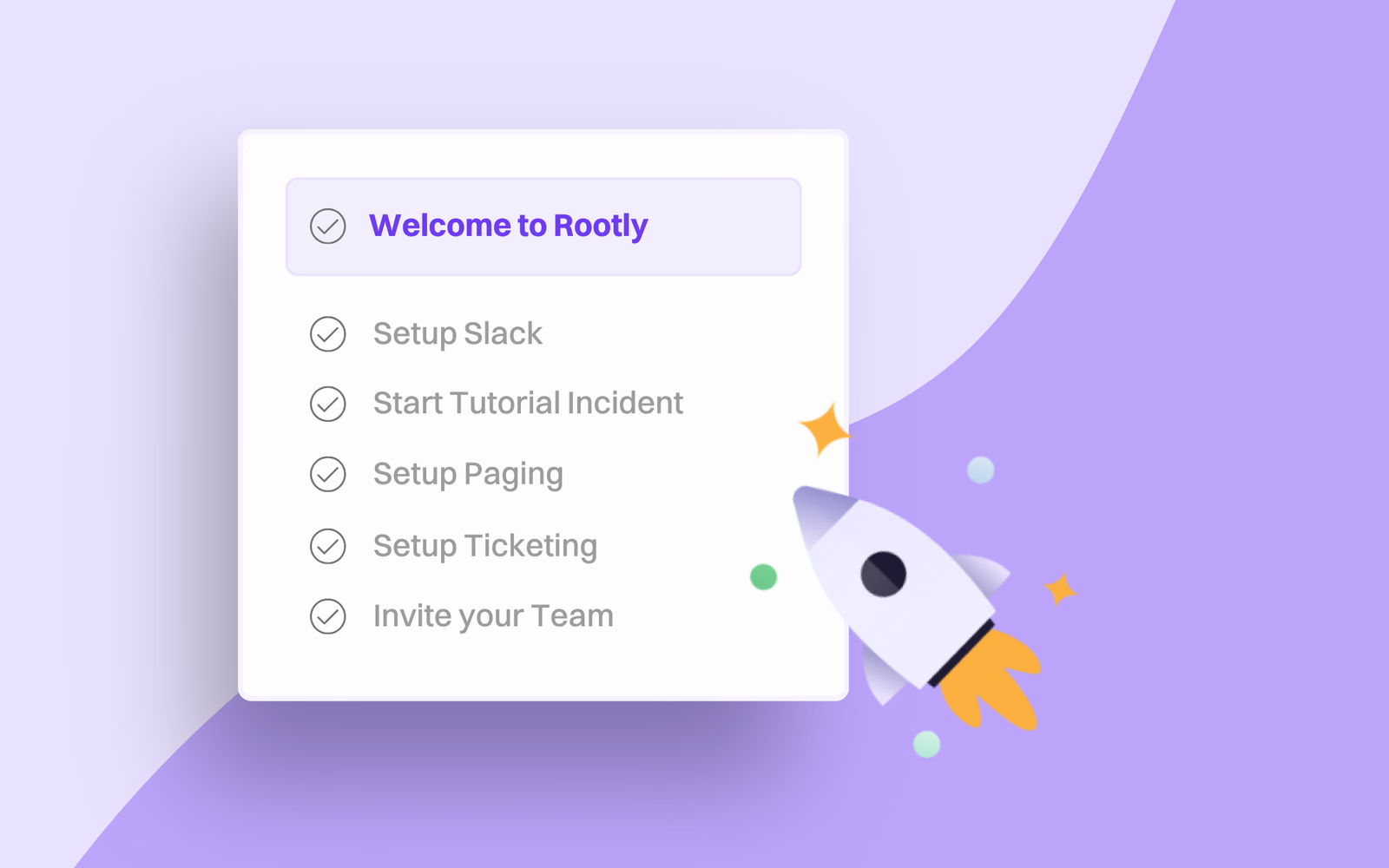
    We’re making the onboarding process even smoother with an in-product onboarding flow that walks new users through setting up Rootly with guided steps, explainer videos, and a pre-built Slack tutorial.

  11. Product update

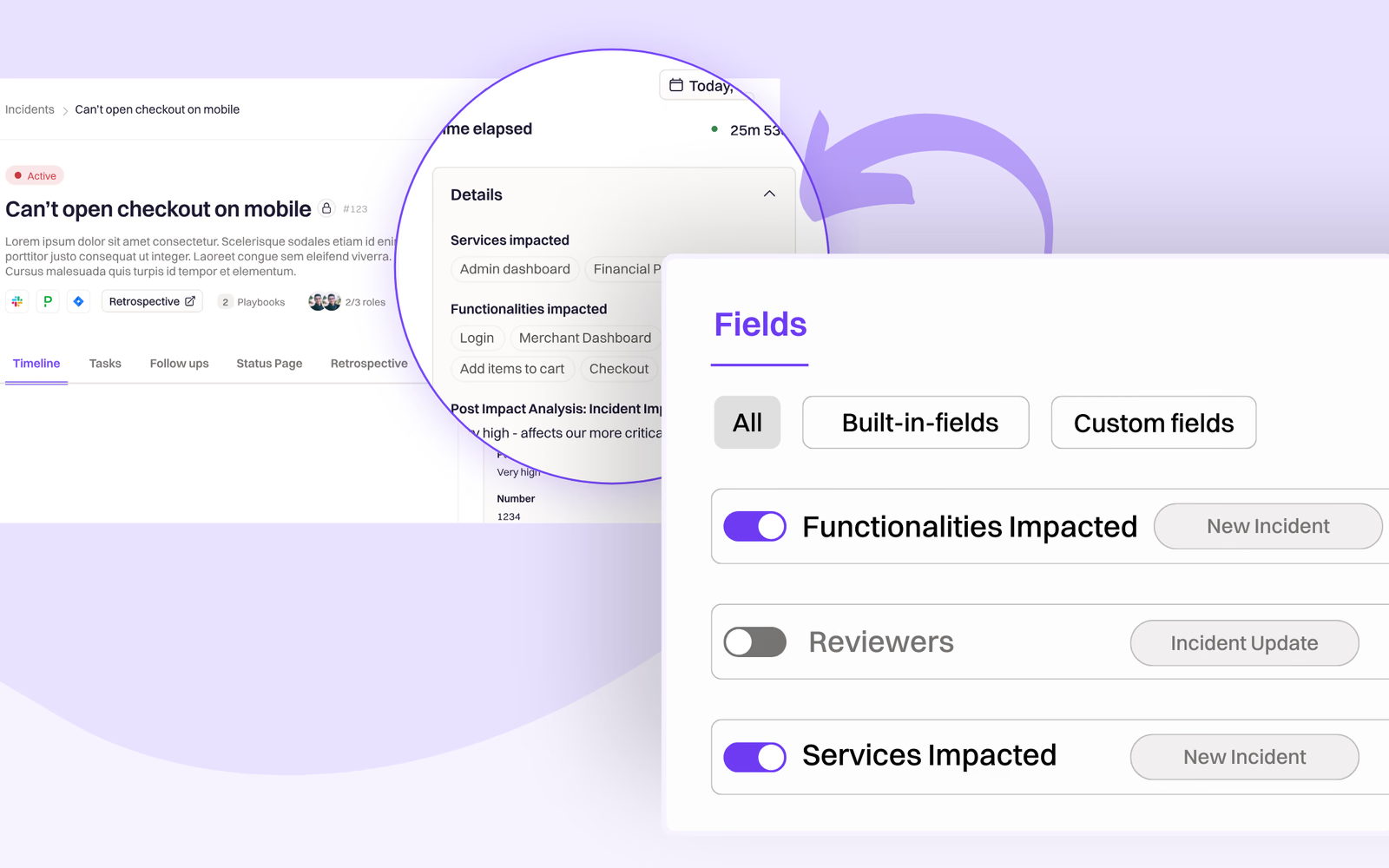
    Fields List View and More UX Improvements for Forms & Form Fields

    Last month we introduced [Custom Forms](https://rootly.com/changelog/2023-10-05-create-fully-custom-slack-forms-using-our-new-form-builder), a game changer for streamlining incident management and data collection processes. Since then, we’ve continued to iterate and improve the user experience aroun

  12. Product update

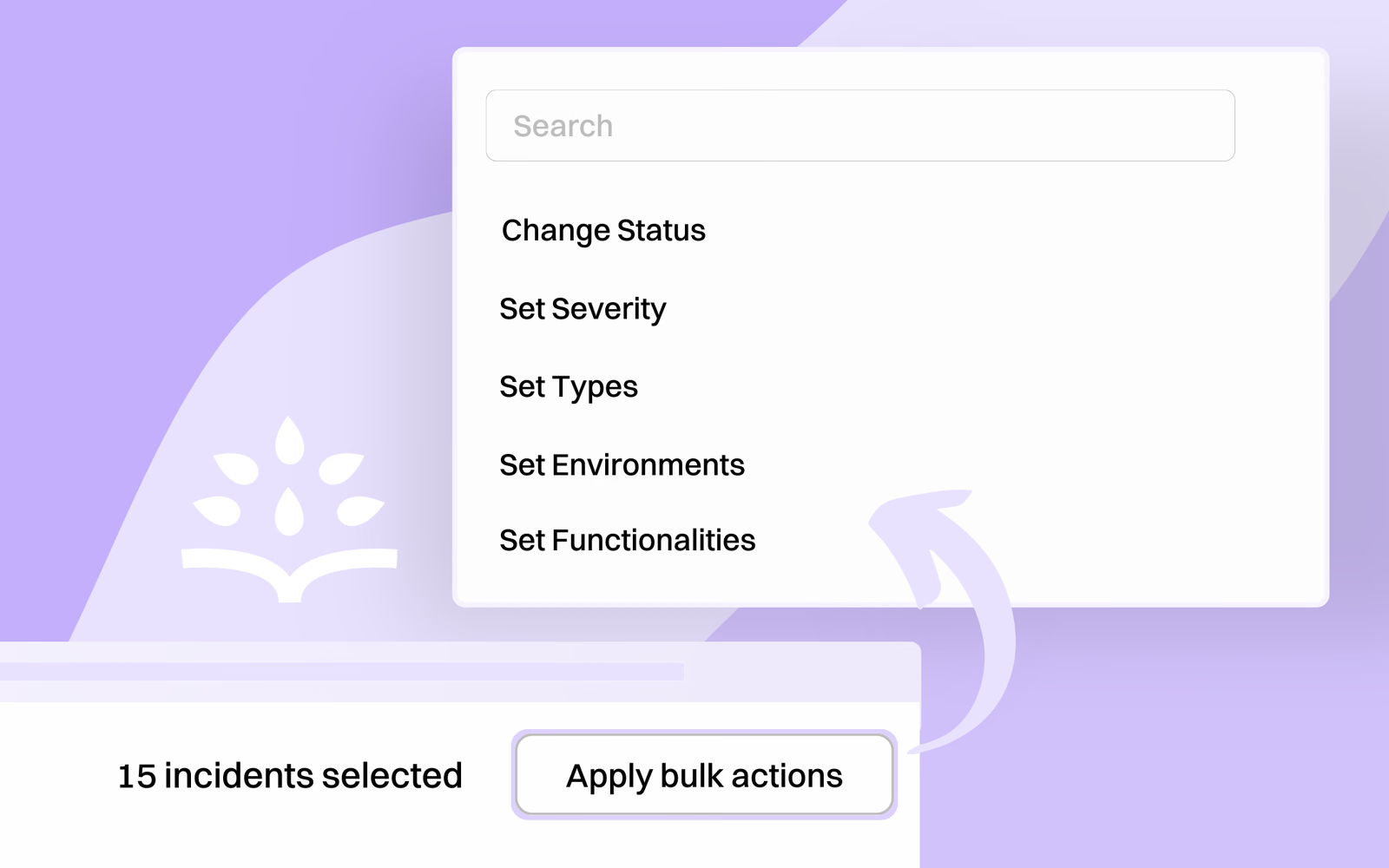
    Bulk Actions for Incidents and Workflows

    As part of our continuous effort to minimize repetitive tasks and streamline your management process, we've expanded our bulk actions feature even further to cover editing incidents and workflows.

  13. Metrics

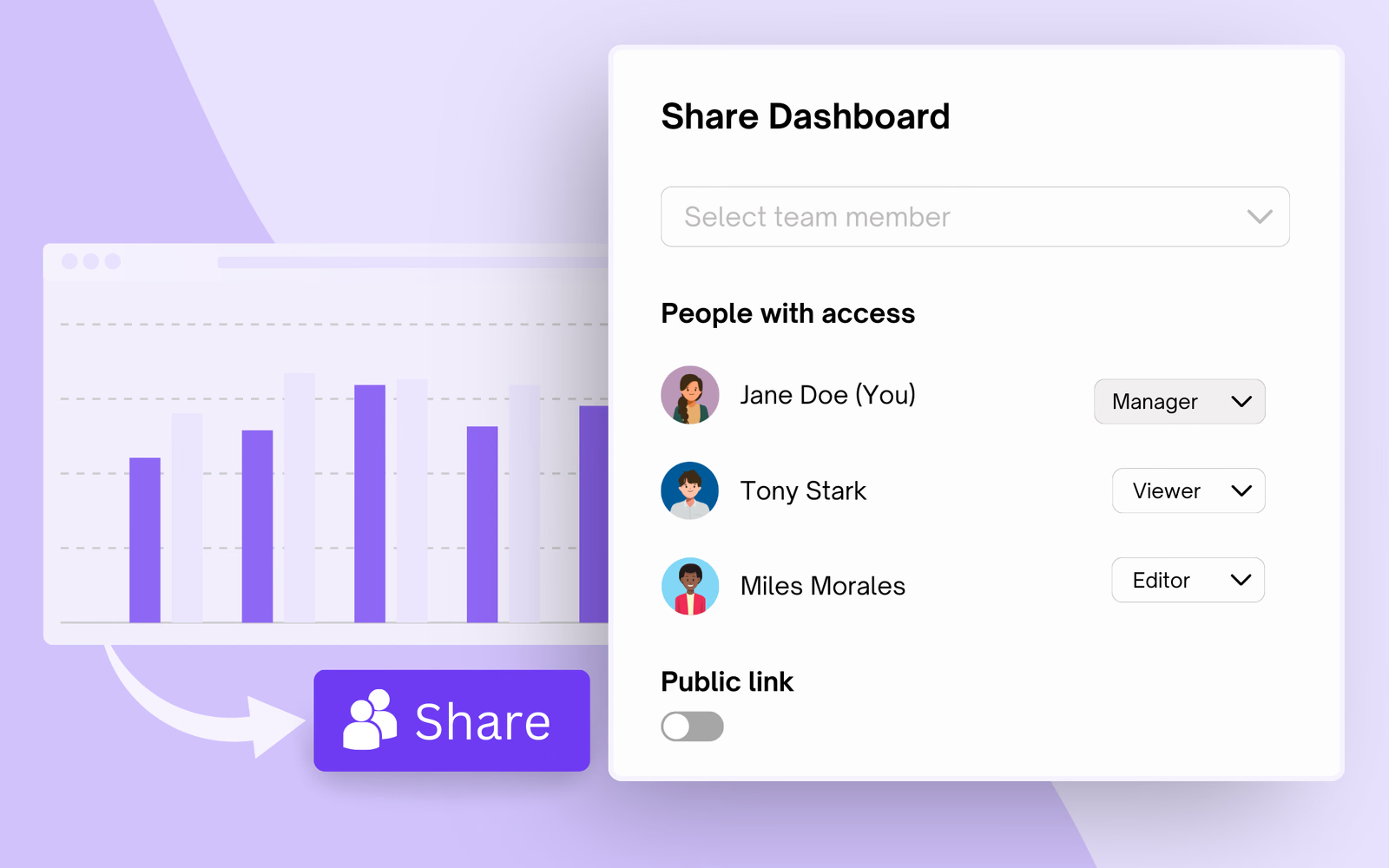
    Share and Set Permissions for Rootly Metrics Dashboards

    In the Metrics tab of our new user interface, you can create custom internal, public, or private dashboards to display a wide variety of incident metrics. Now, you can click “Share” to easily share dashboards with individuals inside or outside of your organization and set a specific permission level

  14. Action items

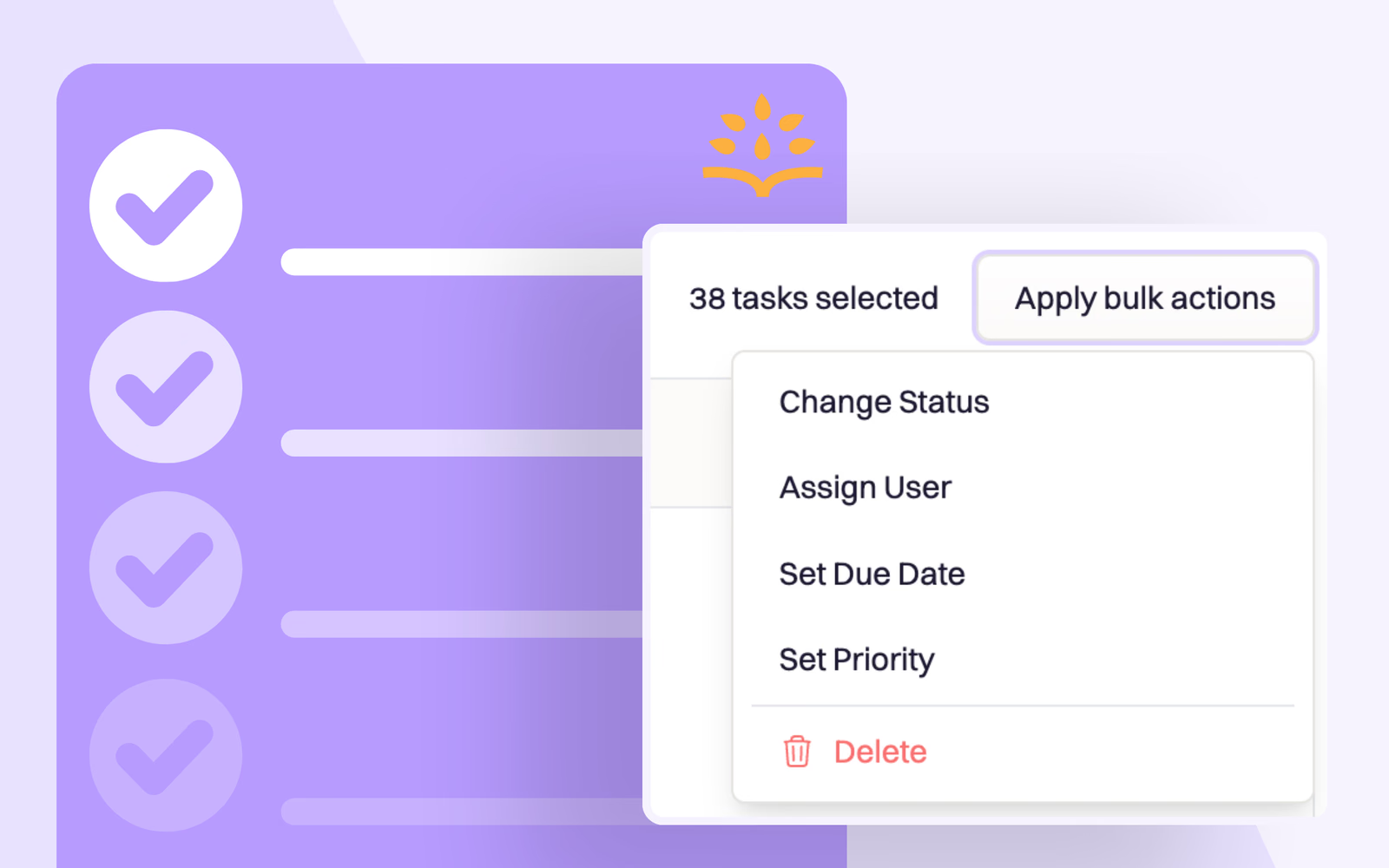
    Bulk Edit Task and Follow-up Action Items

    This week we’re highlighting the ability to edit action items (both tasks and follow-ups) in bulk, eliminating the tedious process of editing them one-by-one.

  15. Product update

    Create Fully Custom Slack Forms Using Our New Form Builder

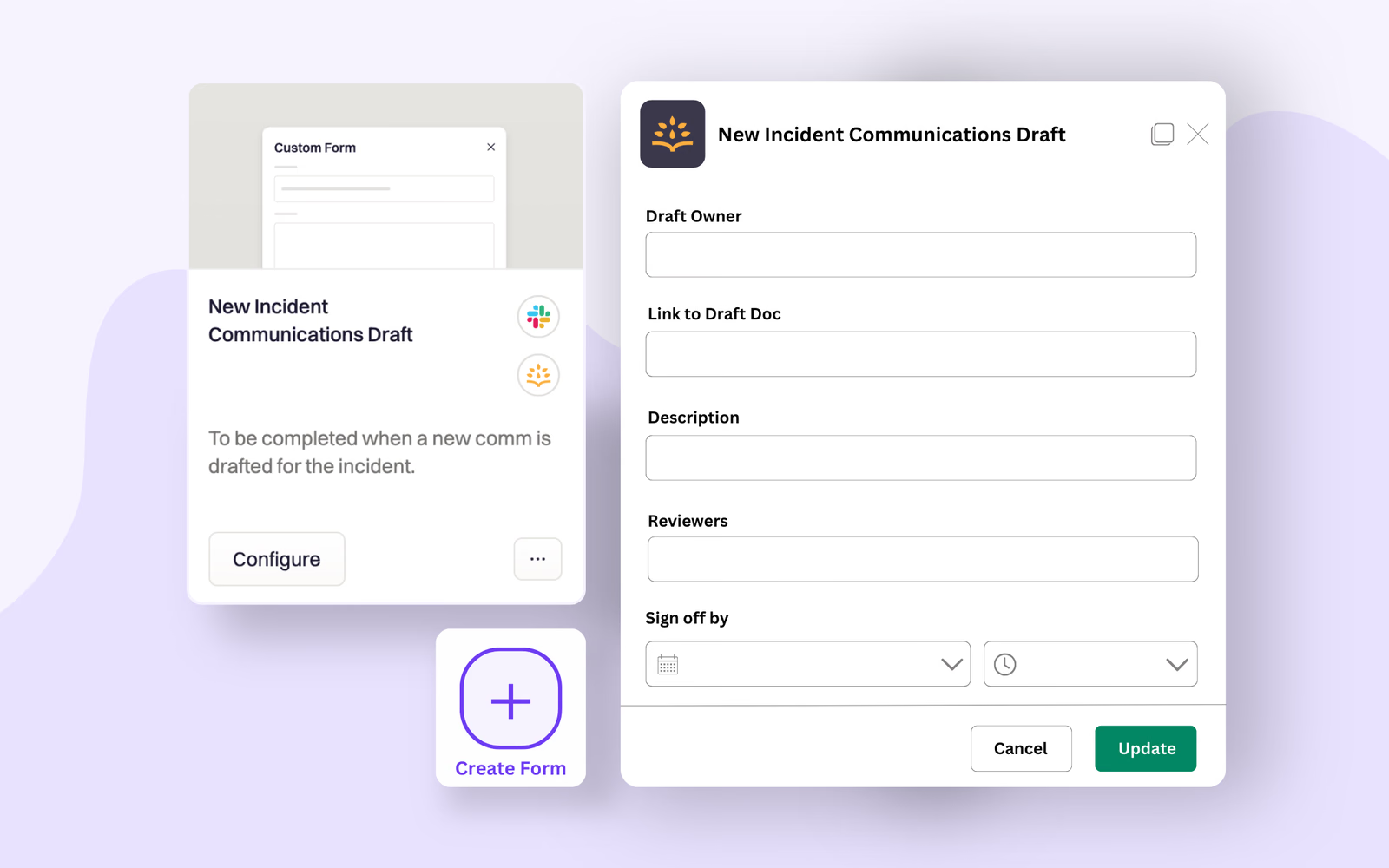
    Introducing: our new Custom Form Builder! This feature allows you to create and customize forms tailored to your specific needs, streamlining incident management and data collection processes. With the ability to logically group fields together, you can mix native Rootly fields with your own custom

  16. Product update

    Specify Public vs Internal Incident Titles on Your Rootly Status Pages

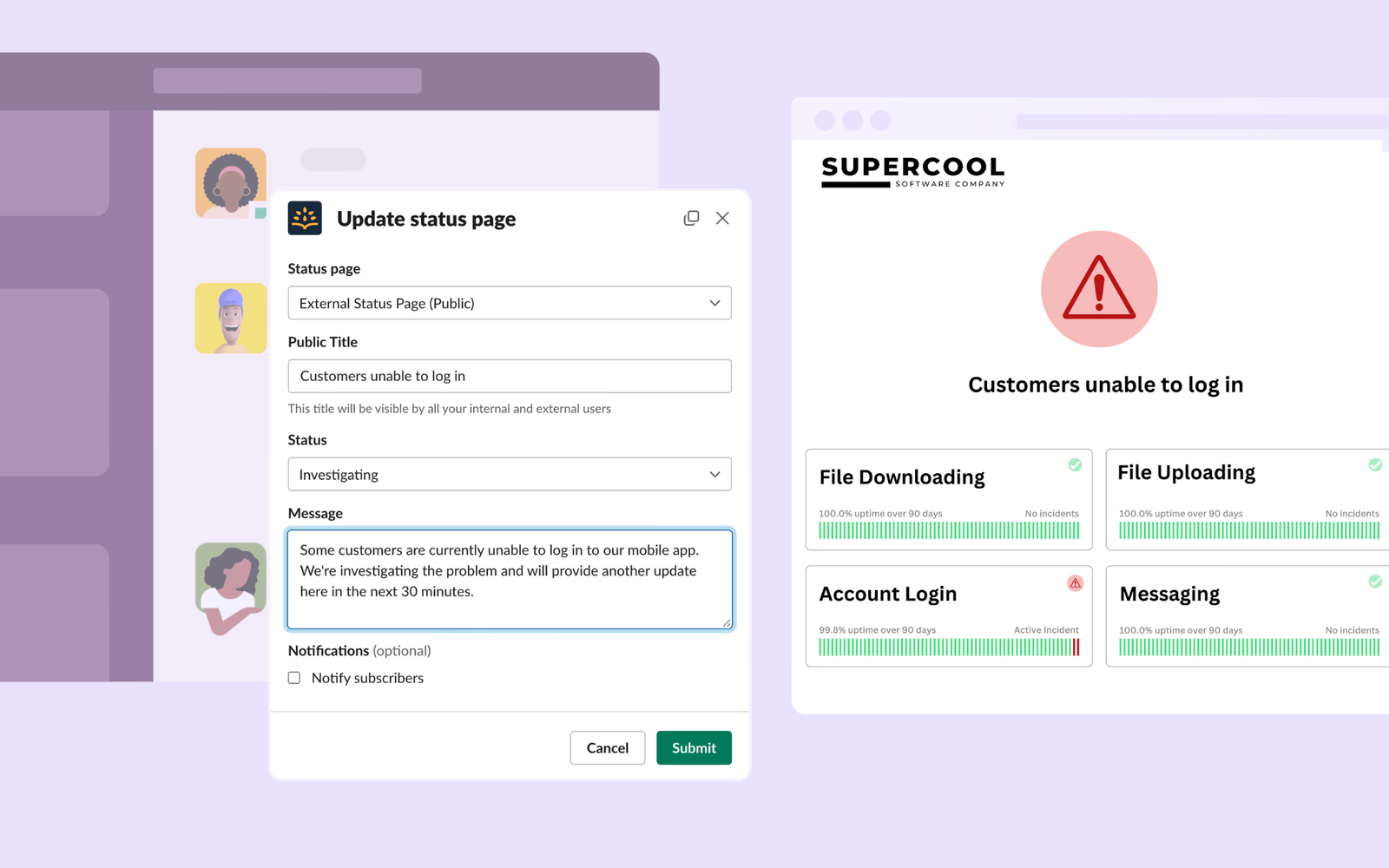
    You can now create a "public title" for incidents you publish to your status page(s). This public title can be updated independently from the incident’s title used internally, both when posting the initial status page update from Slack, and at any time from the web portal. This way, you don’t need t

  17. Product update

    Integrate with Multiple Instances of Jira and Confluence

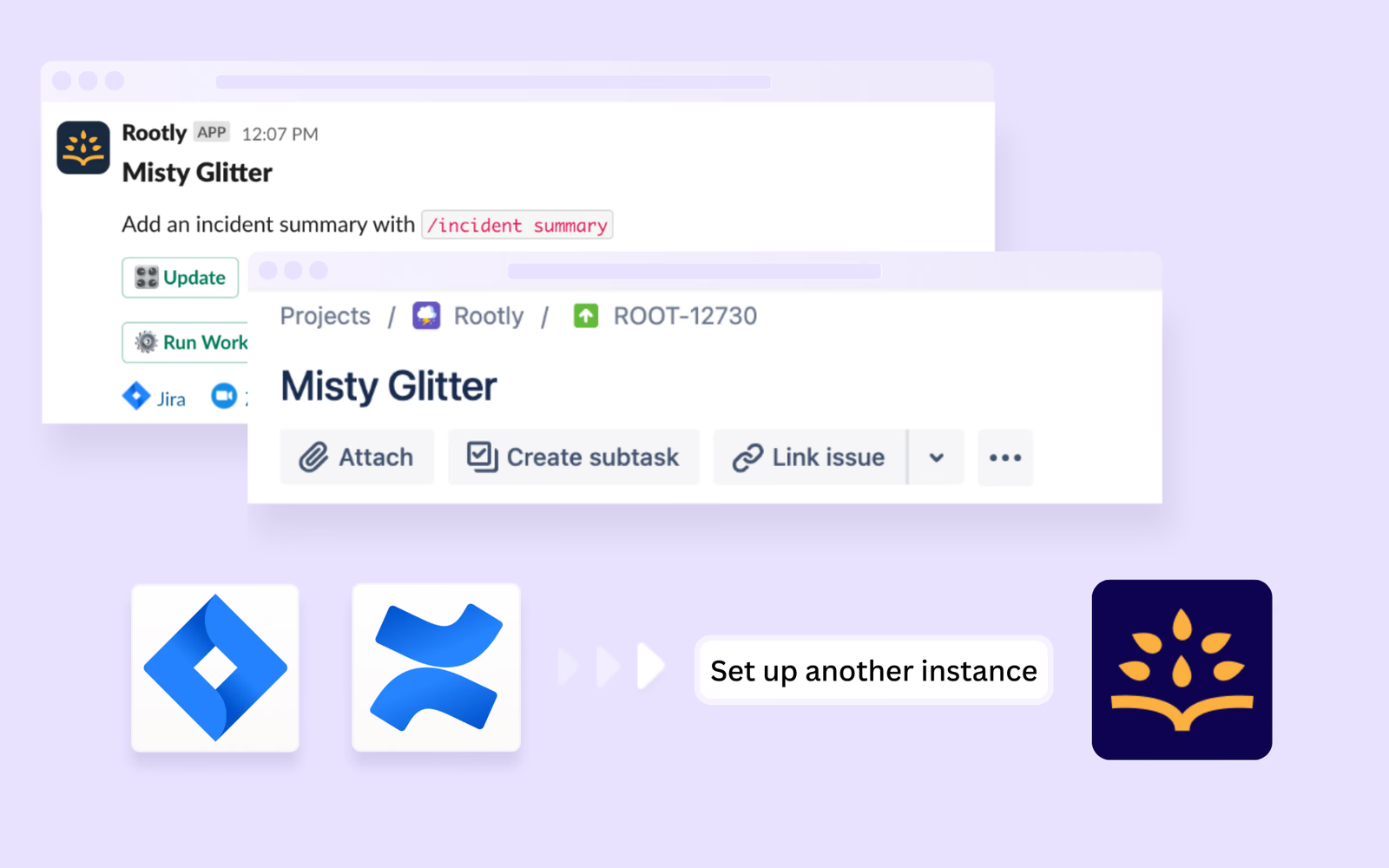
    You can now set up multiple instances of Jira and/or Confluence in Rootly! When creating workflows that interact with these integrations, you'll be able to select which instance(s) you want to perform actions in using a simple dropdown menu.

  18. Retrospectives

    Improved Confluence Retrospective Templates

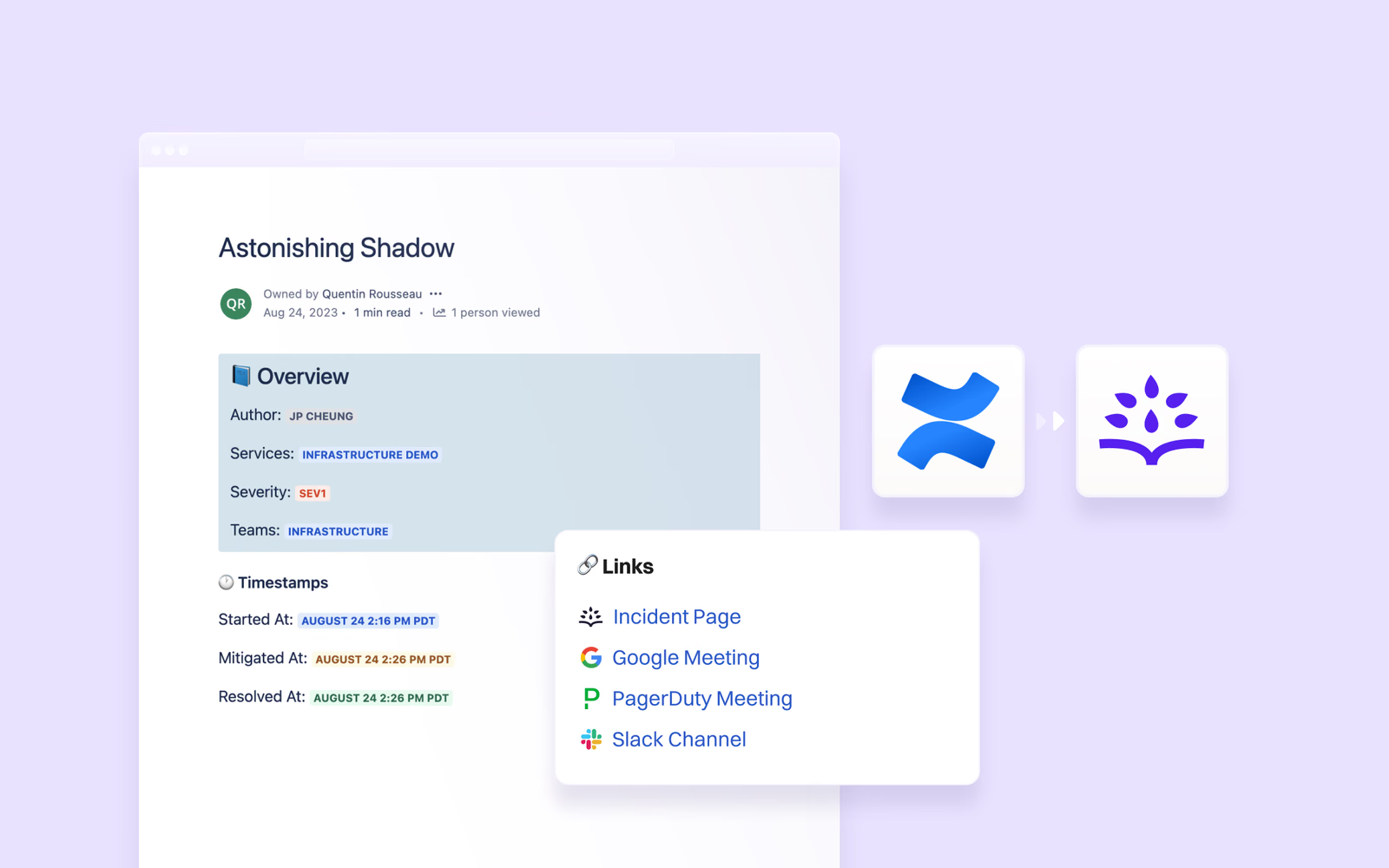
    When an incident is resolved, Rootly automatically generates a Confluence page with all of the incident’s key information populated in a clean, easy-to-read template. We just gave our templates a refresh so they’re even easier on the eyes.

  19. Product update

    Rootly Joins the Vendr+ Marketplace

    🛒 Rootly Joins the Vendr+ Marketplace We’re making it even easier to get started with Rootly by joining the Vendr+ software marketplace, an invite-only program available only to the top SaaS products. In addition to the AWS Marketplace , Vendr+ provides another quick, streamlined option to purchas

  20. Product update

    Assign Multiple Users to the Same Incident Role

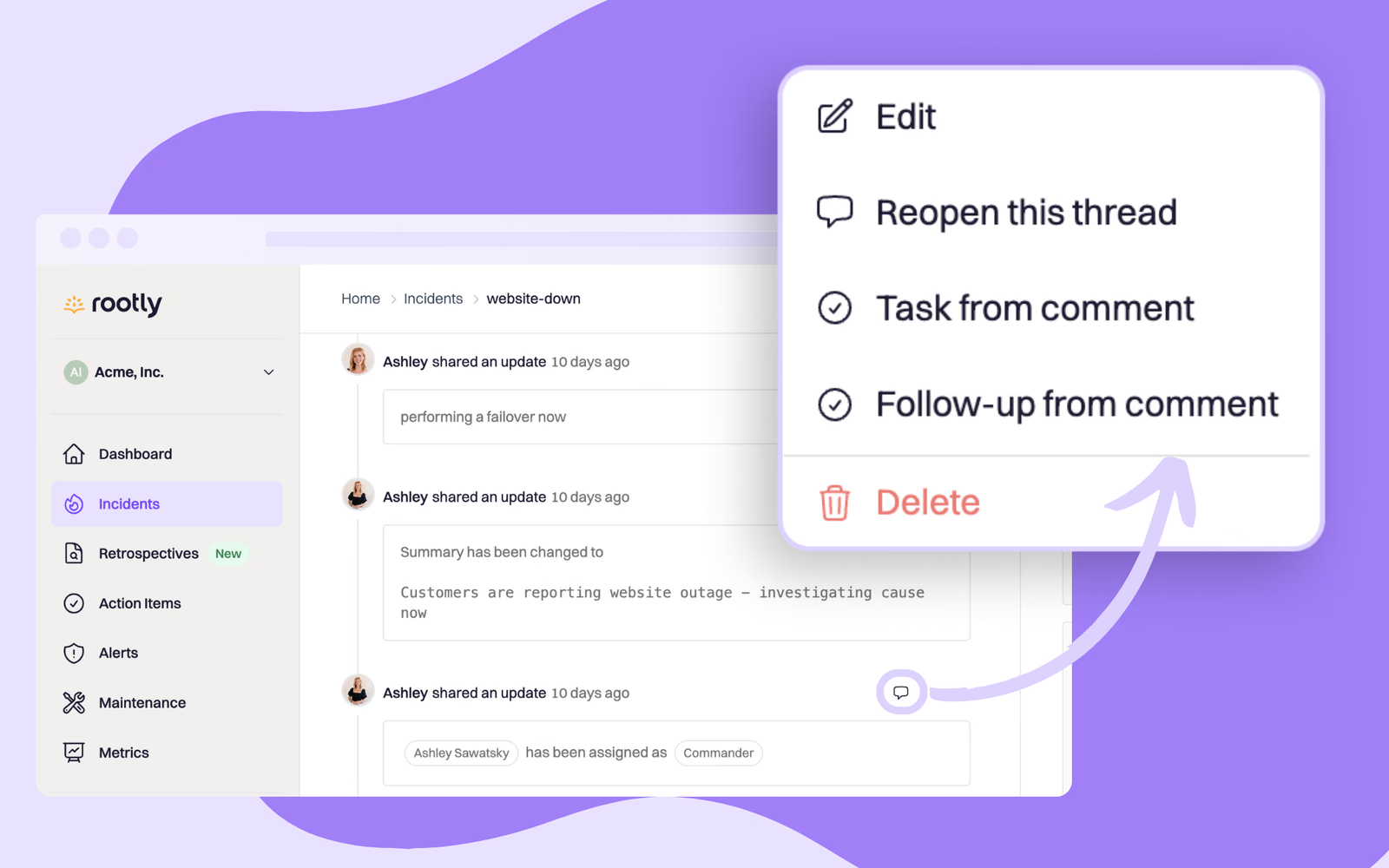
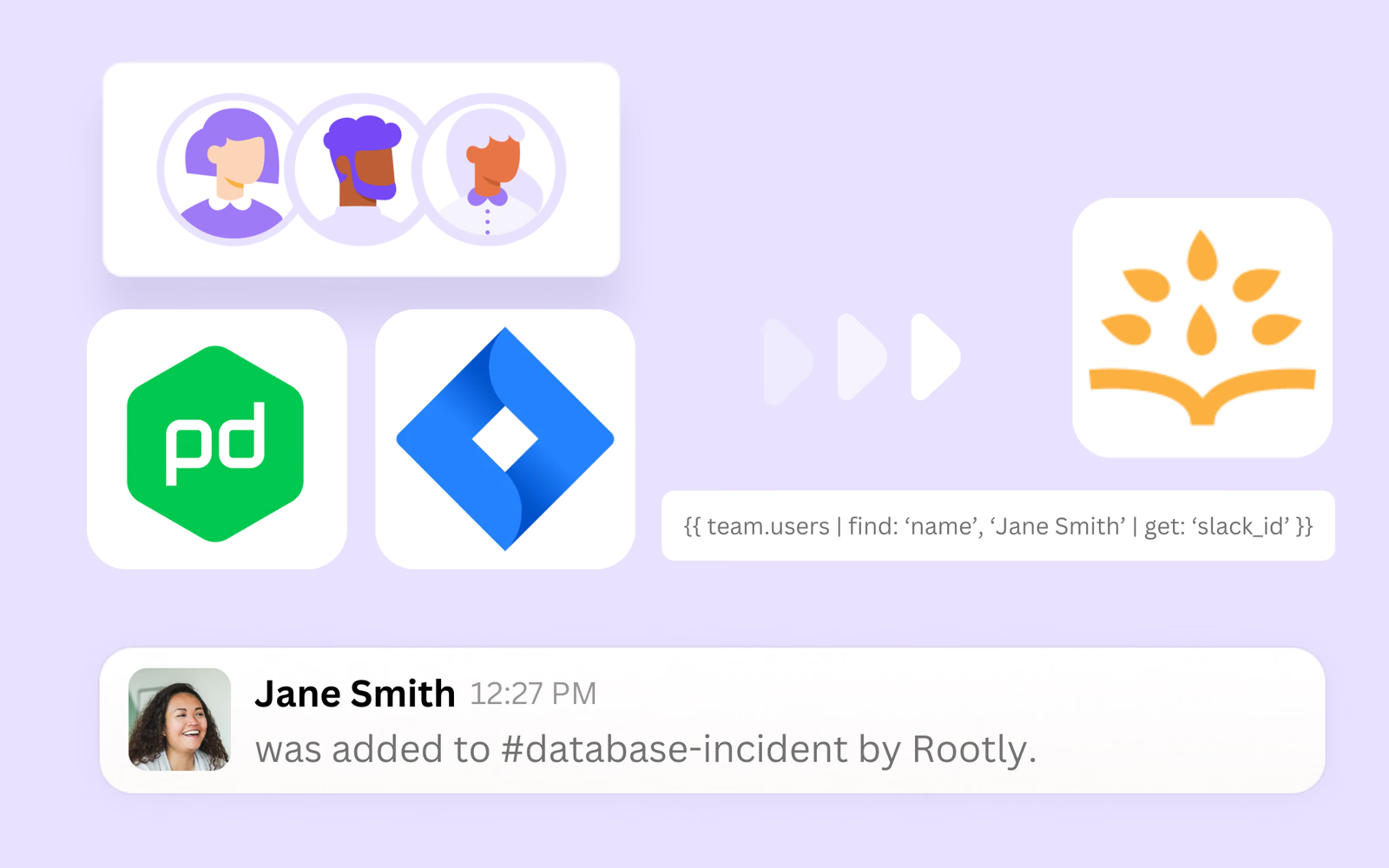
    👥 Assign Multiple Users to the Same Incident Role By popular request, we’ve shipped an update to allow you to assign multiple users to the same incident role! As always, this setting is highly customizable so you can choose which roles allow for multiple users. For example, you may want to be abl

  21. Product update

    Incident Triage: Investigate Potential Incidents Faster

    🚑 Incident Triage: Investigate Potential Incidents Faster Start tracking potential incidents as soon as they develop, without the pressures of kicking off all the processes that come with declaring an incident. When you use the “In Triage” feature, we’ll create a triage incident while you investiga

  22. Integrations

    Rootly + Fivetran Data Connector Integration

    🔗 Rootly + Fivetran Data Connector Integration Incident data provides valuable insights into the health of your business. Rootly provides plenty of built-in, customizable metrics right in the web platform, but for organizations that want to dive even deeper into their data, we recommend using a dat