On-call
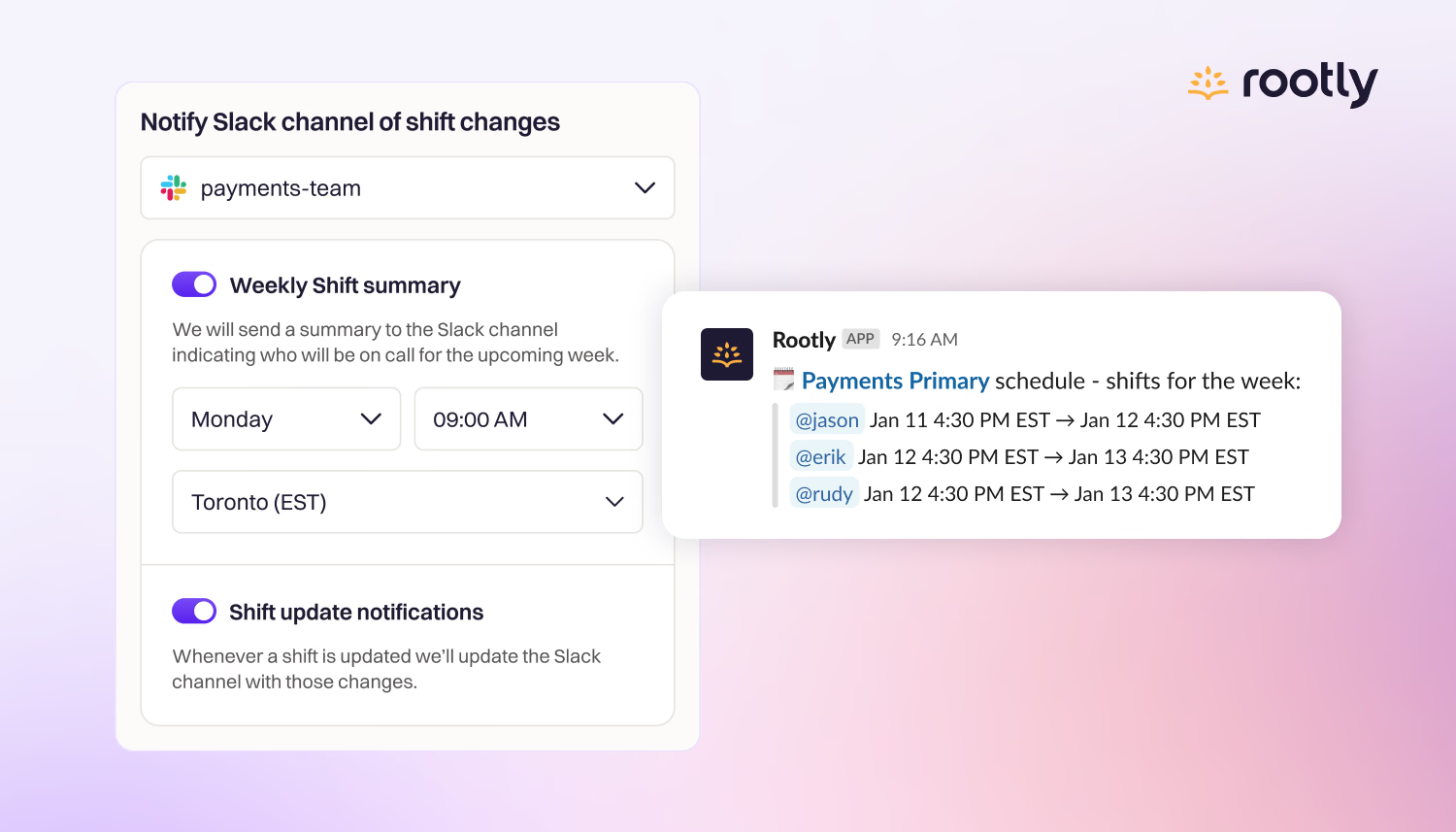
🔔 Notify Slack Channel of Shift Changes
Keep your team aligned and informed with Rootly’s Slack notifications for on-call schedules, featuring configurable weekly summaries and real-time shift updates.
On-call
Keep your team aligned and informed with Rootly’s Slack notifications for on-call schedules, featuring configurable weekly summaries and real-time shift updates.
On-call
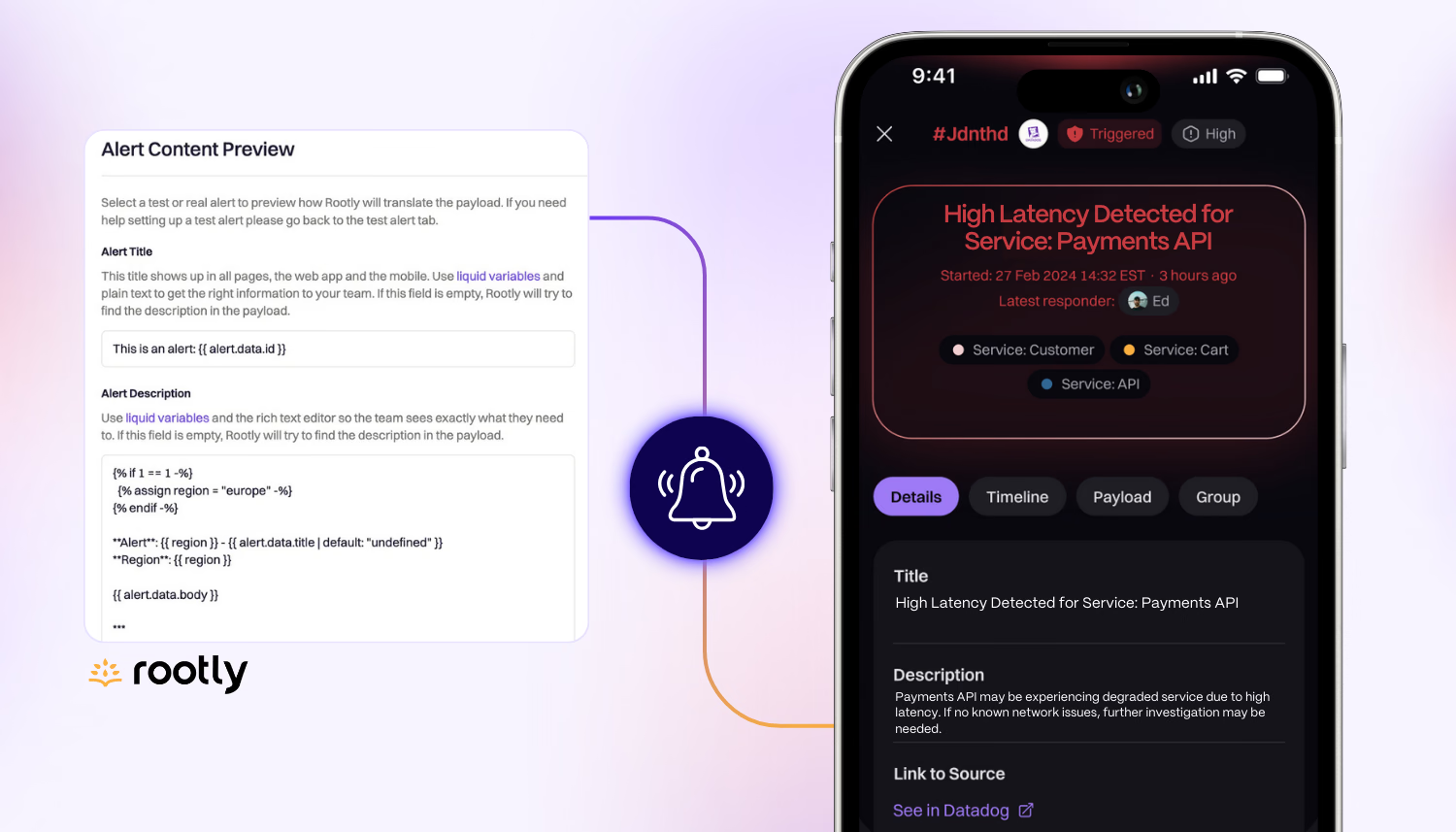
Learn how to customize how alerts appear with our new Alert Content settings.
On-call
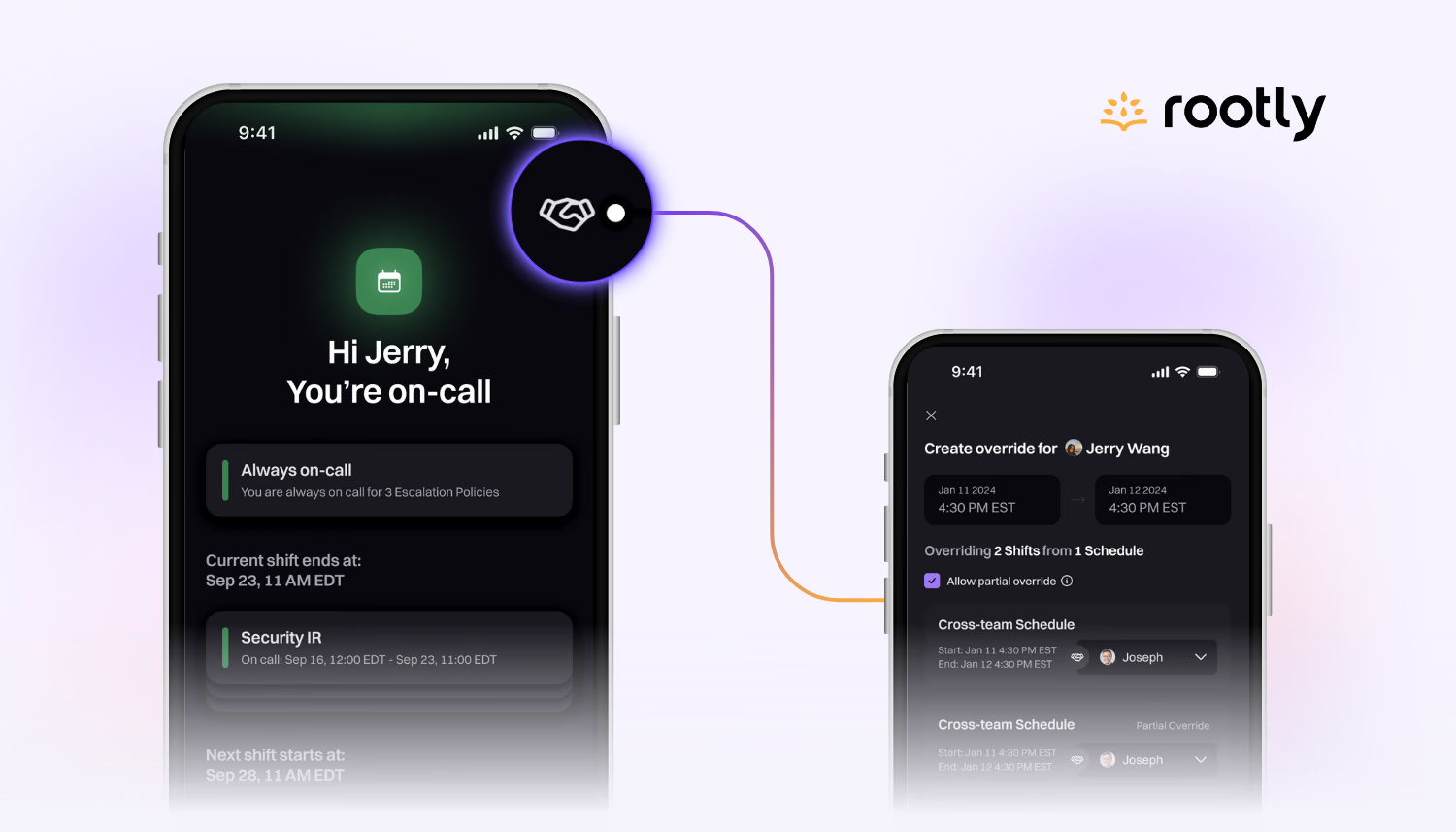
We’ve made some exciting updates to the Rootly mobile app to deliver more functionality on the go!
On-call
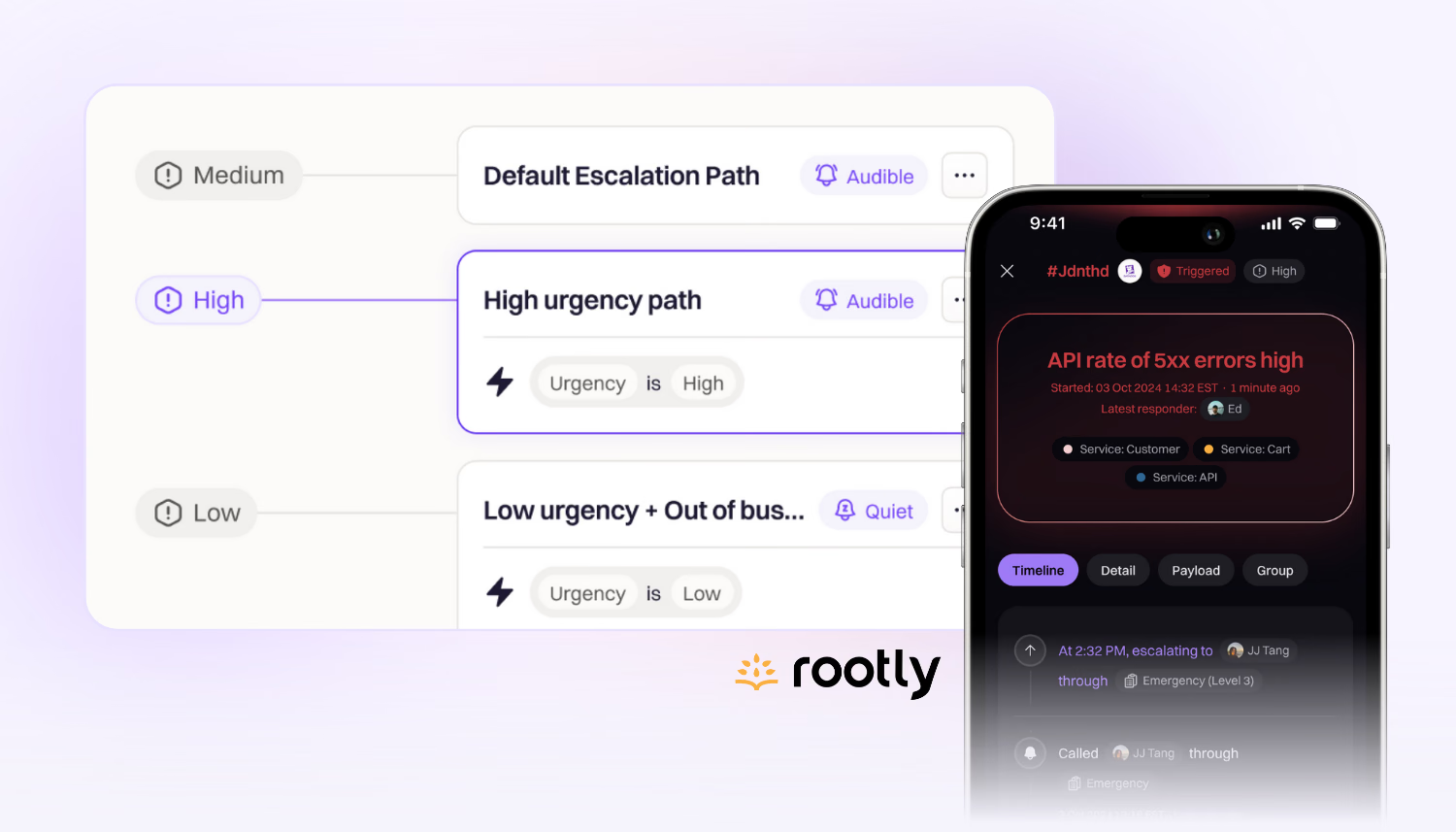
Alert urgencies can trigger different escalation paths, different user-level notification rules, and can be used to track impact and trends over time.
On-call
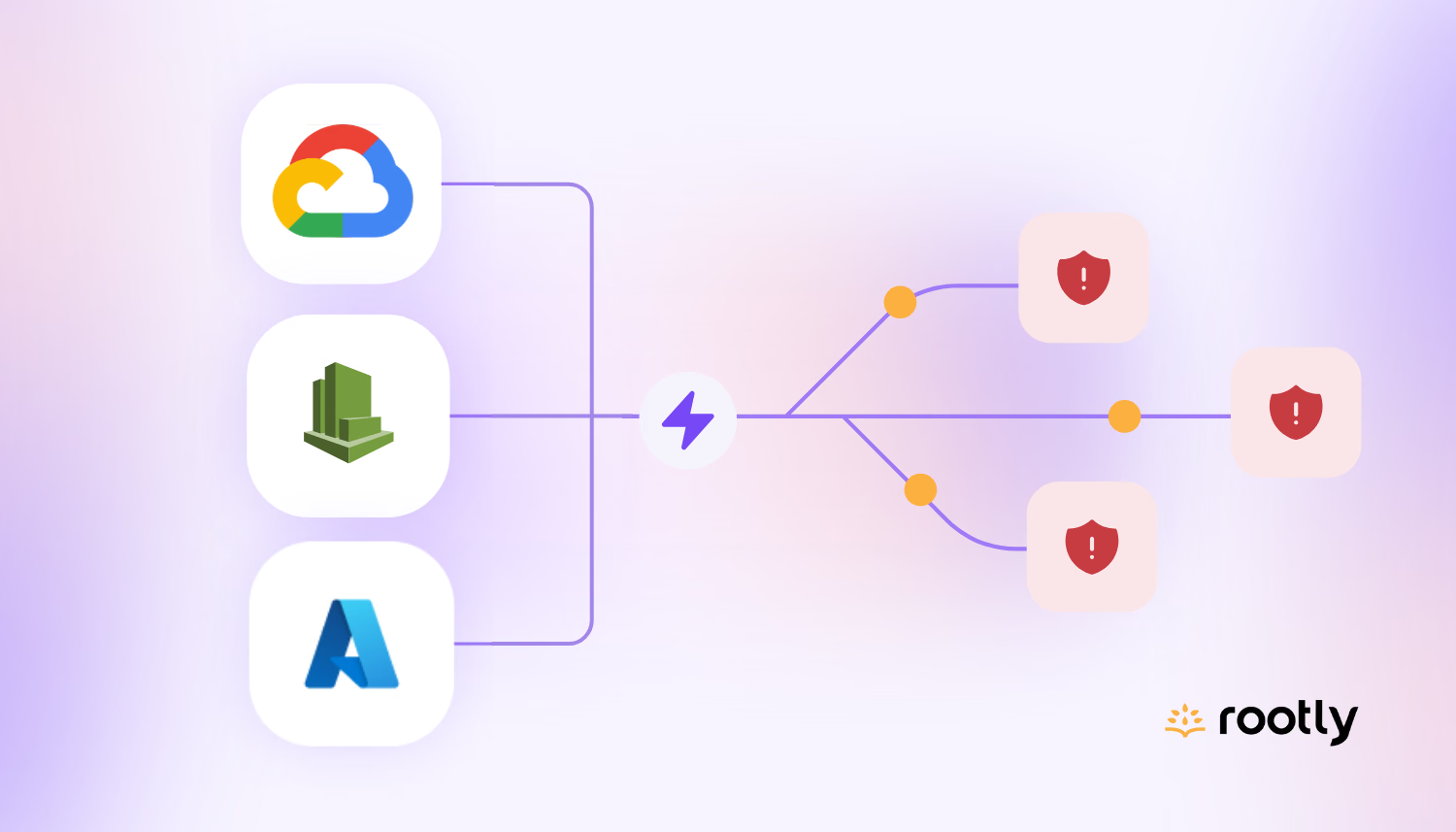
We've added three new native Alert Sources: Azure Monitor, CloudWatch, and Google Cloud.
On-call
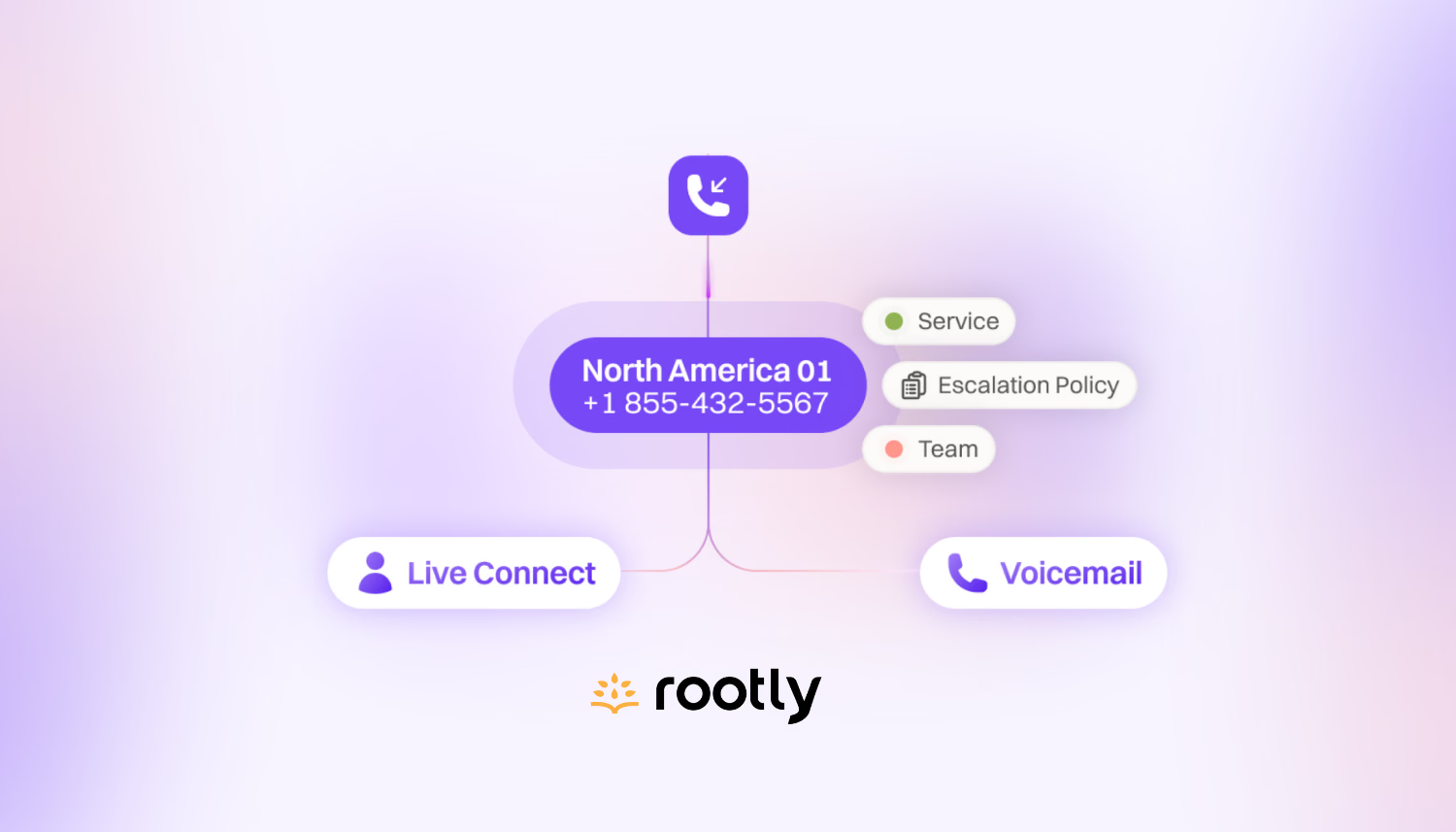
Live Call Routing enables your employees or end-users to report incidents by dialling a designated phone number.
On-call
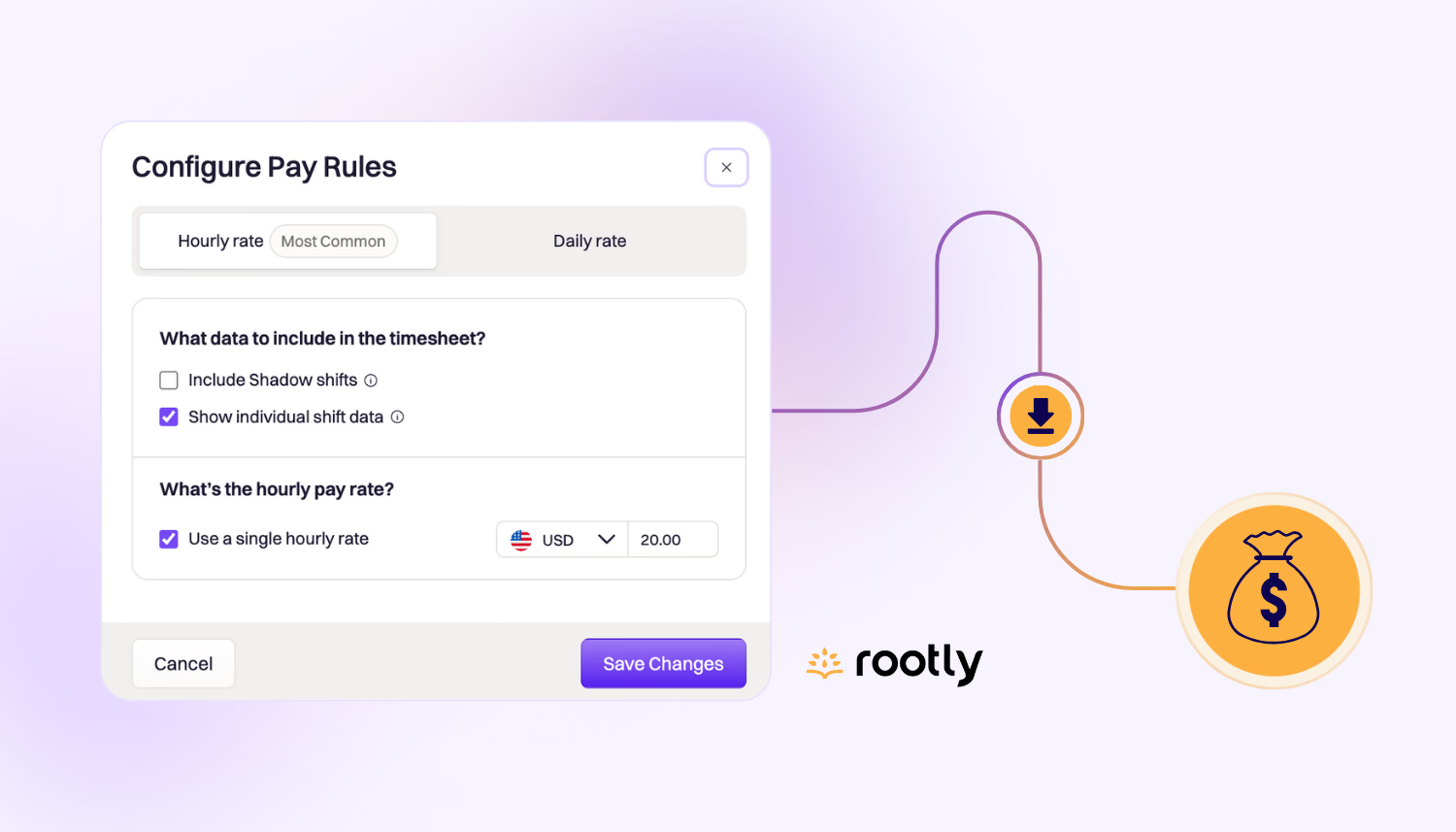
Automatically calculate on-call pay and export into a CSV or XLSX file in seconds with our on-call pay calculator.
On-call
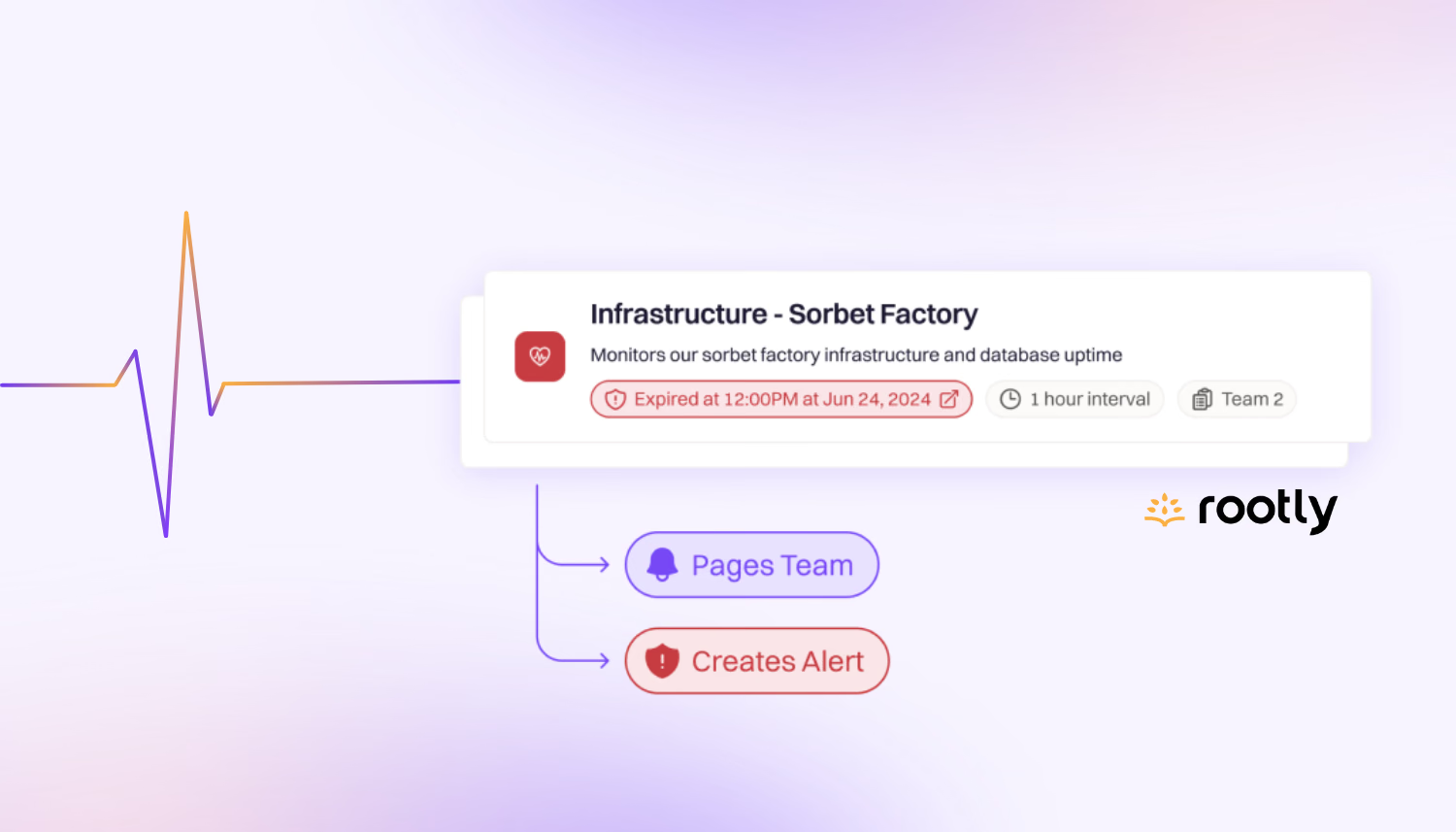
Heartbeats are periodic signals sent by your systems or applications to indicate they are functioning properly.
On-call
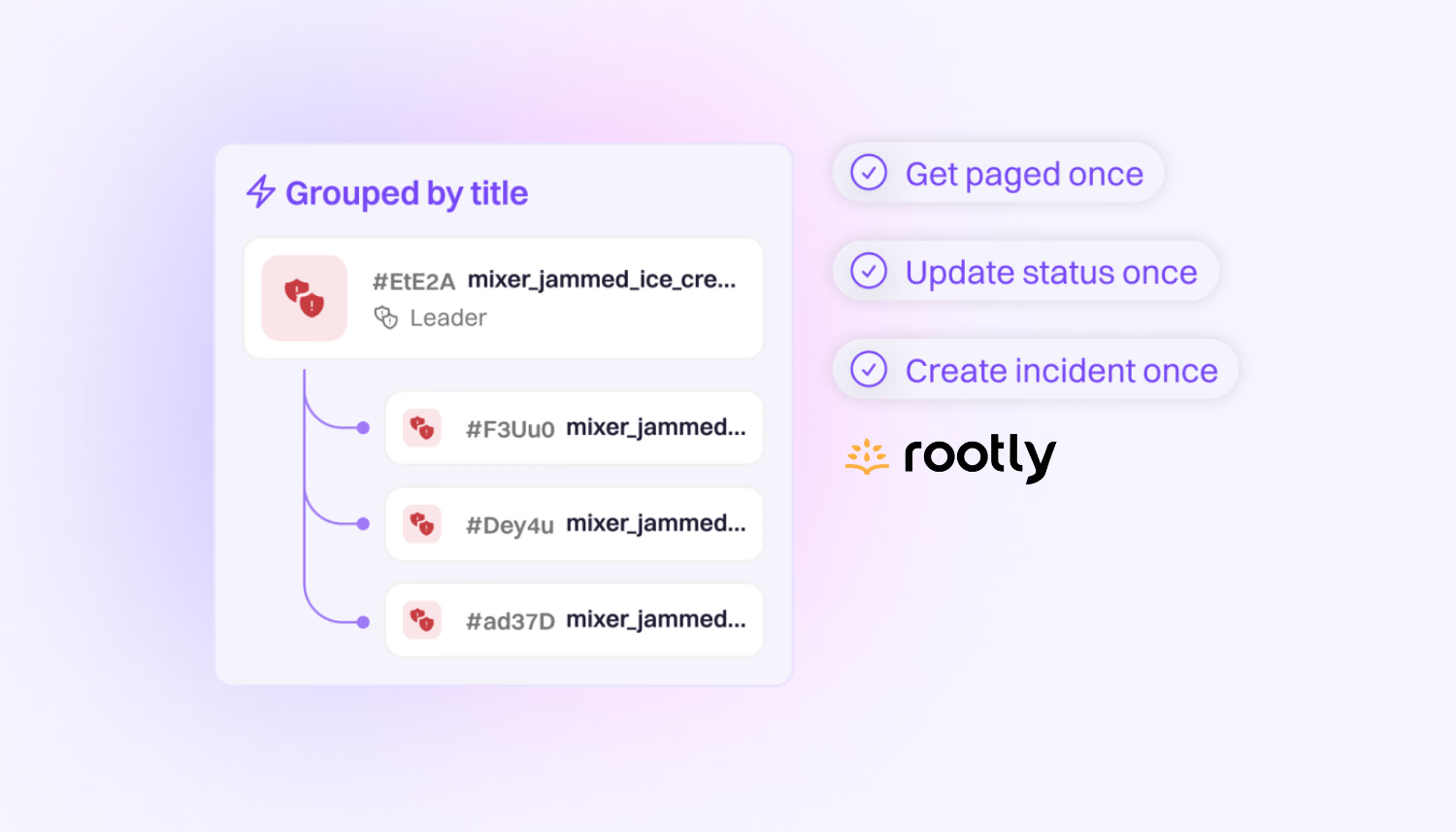
Automatically group related alerts to reduce alert fatigue and prioritize more effectively.
Configuration
Thanks to our new smart default settings for Google Meet and Zoom, it’s even faster and easier than ever to sync these tools with Rootly for automatic meeting creation and call recording.
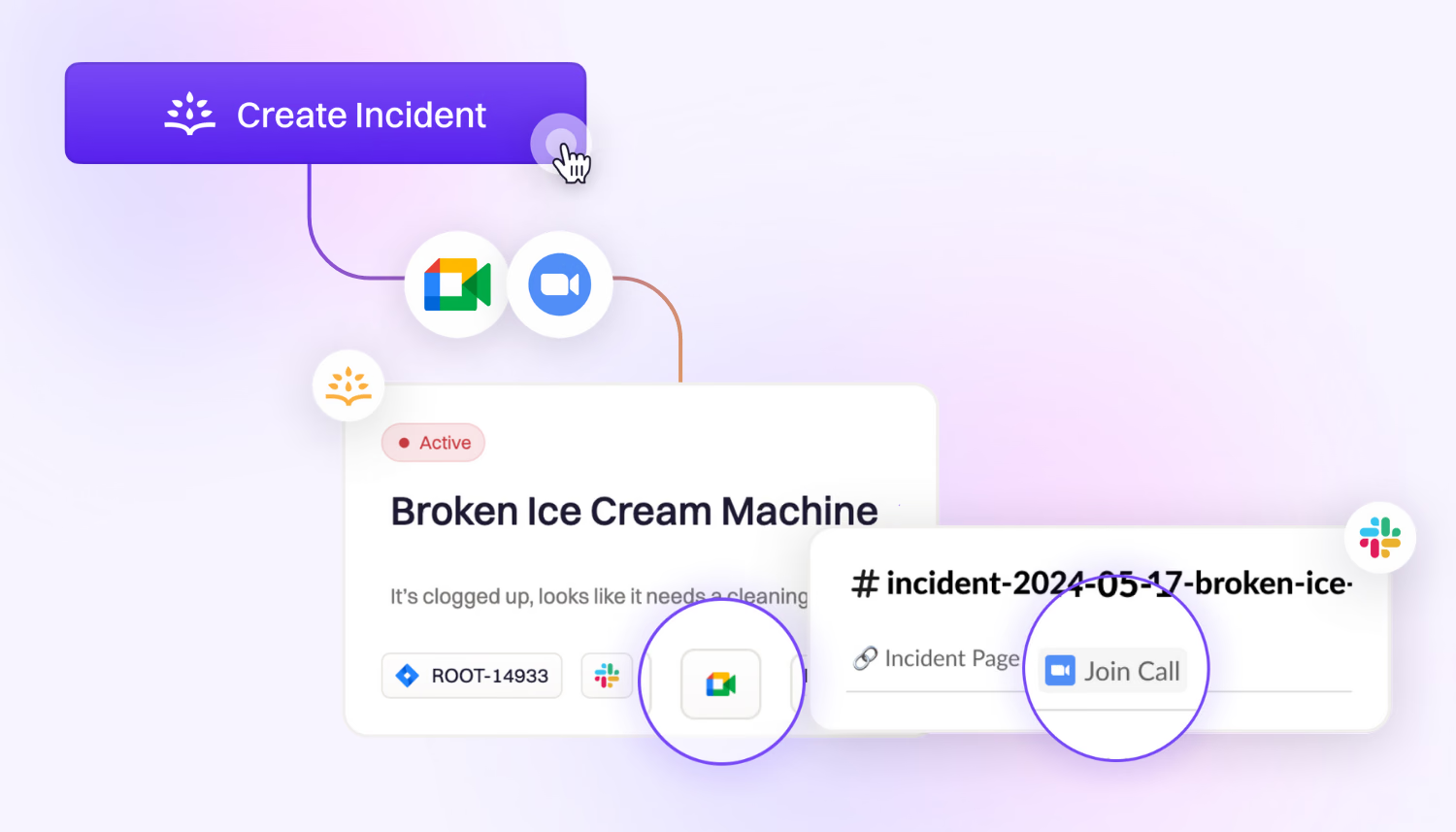
Integrations
We redesigned incident announcement blocks so it’s easier than ever for users to get a high-level overview of the incident without joining the channel!
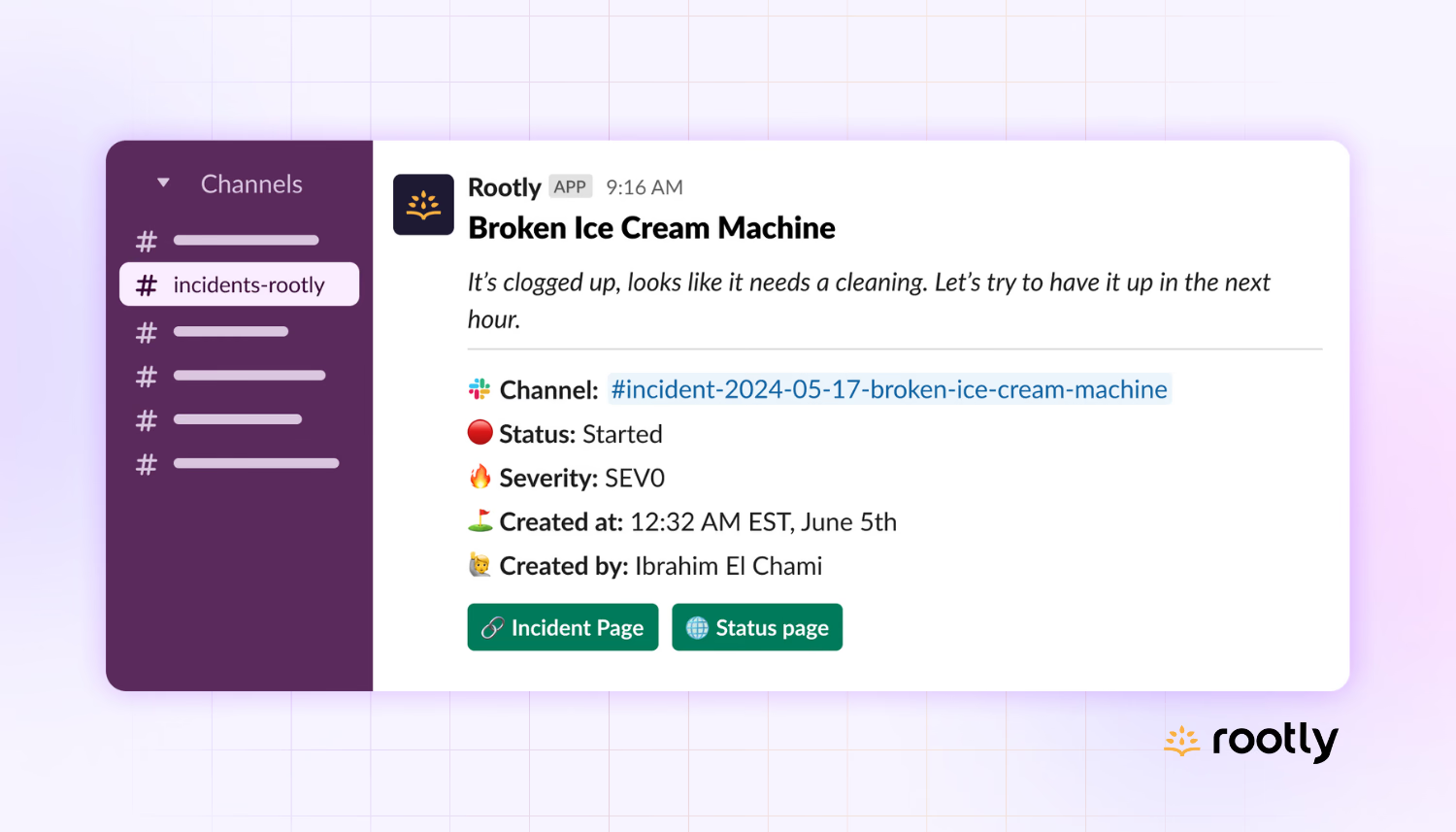
Product update
We refreshed our UI to be even simpler, cleaner, and more beautiful with several improvements to navigation and page displays
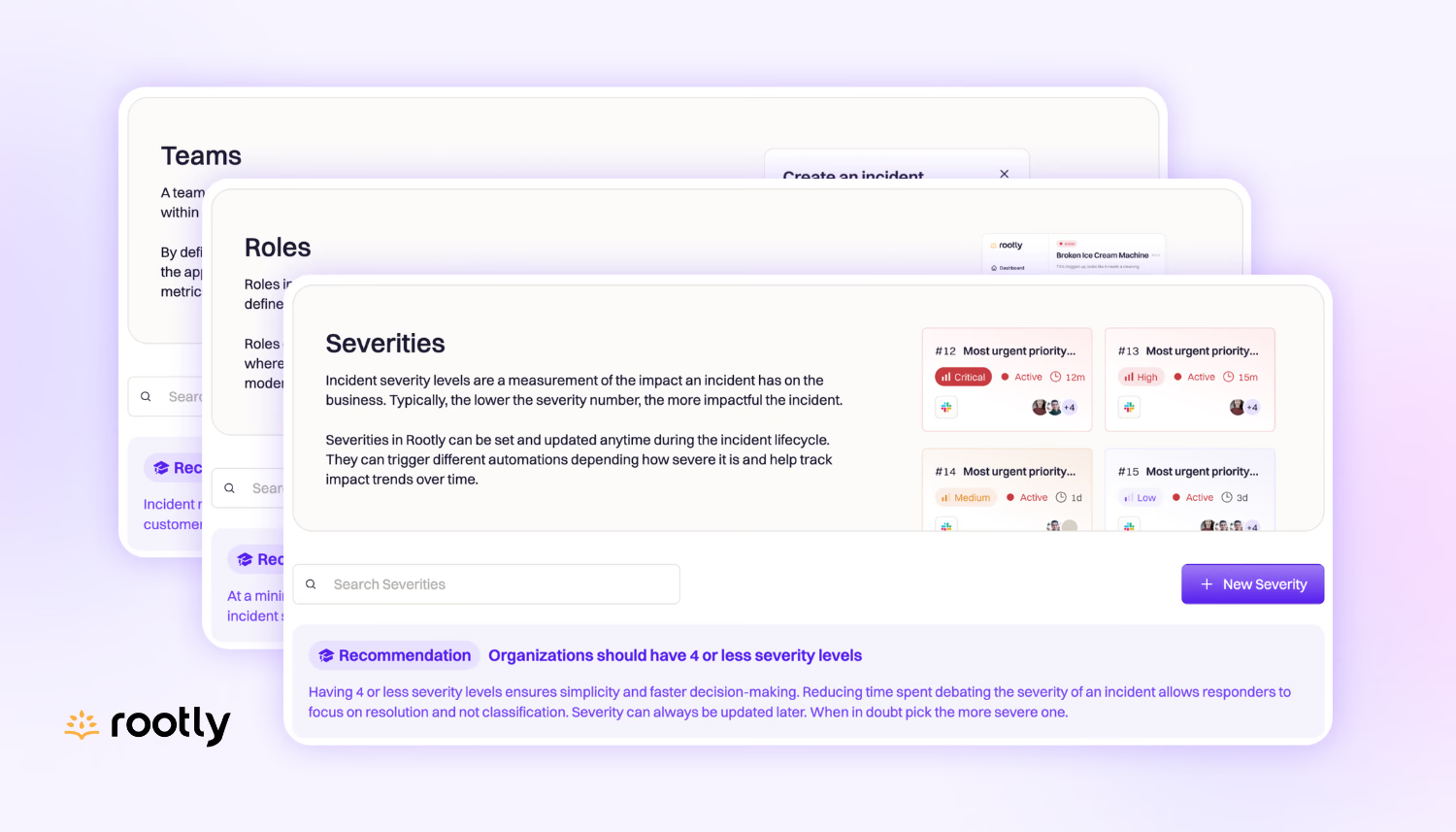
On-call
You can now associate an On-Call schedule with a user group in Slack!
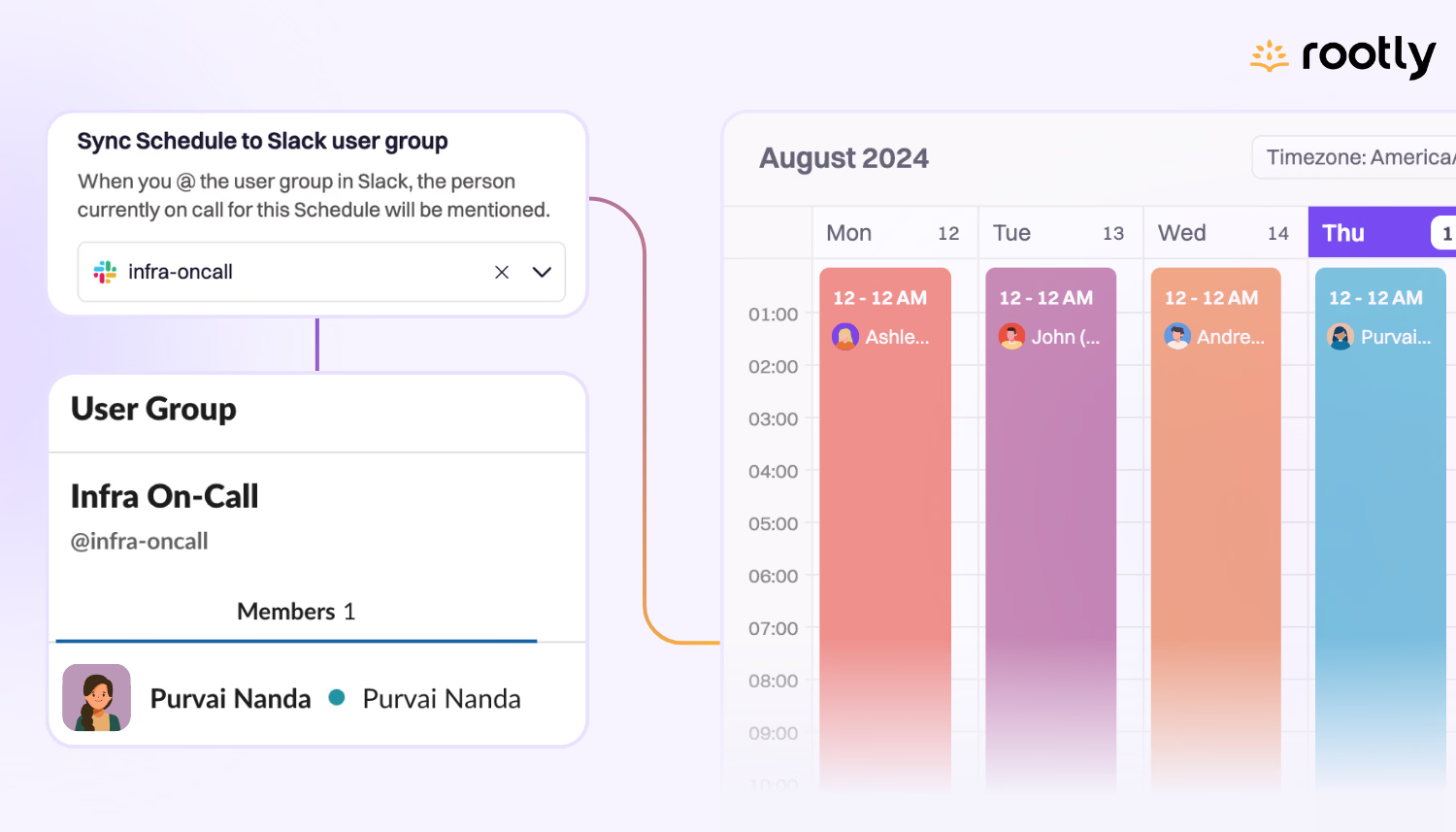
Integrations
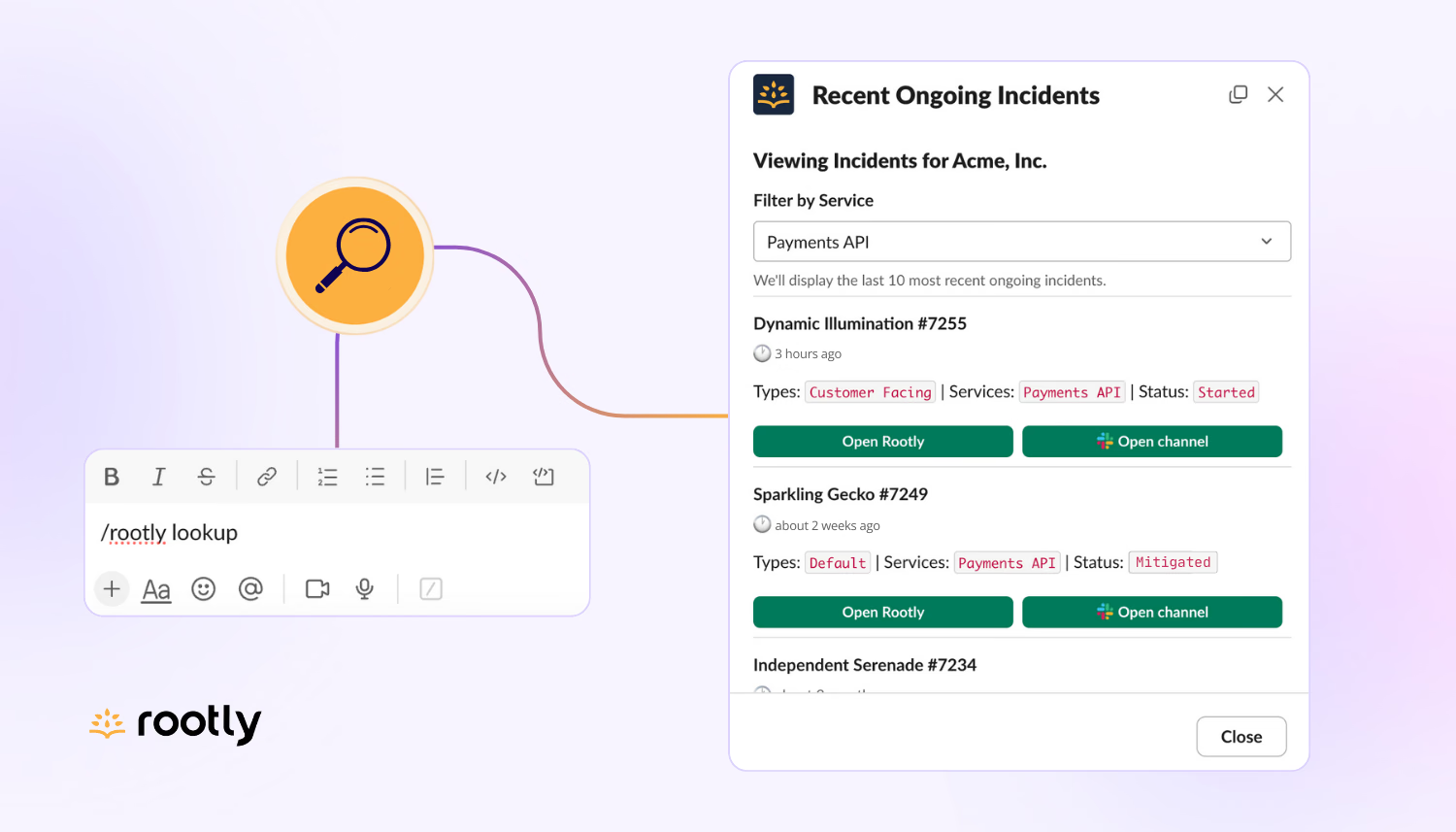
Typing /rootly lookup will pull up a list of your 10 most recent active incidents, with the ability to filter by affected service!
Workflows
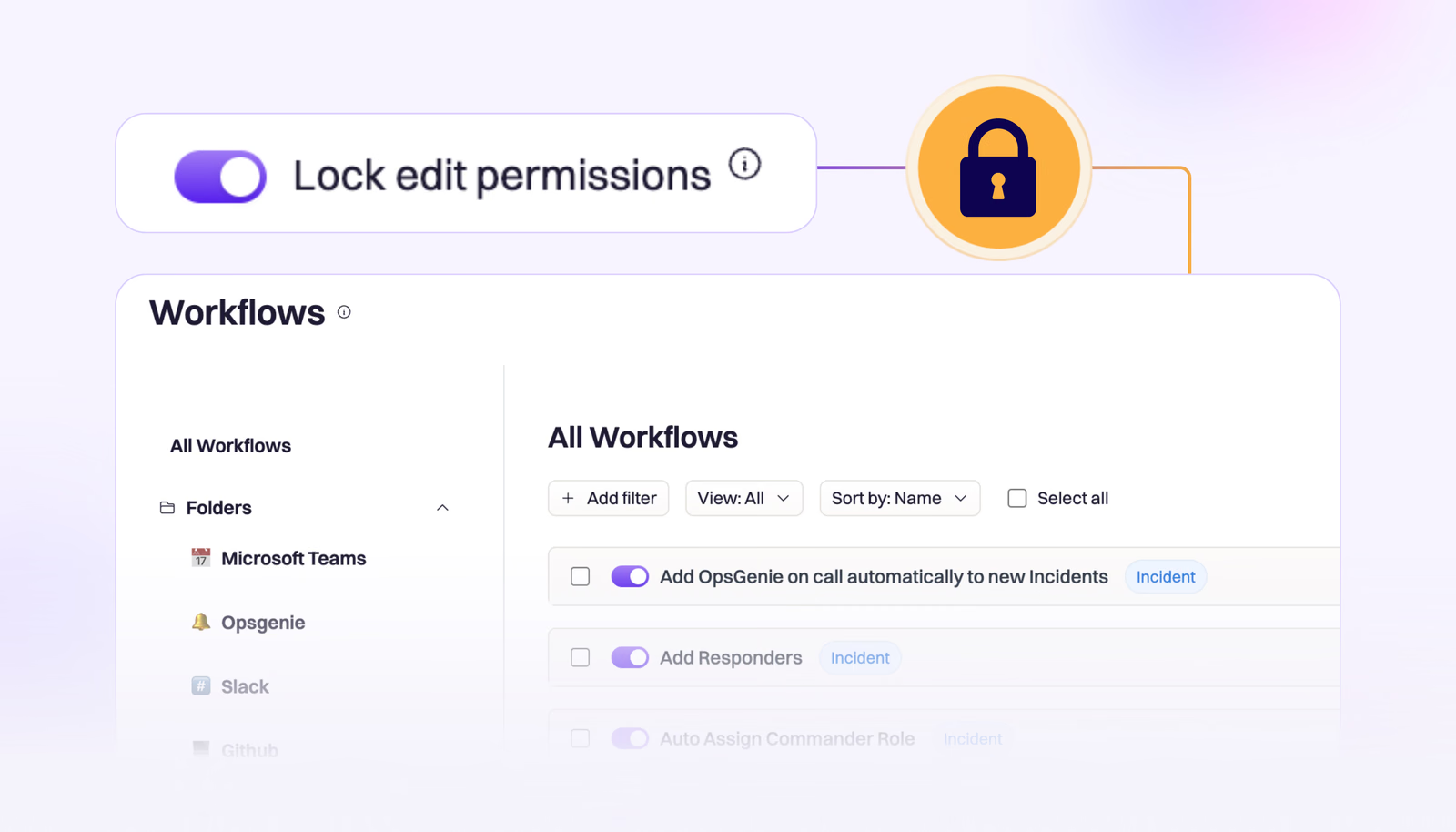
We’ve introduced the ability to lock individual workflows, allowing teams an extra layer of control over their business critical workflows.
On-call
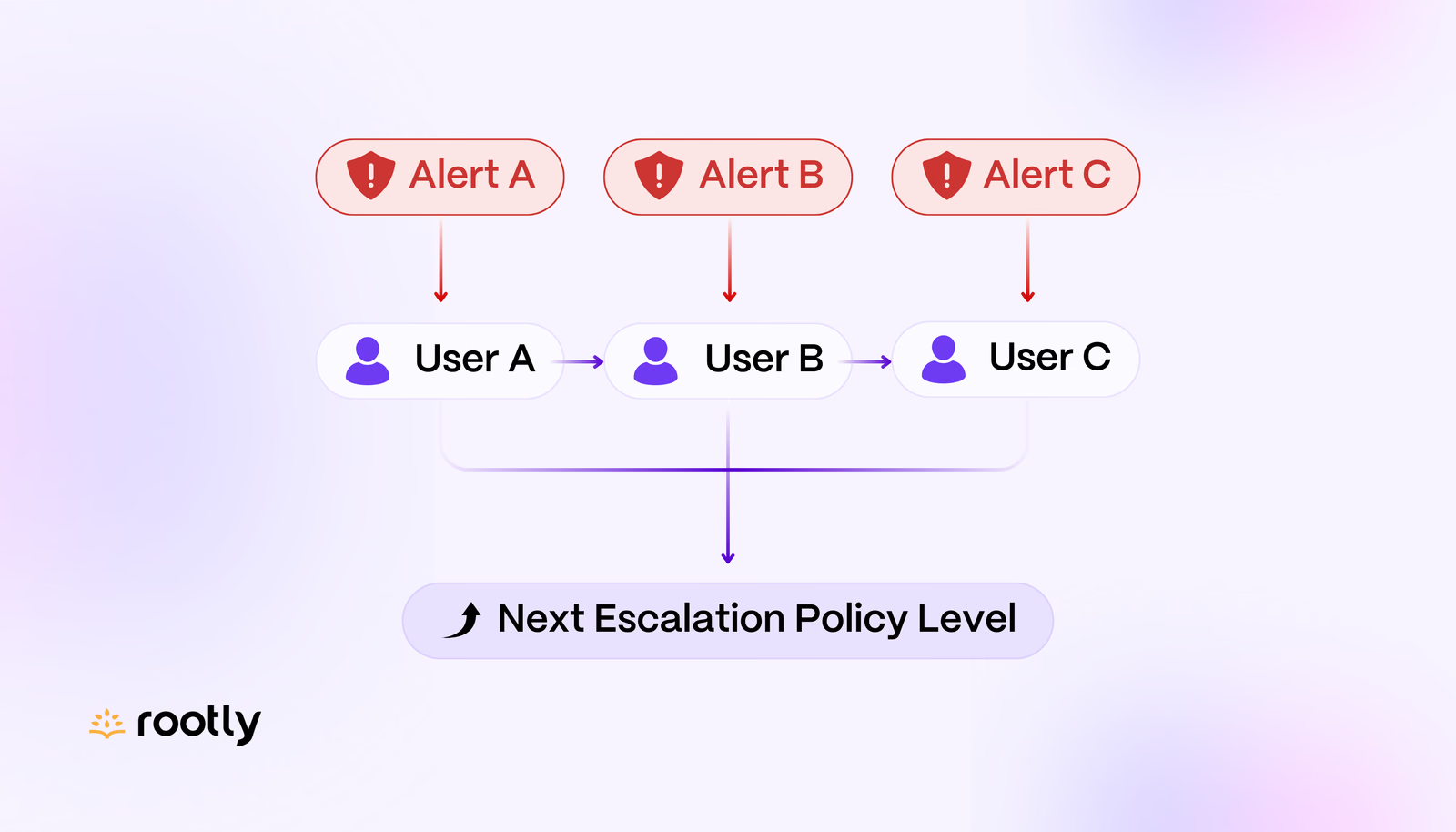
With a Round Robin escalation policy, users can be assigned alerts sequentially instead of a single responder receiving all alerts for the policy during their on-call shift.
On-call
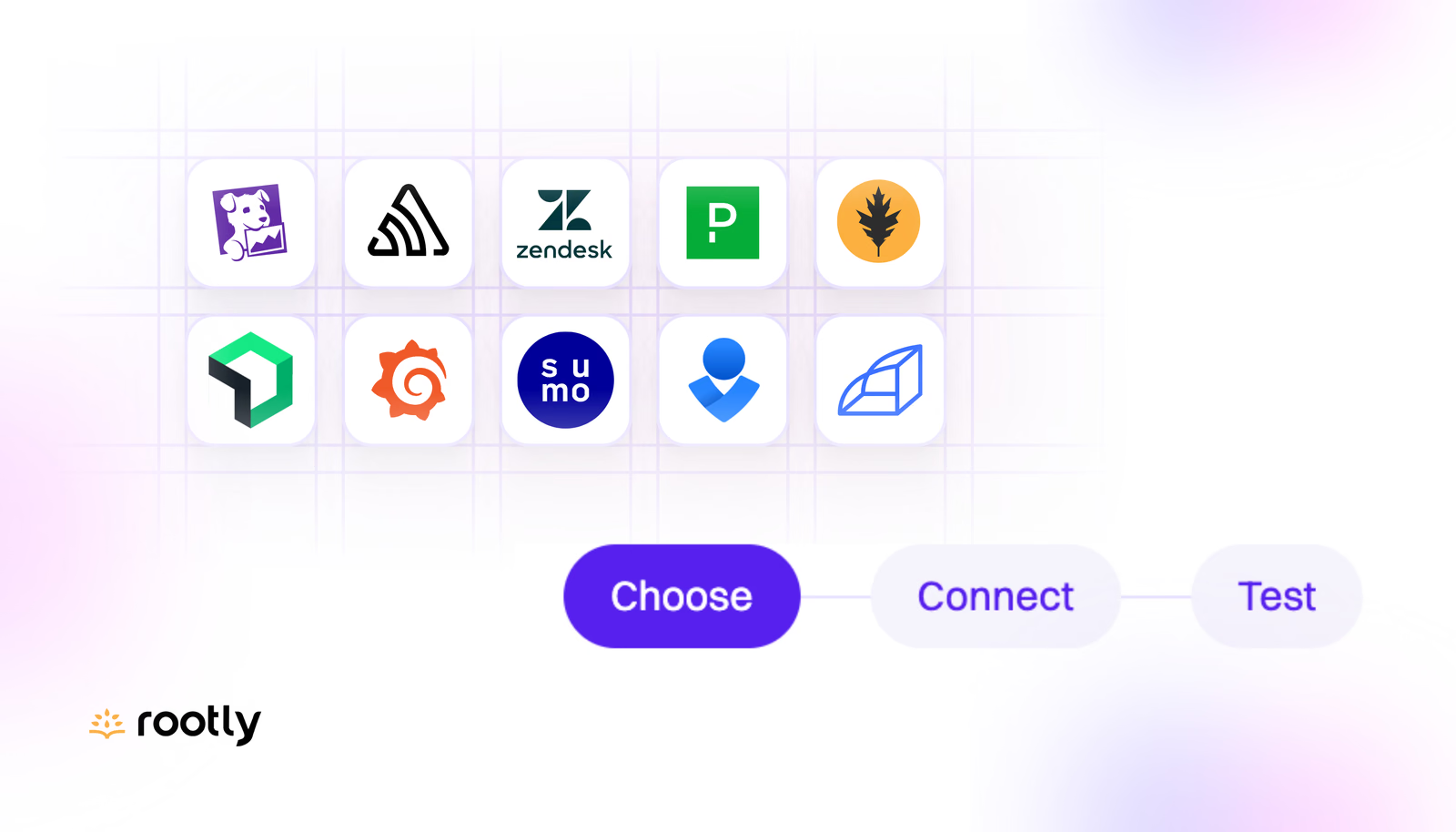
Our new Alert Sources page makes it incredibly easy to view, create, and test alerts from a huge selection of sources including Sentry, Grafana, Datadog, Prometheus Alertmanager, and more from a beautifully simple user interface.
On-call
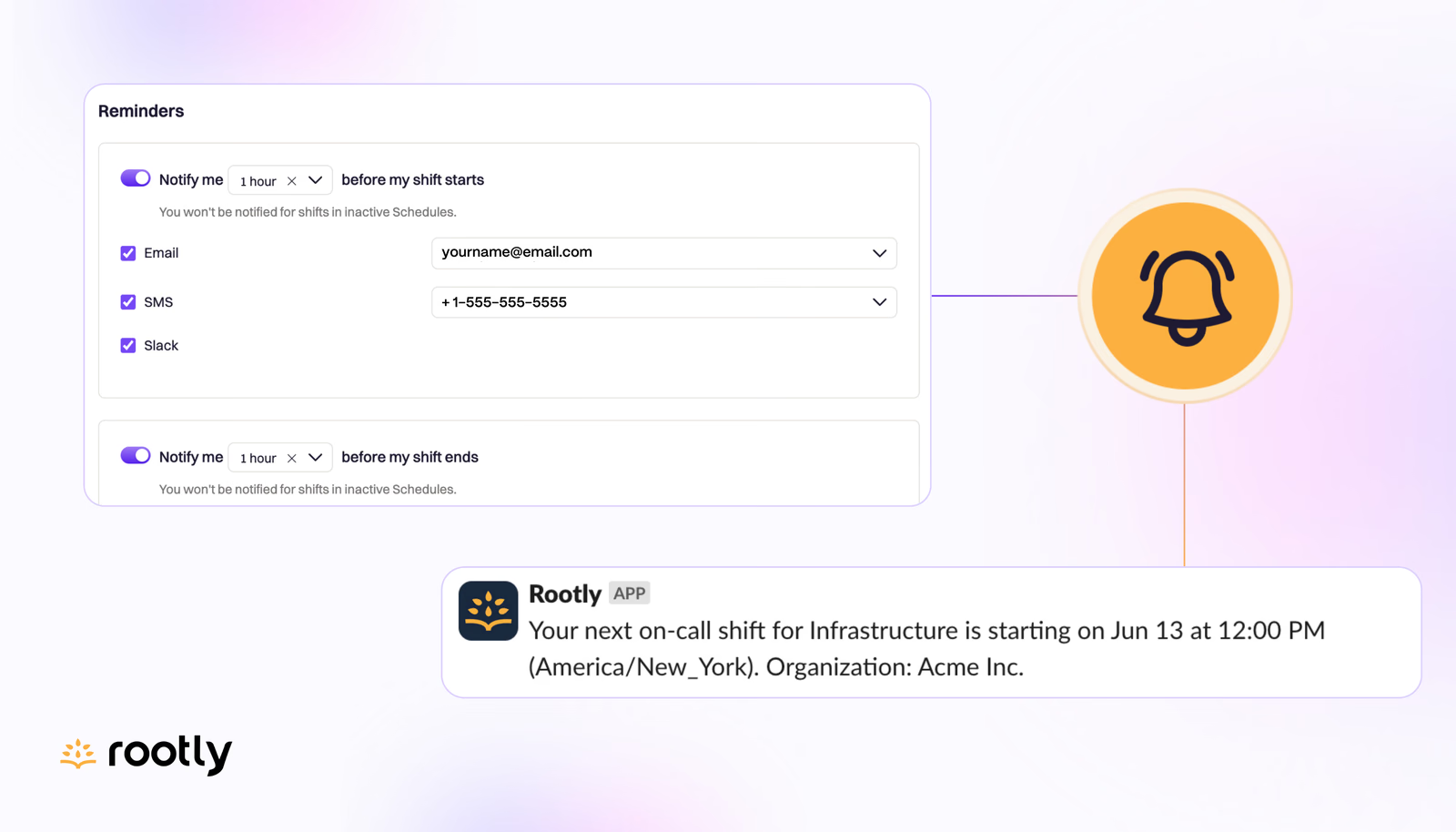
You can configure shift reminders for the beginning and end of your on-call shifts. Choose how and when you'd like to be notified.
Product update
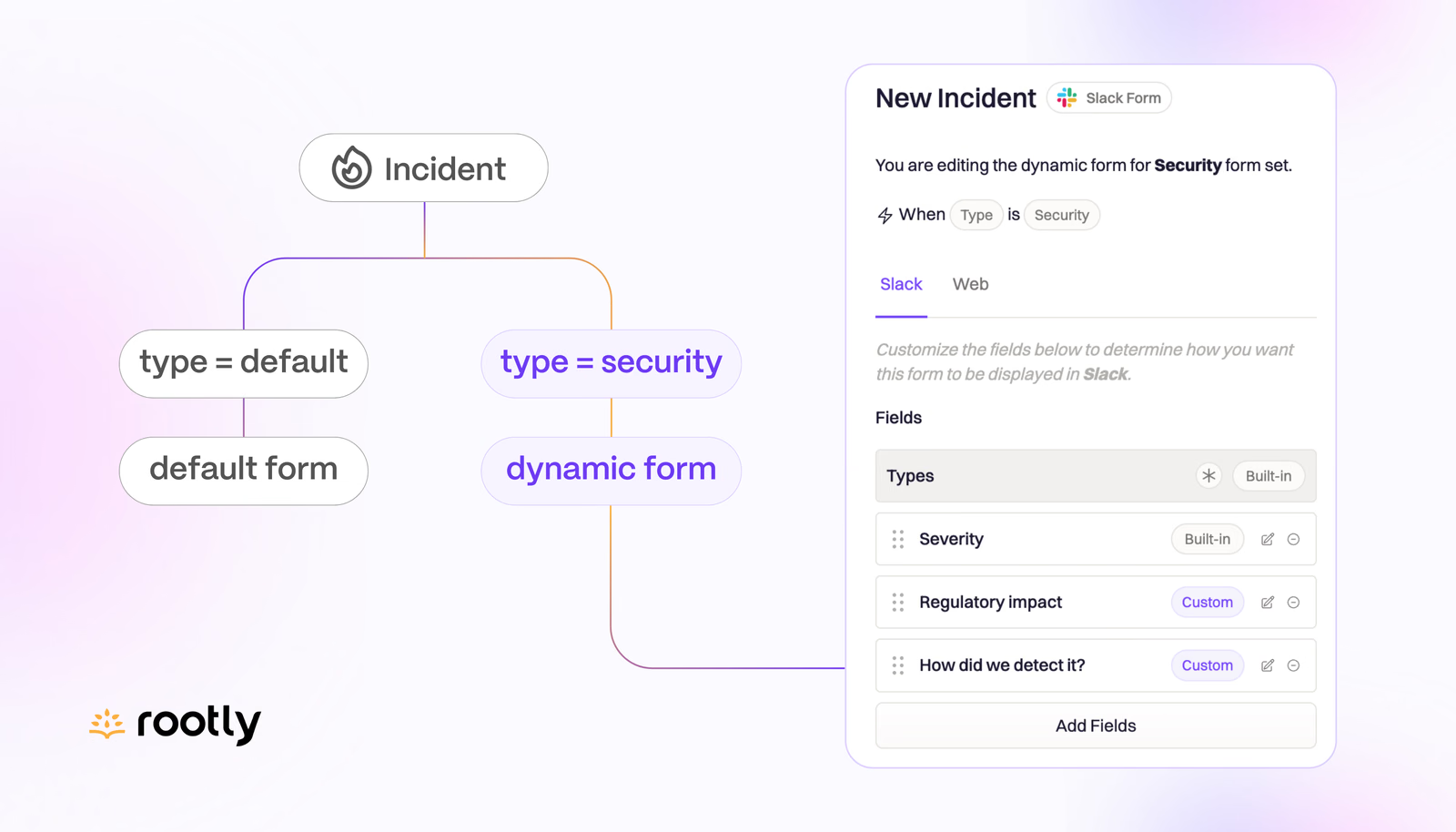
Dynamic Forms allow you to configure separate versions of your forms that apply under certain conditions.
Users & permissions
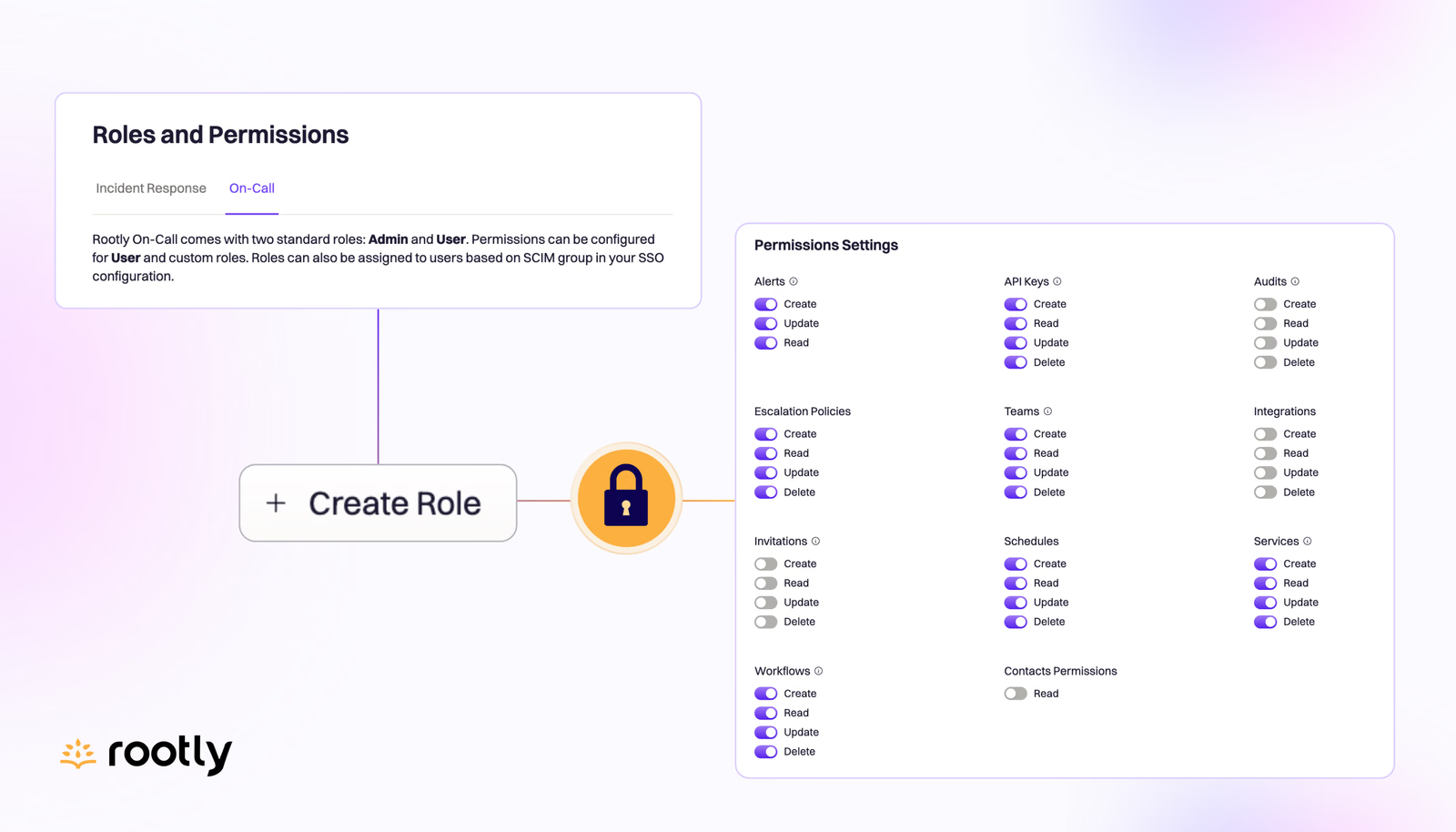
Our Roles and Permissions settings make it easy to manage user permissions at a granular level through a simple UI or via your SSO/SCIM provider. If you’ve wondered if we bring this same level of control to Rootly On-Call, the answer is yes!
On-call
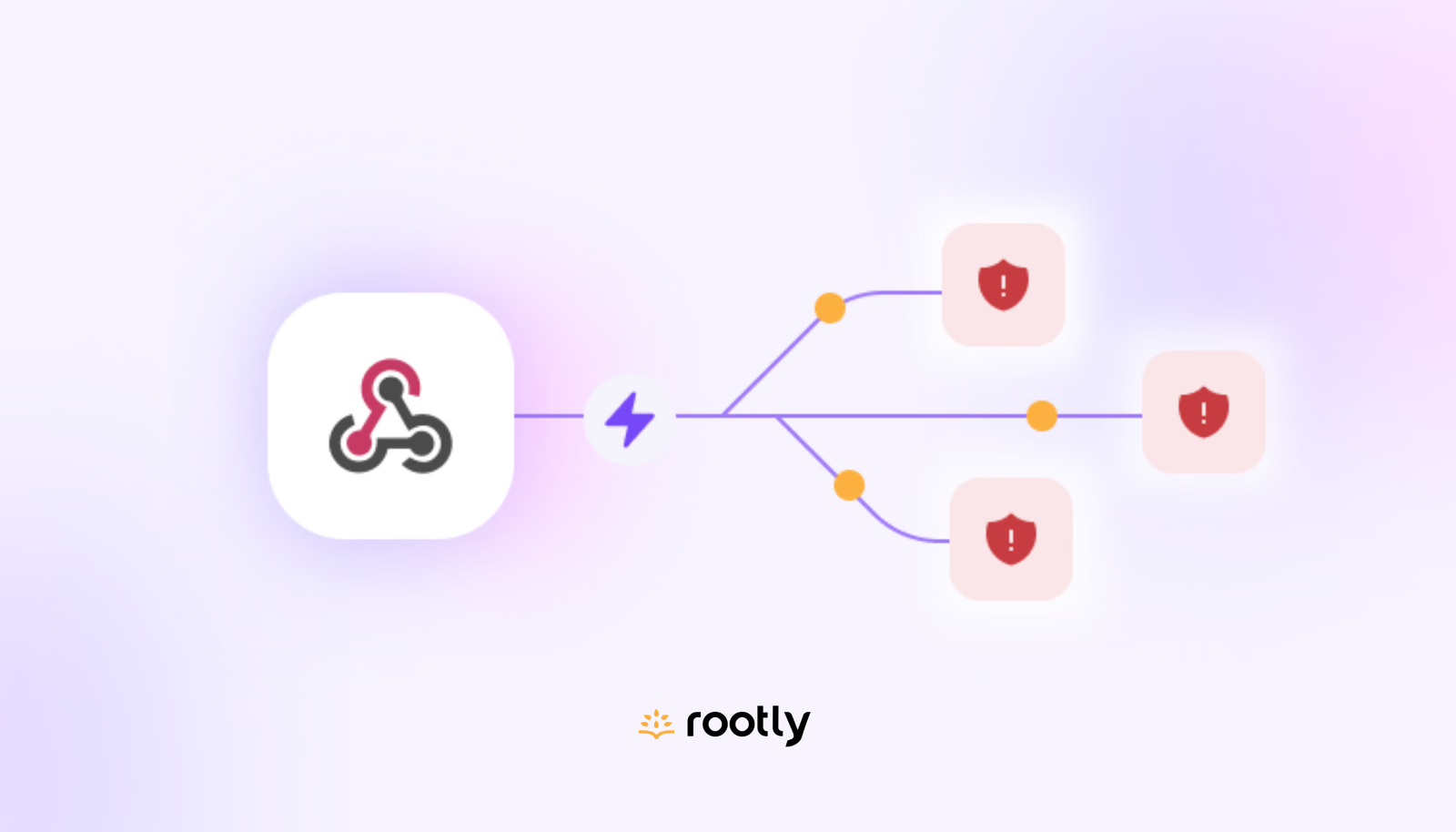
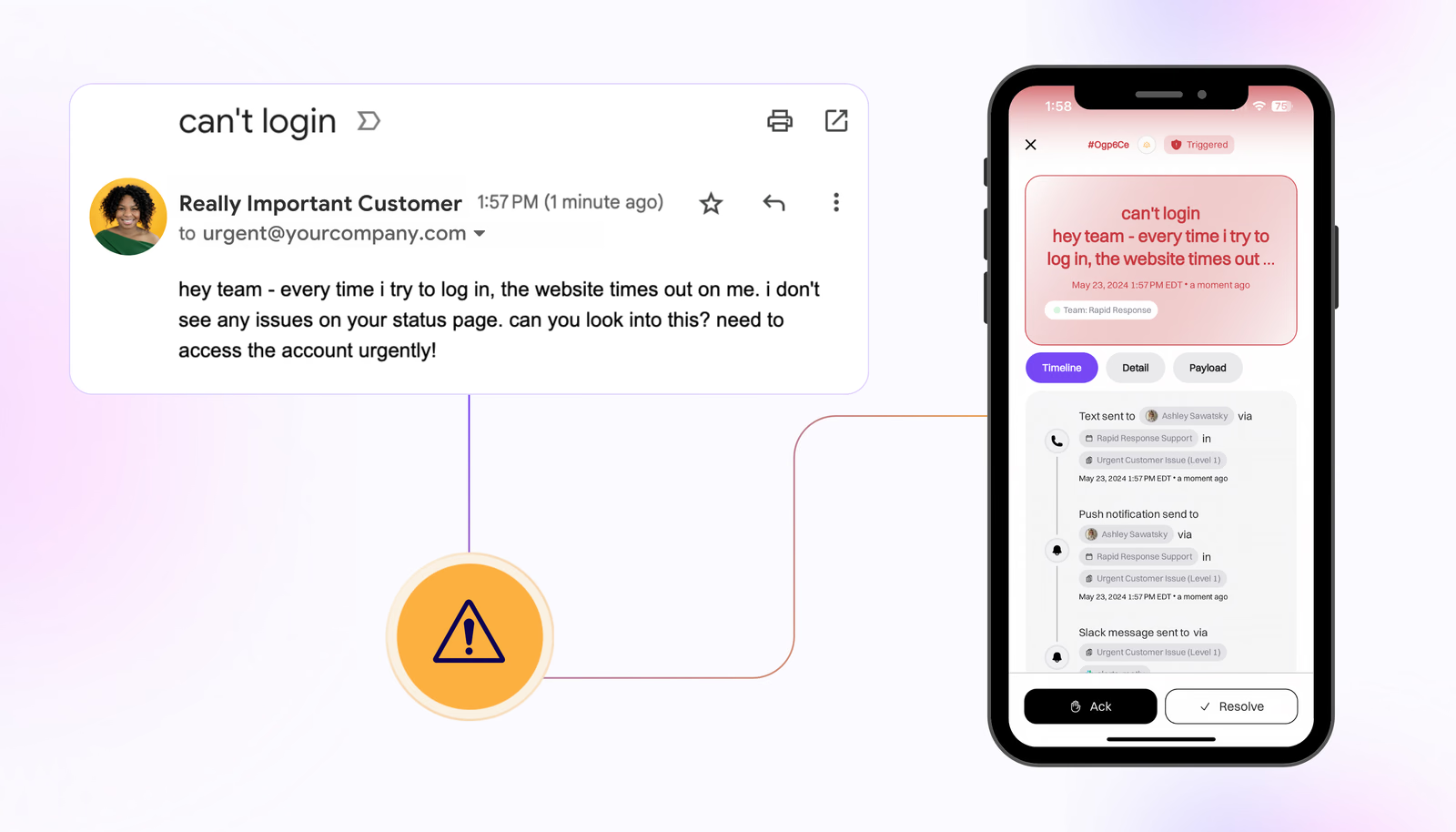
We’ve created the ability to use email as an alert source, so you can automatically page responders kick off incidents when an email is received at a certain email address.
On-call
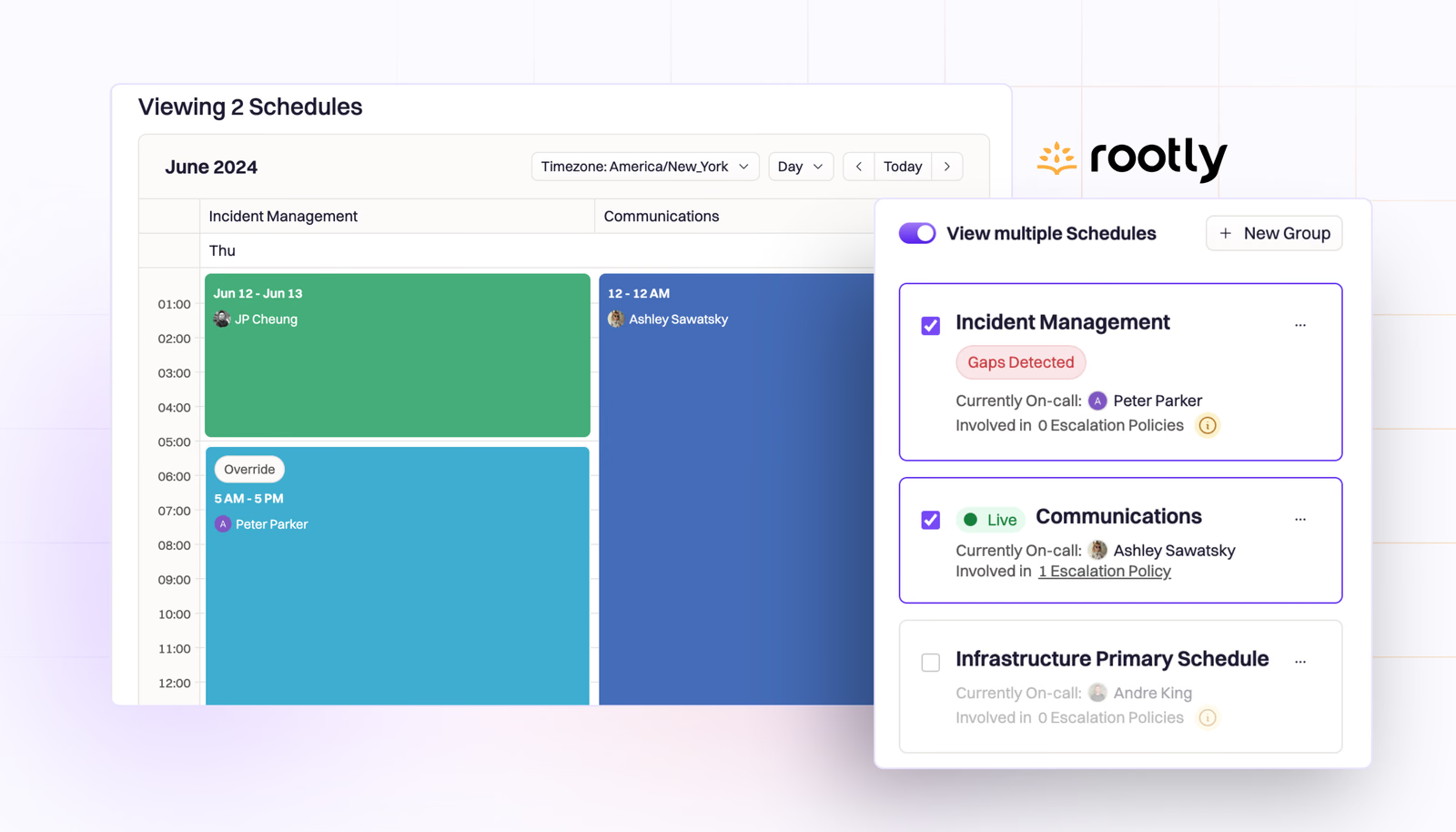
You can now view multiple schedules at once in a layered calendar view from the On-Call Schedules page!
On-call
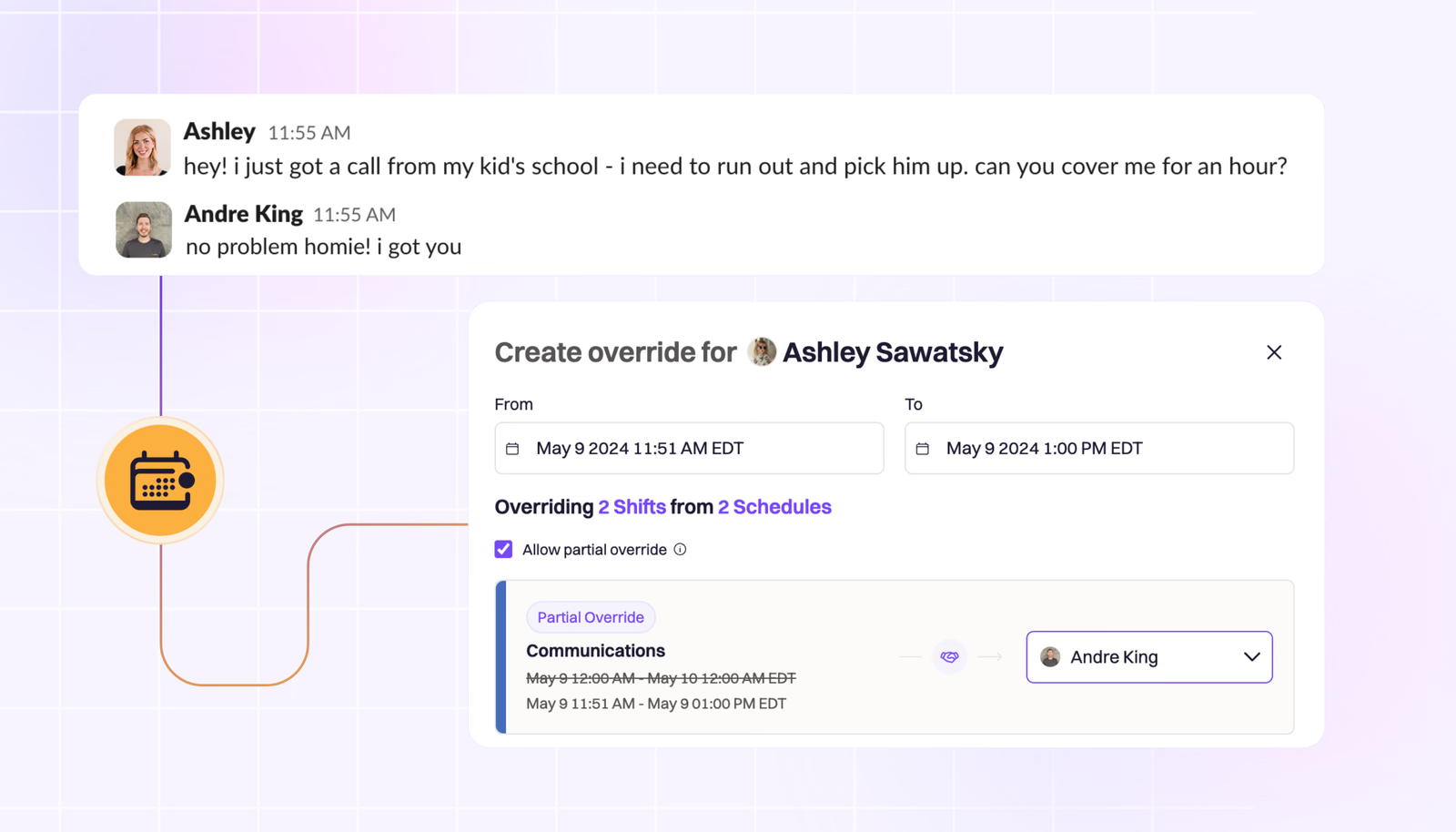
With Rootly On-Call, you can set up overrides for any period of time, for any or all of your on-call shifts, with a couple clicks. Just head to On-Call Shifts, click “Create Override”, specify the time frame, and assign another teammate.
On-call
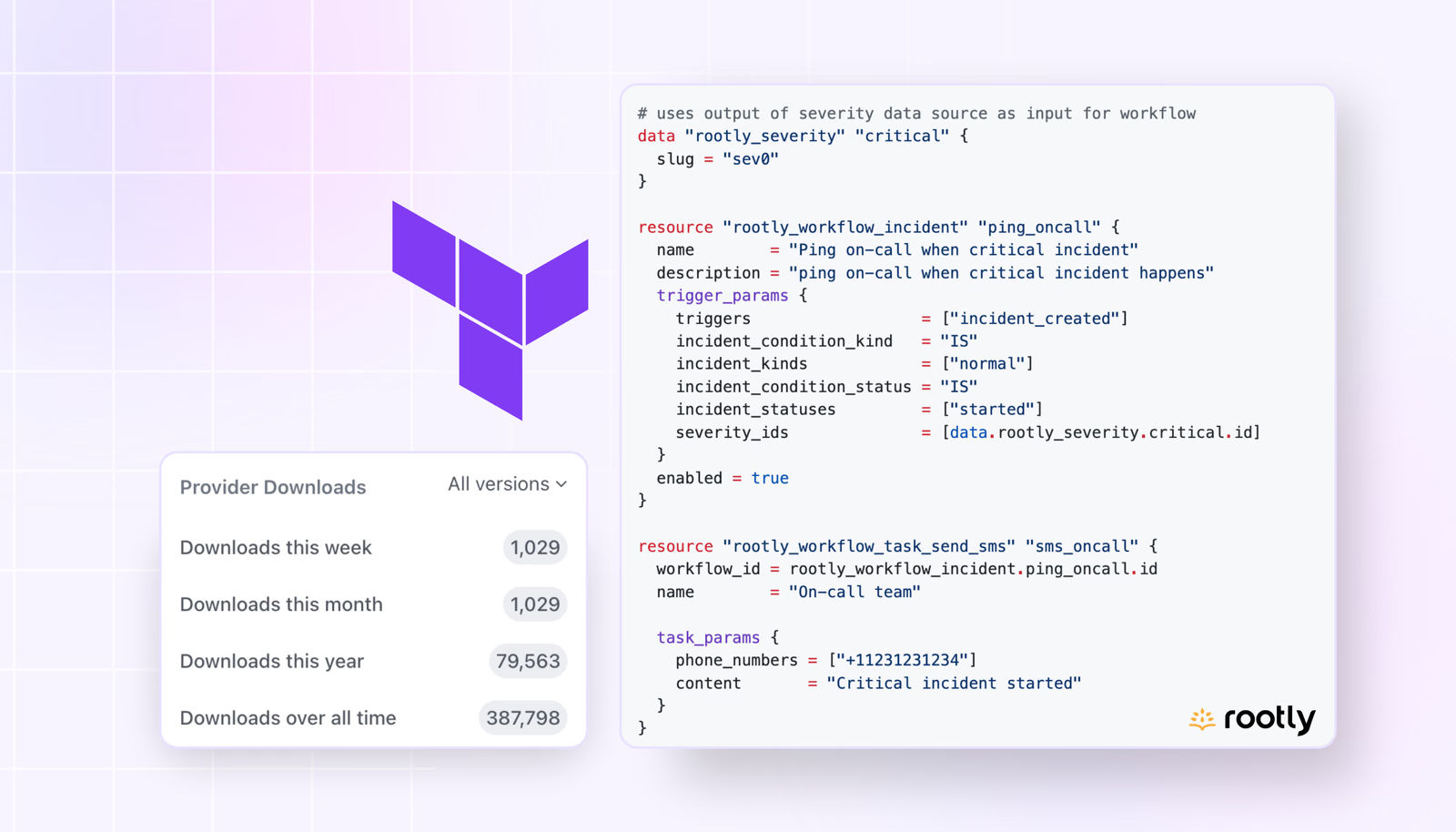
We’ve enhanced our Terraform provider with new data sources to support Rootly On-Call, enabling engineering teams to manage their on-call schedules and escalation policies directly in code.
Integrations
Connecting Thena and Rootly allows users to create workflows to automatically create an incident in Rootly when a Thena request meets the criteria to be managed as an incident.
Product update
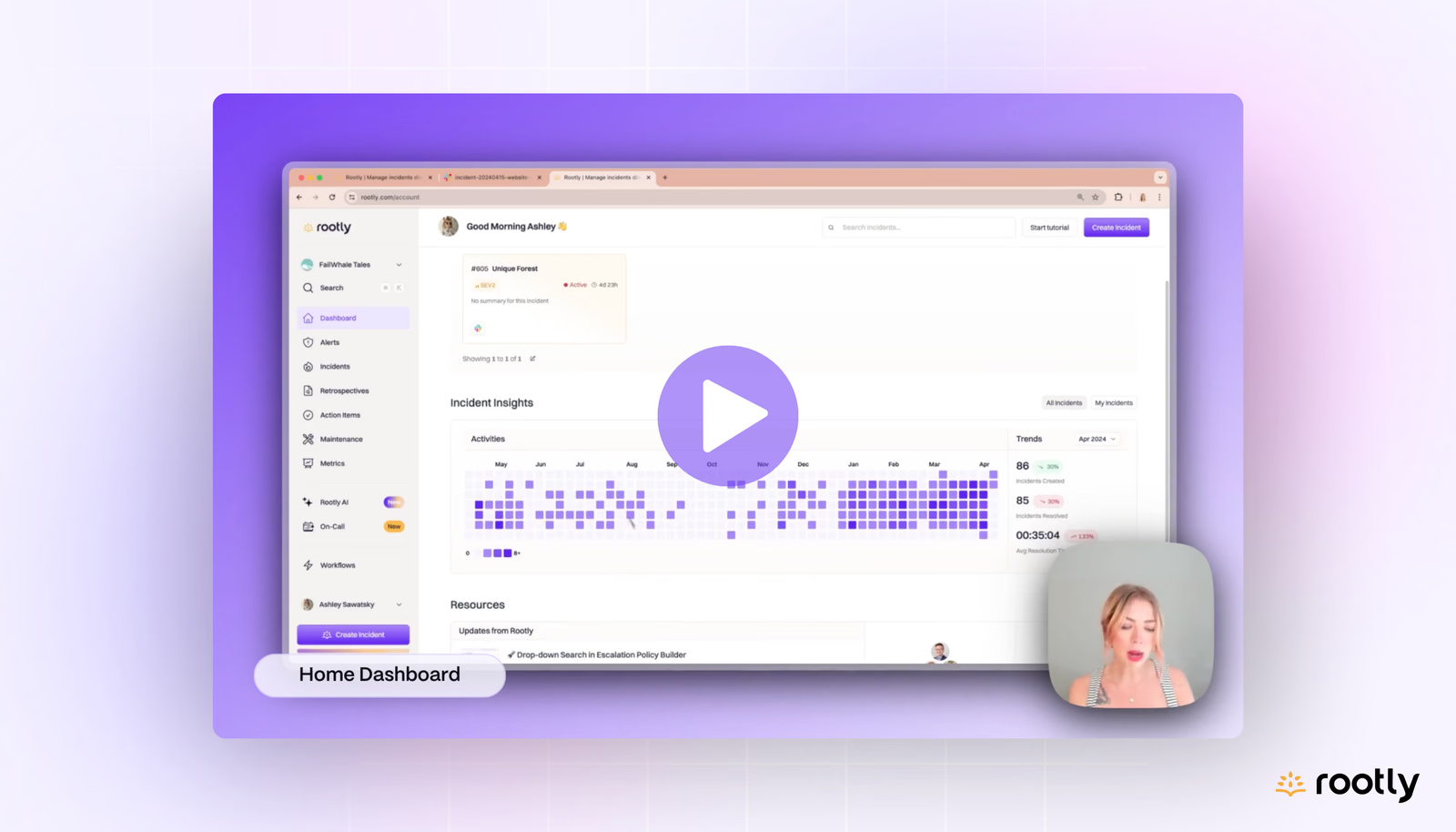
We figured it was about time we caught you up with a fresh demo video of the entire product! Tune into our new product tour video to see a full walkthrough of Rootly, including our new On-Call and AI features.
Product update
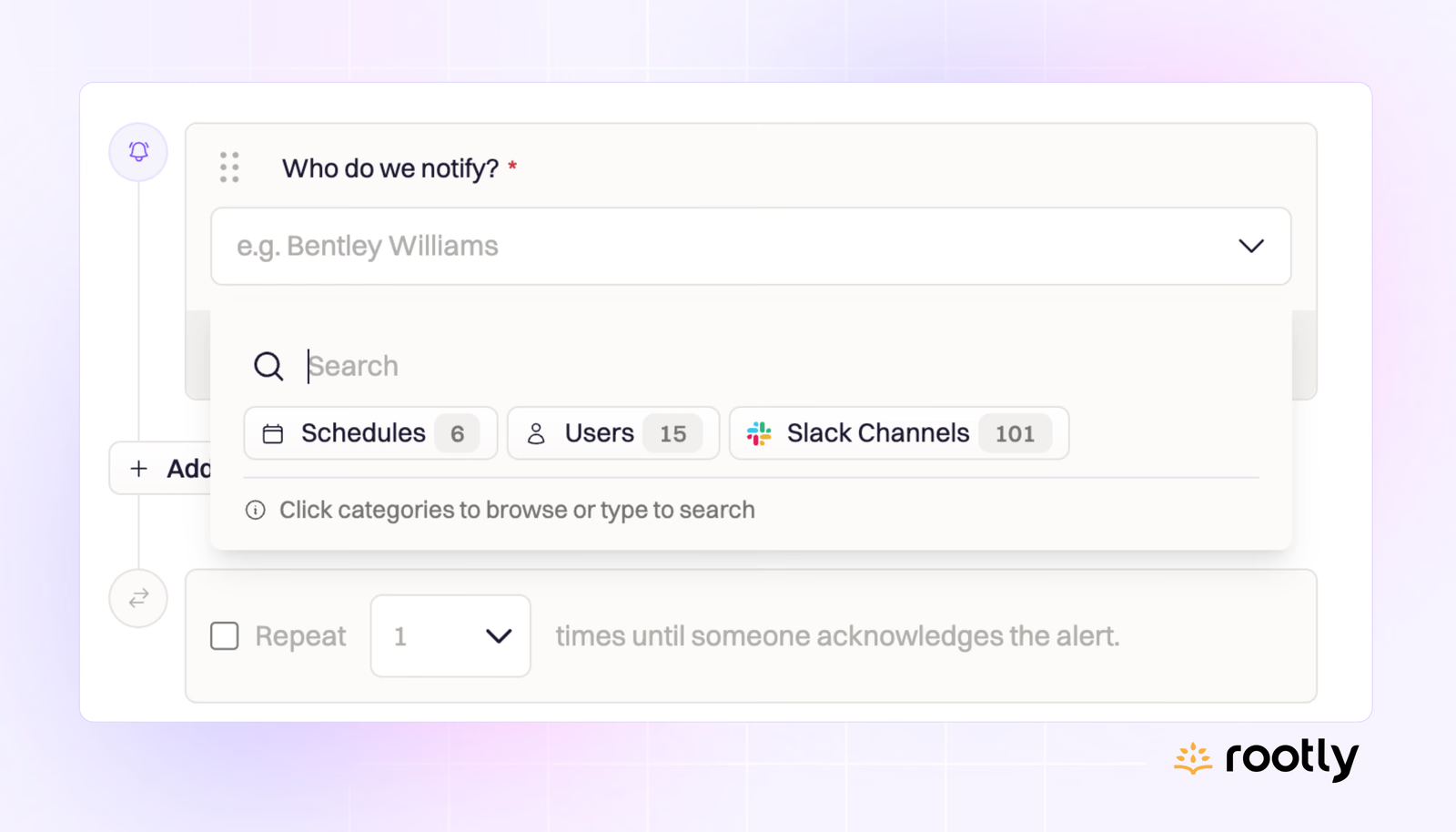
When you create an escalation policy in Rootly, you can assign it to a service or team, and you can notify Slack channels and individuals within the same policy used to page the on-call schedule of your choice. All these alert recipients are found in easily searchable drop-downs.
Integrations
Our new GitLab integration allows users to monitor GitLab for code commits or changes and push them to Slack channels or use them as Pulses to automatically create incidents. You can also create and update GitLab issues directly from Rootly (even within Slack!).